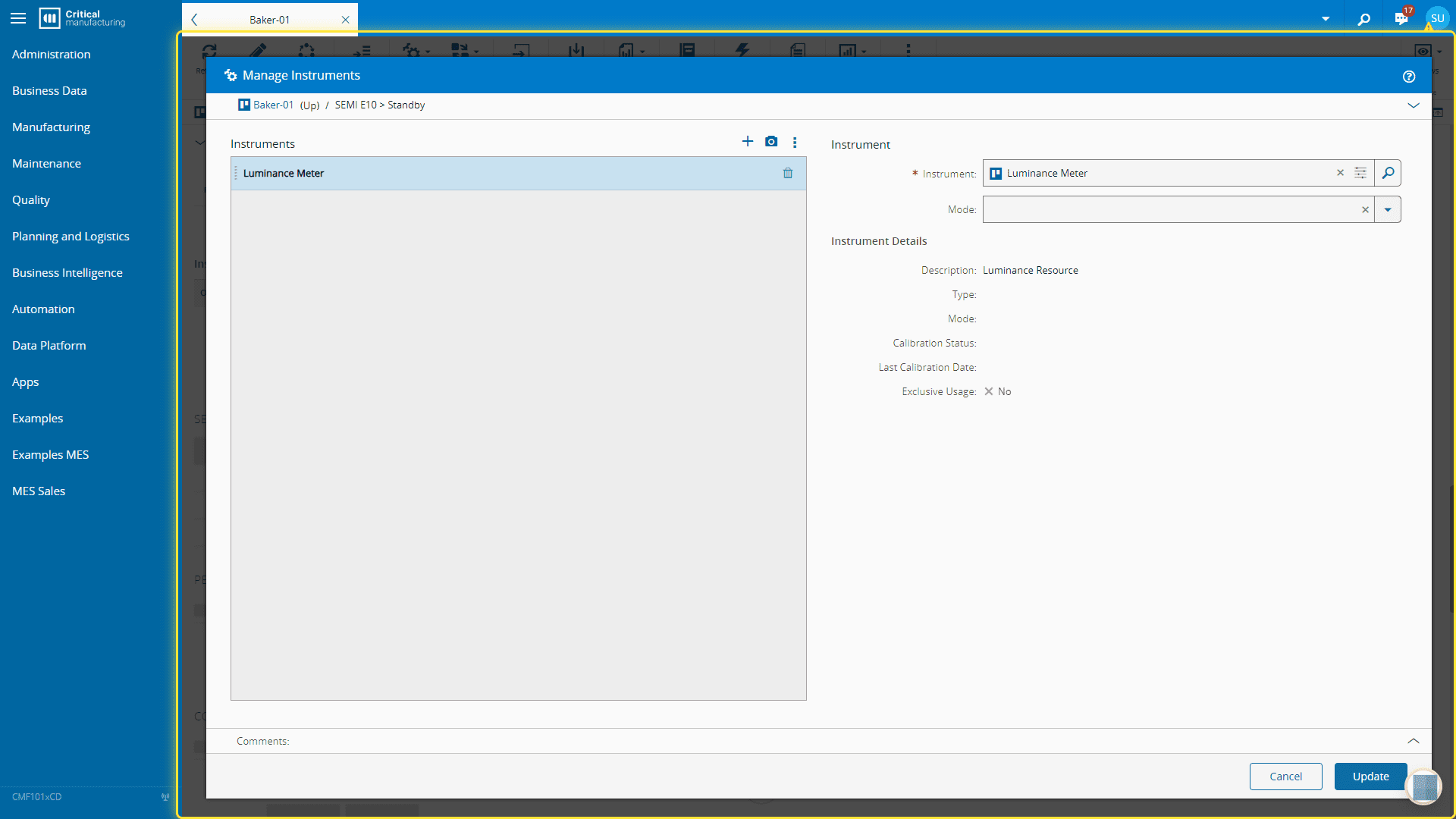
How to: Manage Resource Instruments#
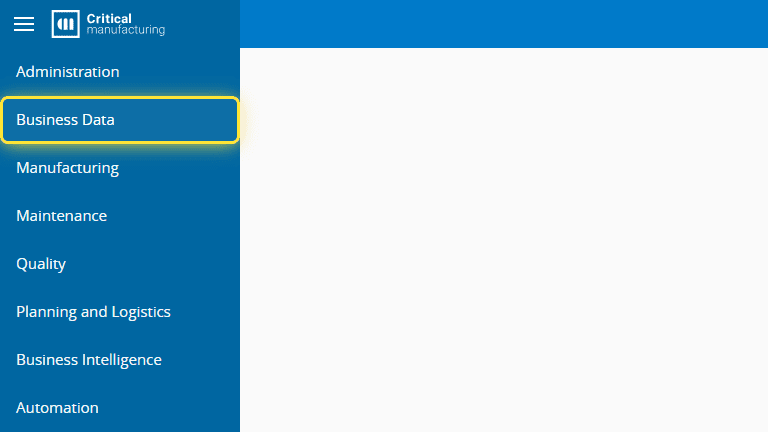
1. Go to the Business Data menu.#
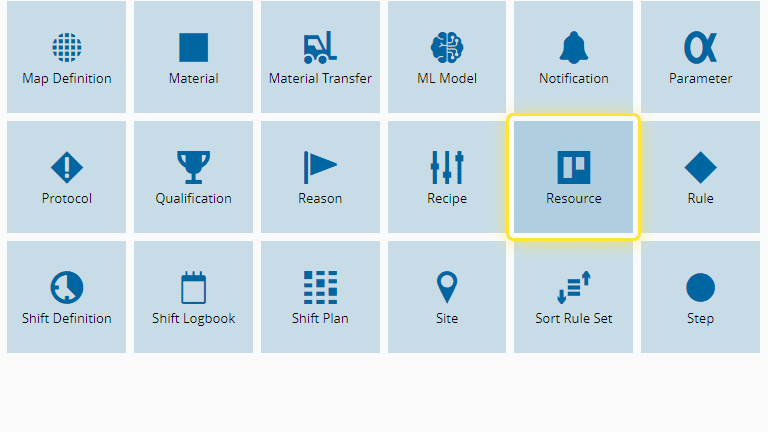
2. Select the Resource entity.#
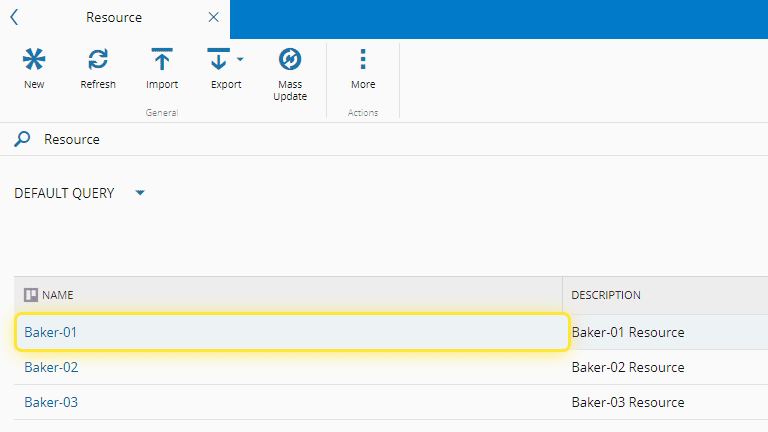
3. Select the Resource.#
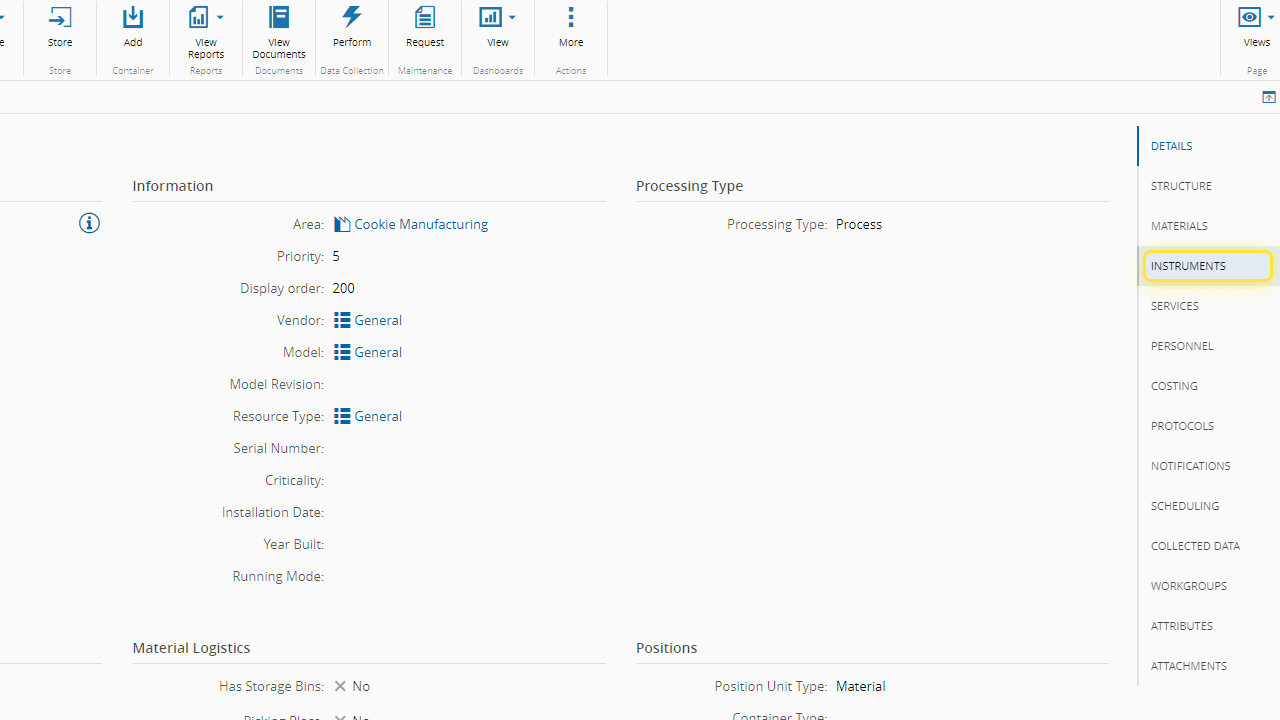
4. Select the Instruments section.#
You can also manage instruments via the Manage button on the top ribbon by selecting Instruments in the dropdown options.
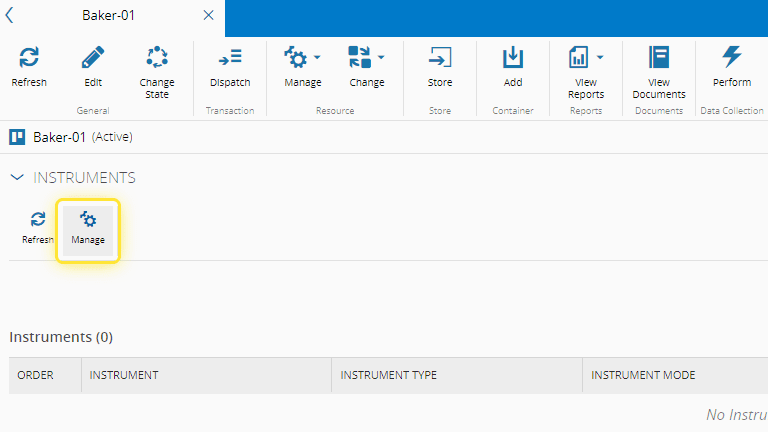
5. Select the Manage button.#
For more information, see Manage Resource Instruments - Critical Manufacturing Documentation Portal ⧉
6. Add instruments as needed and select Update.#