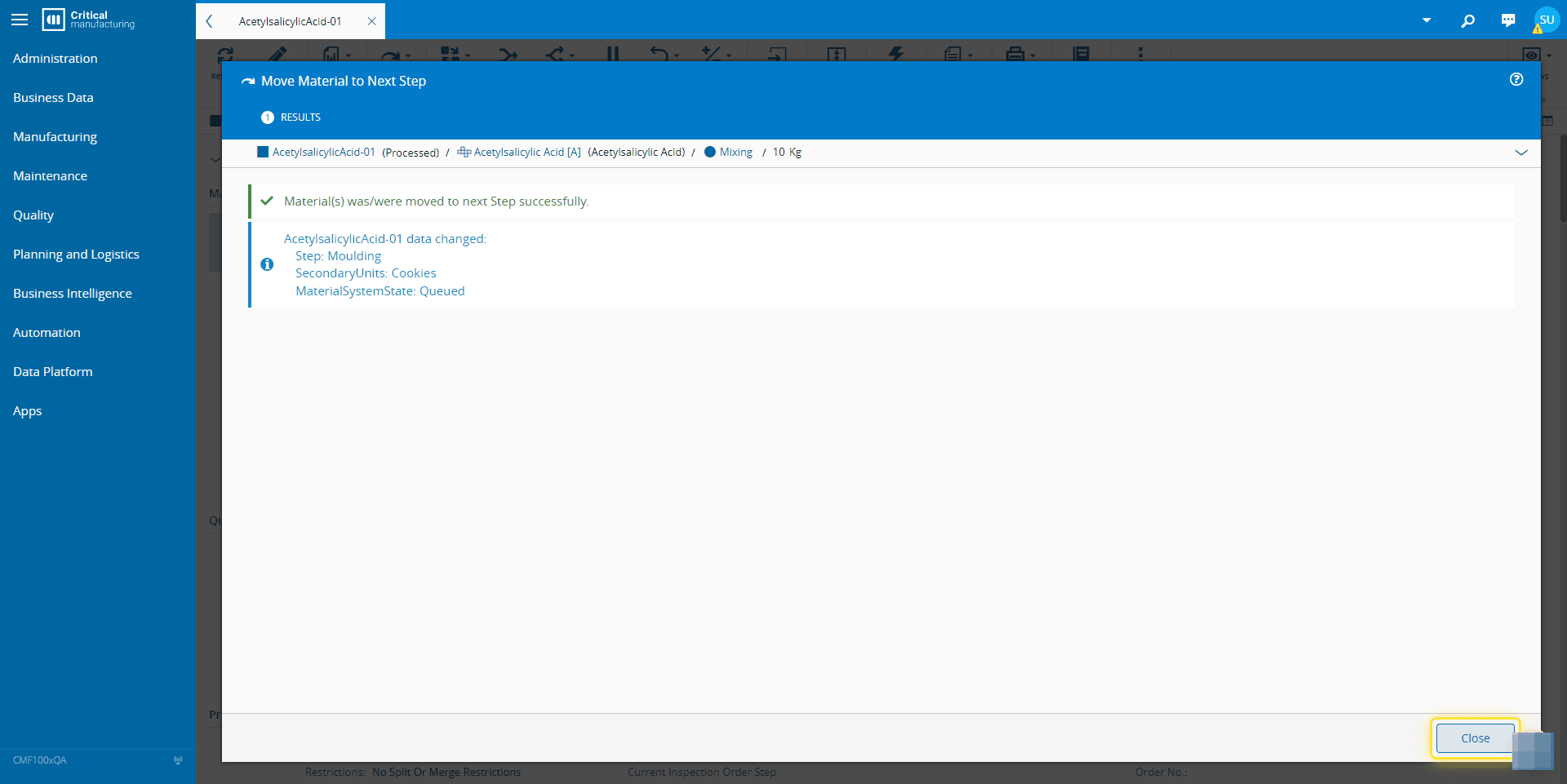
How to: Move Next#
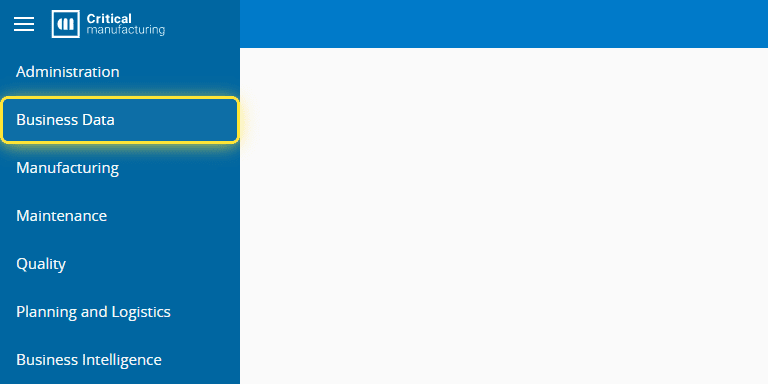
1. Go to the Business Data menu.#
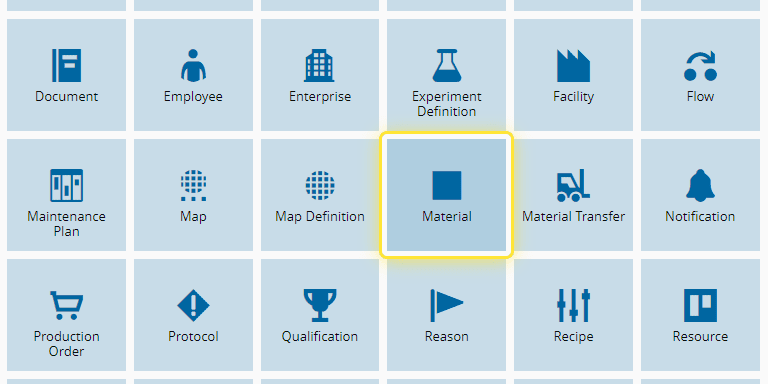
2. Select the Material entity.#
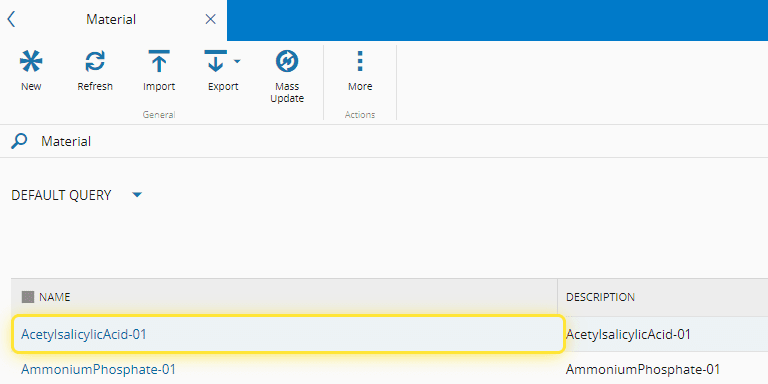
3. Select a Material.#
The material selection can be done this way, or through Step or Resource View.
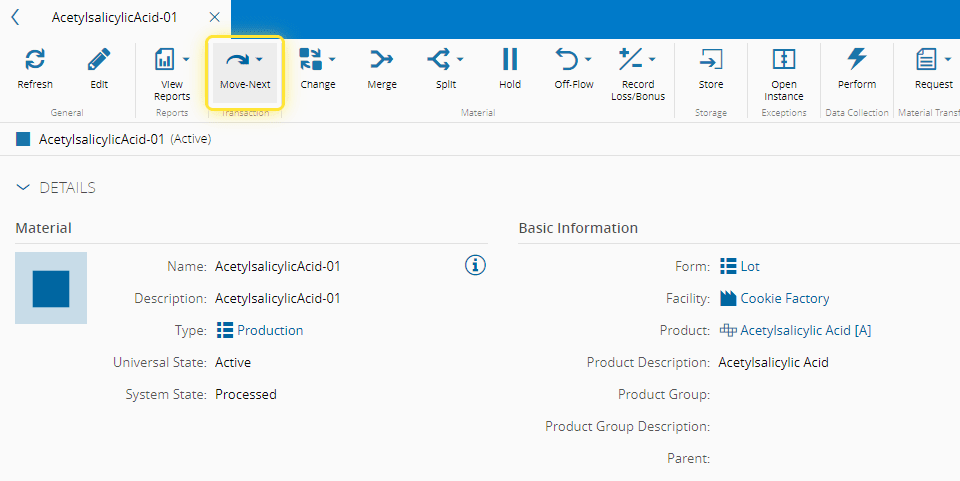
4. Select a the Move-Next button.#
This option is available in any View, as long as the Material is in the Processed state.
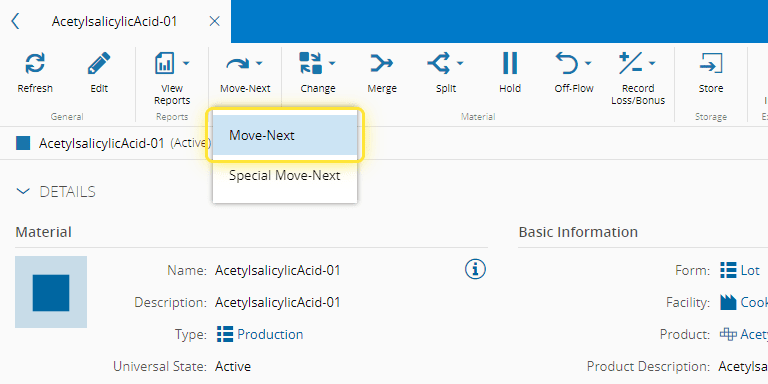
5. Select the Move-Next option.#
6. Select the Move-Next button.#
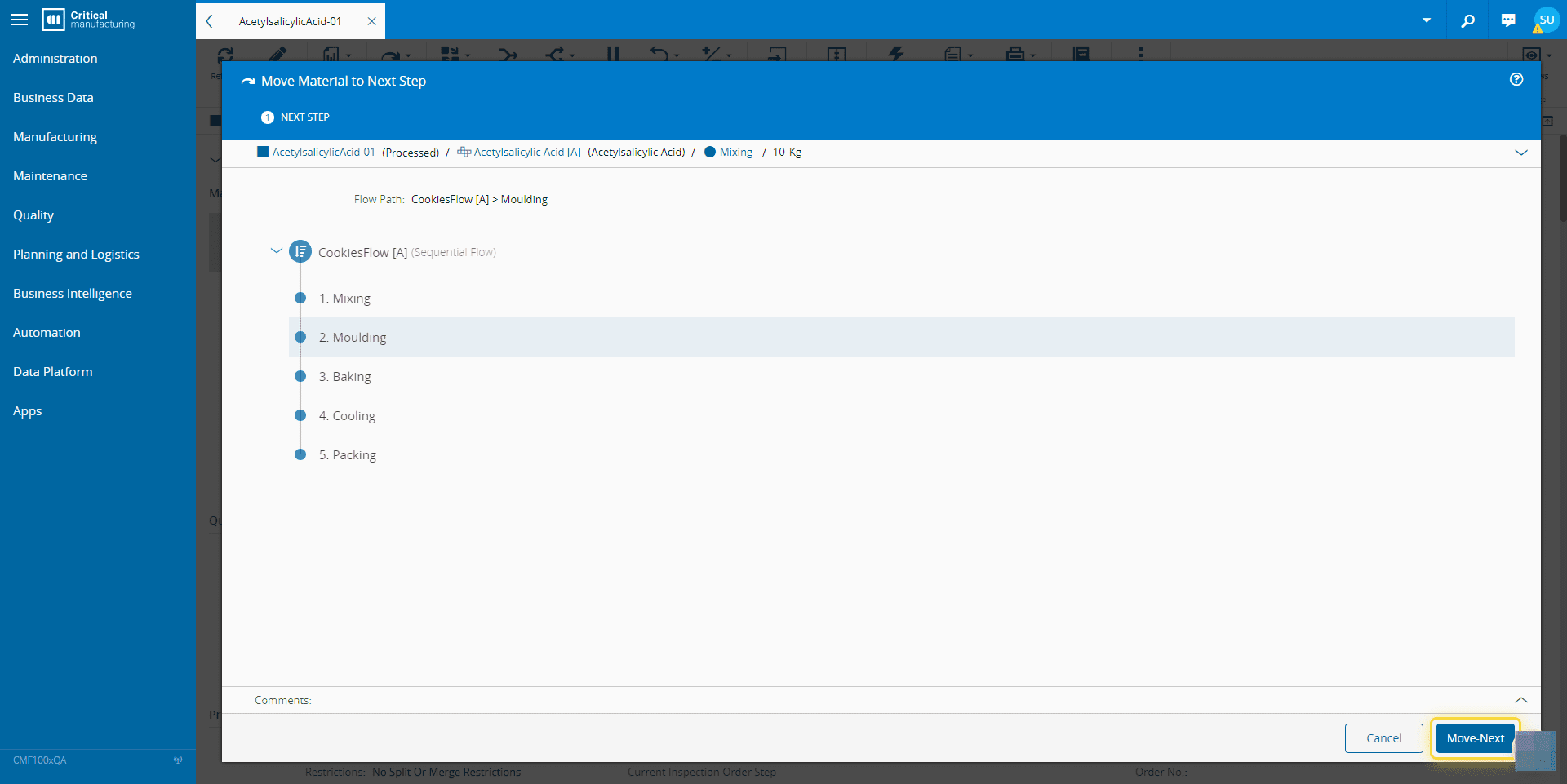
7. Select the Move-Next button.#