How to: Assign Users to a Role.#
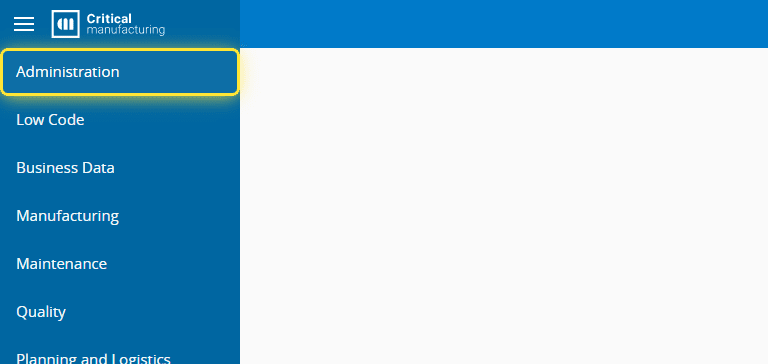
1. Go to the Administration menu.#
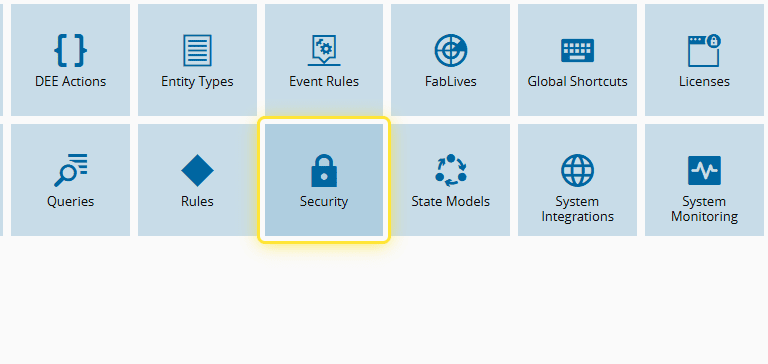
2. Go to Security.#
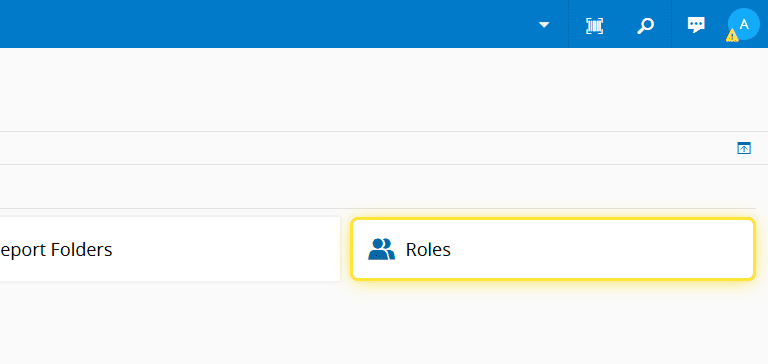
3. Go to Roles.#
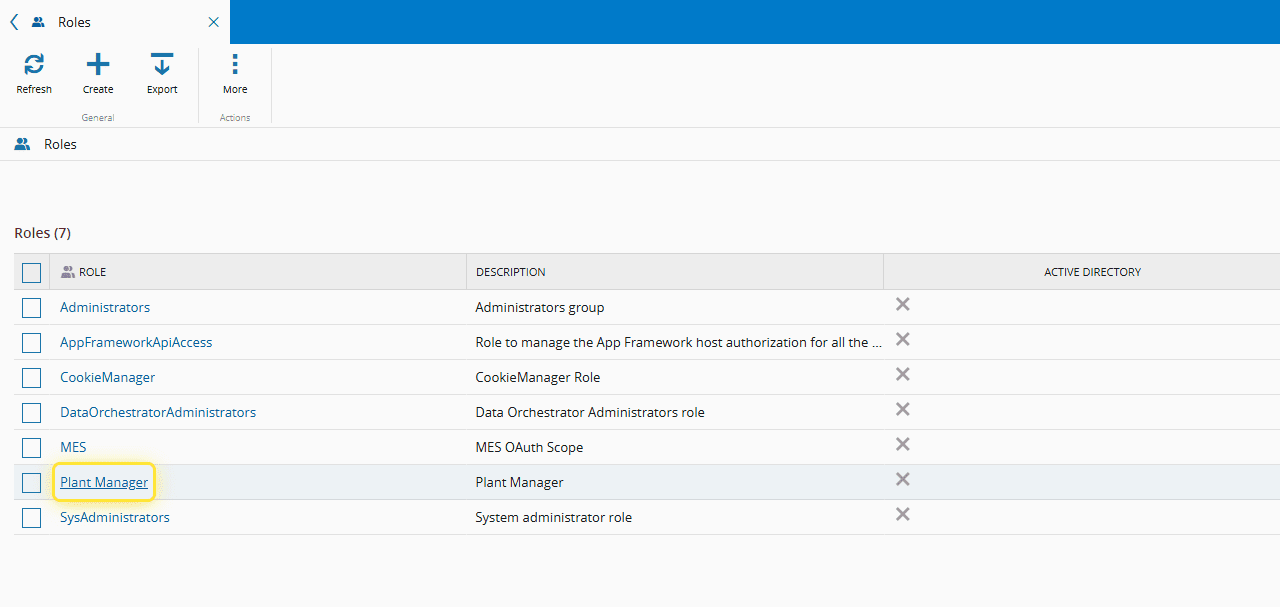
4. Select de desired Role.#
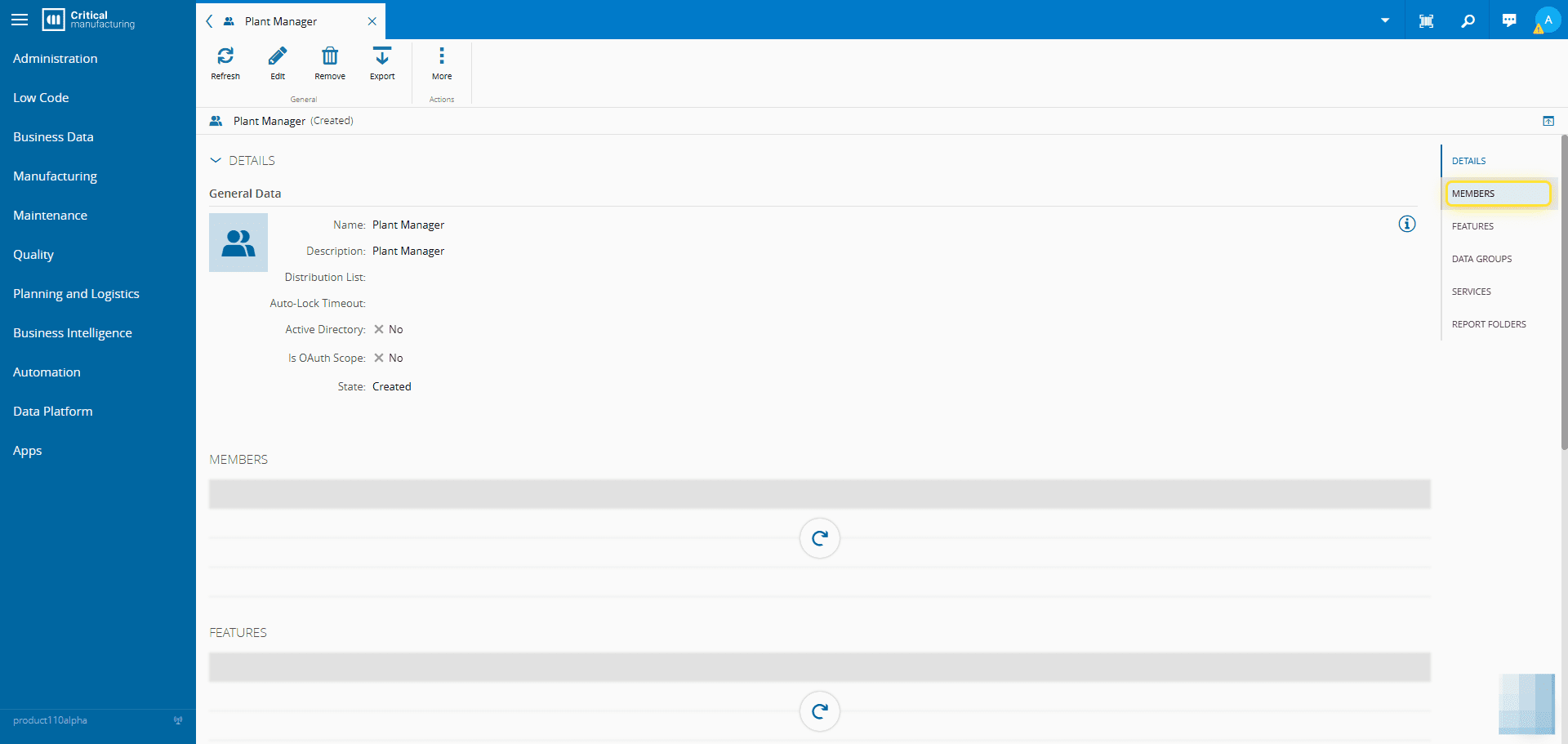
5. Go to the Members page section.#
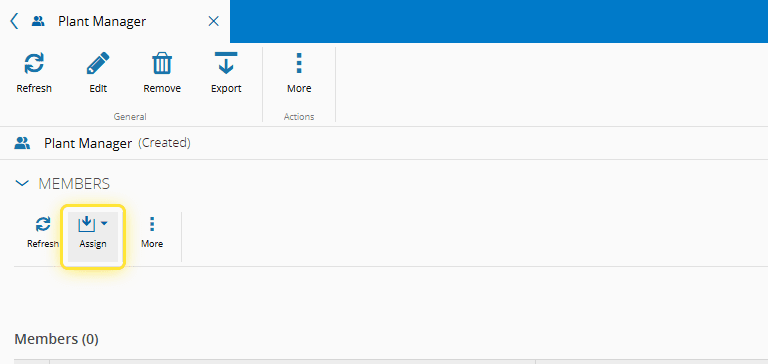
6. Select the Assign button.#
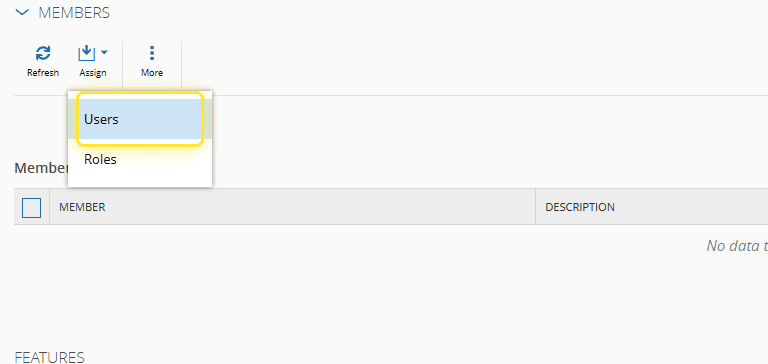
7. Select the Users option.#
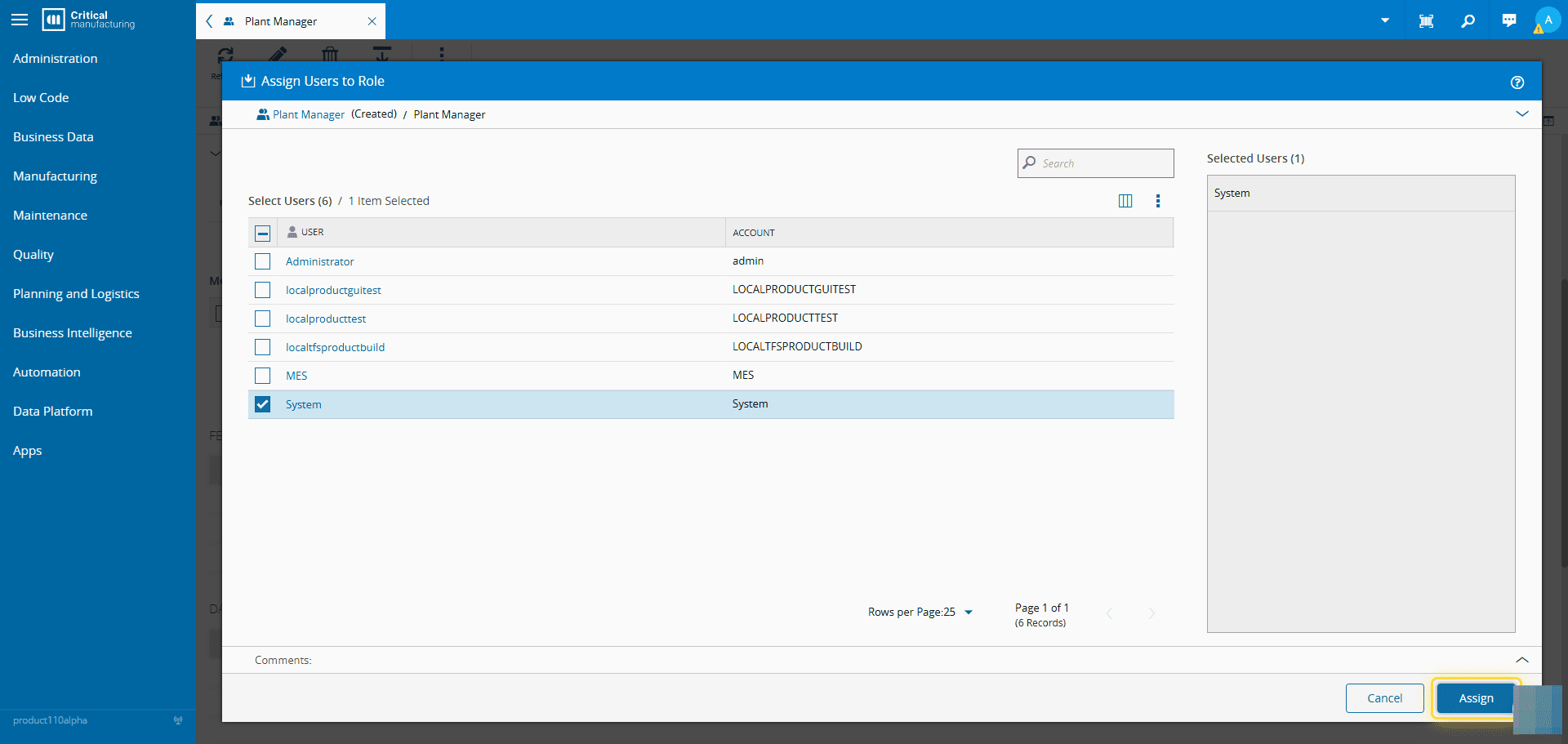
8. Choose the Users to be assigned to the Role.#
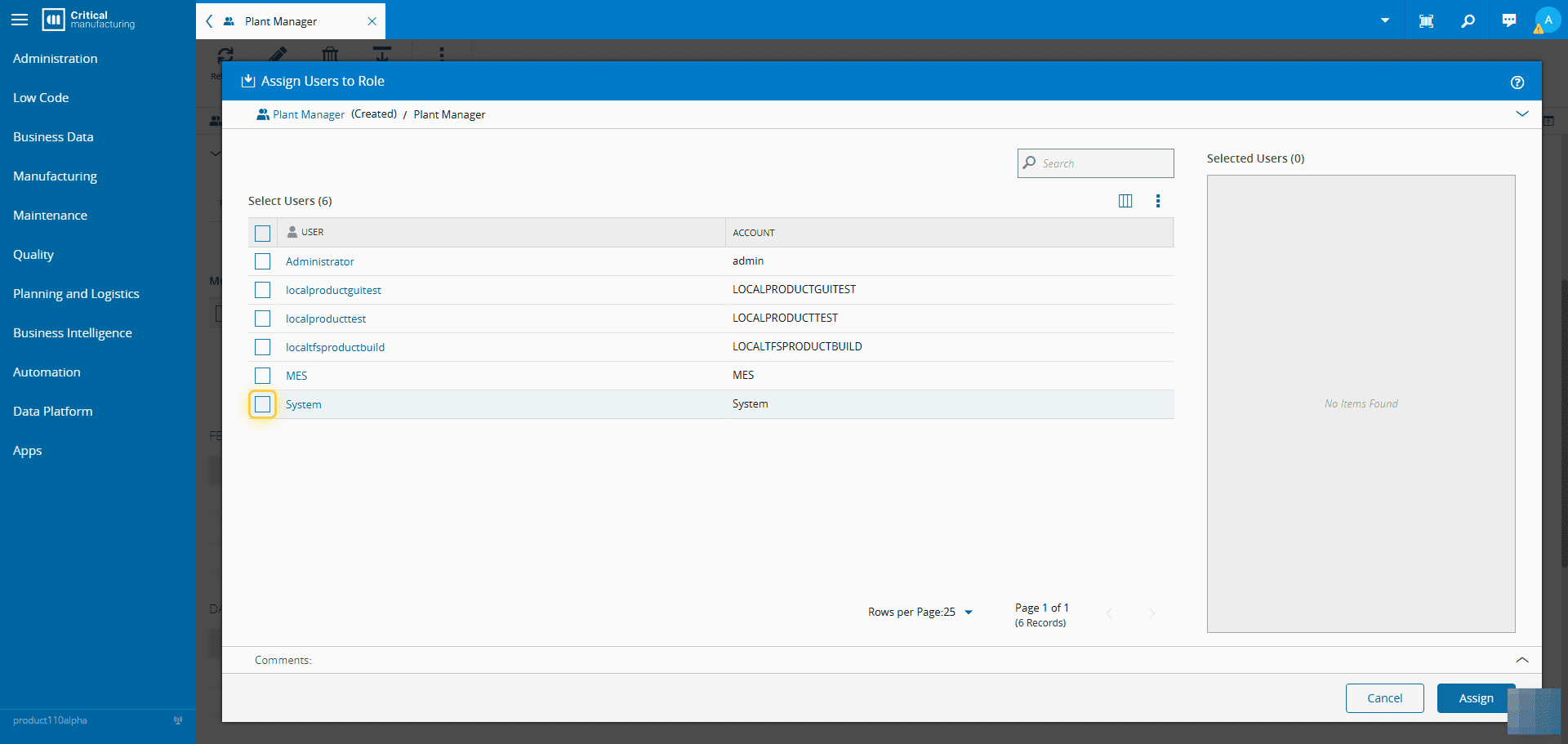
9. Select the Assign button.#
Info
Assigning Users to a Role can also be done by going to the User page and assign the desired Role.