Culture#
Language#
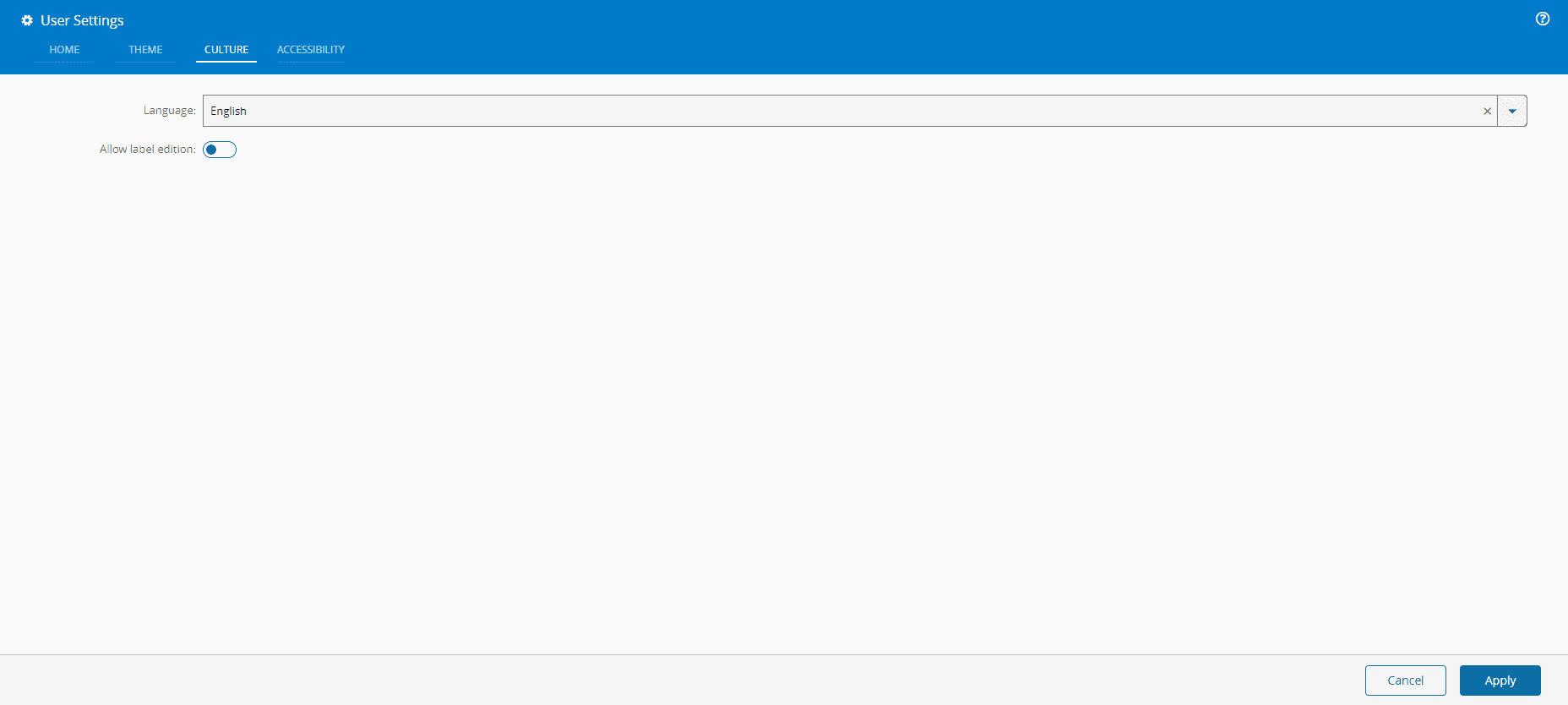
The Language used in the GUI can be customized. To do so, go to the Culture tab and select the appropriate language for the system:
Info
The application needs to be reloaded after changing the culture of the GUI.
Label edition#
You can choose to allow editing the labels currently being used in the system by setting the Allow label edition switch to true and reloading the system. The system will be placed in label editing mode, with the labels available for translation being shown with a line under the actual label text.
Selecting any text label either by double-clicking (or double-tapping on mobile devices) will display an identical dialog to the one available in the Localized Messages editing mode, with access to the internal element for the text snippet.
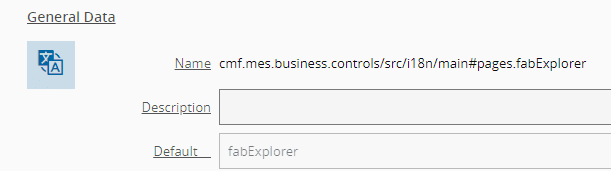
Selecting the preferred language, you can select your own term to be used for all instances of that text snippet, overriding the terms supplied out of the box by the Critical Manufacturing MES.
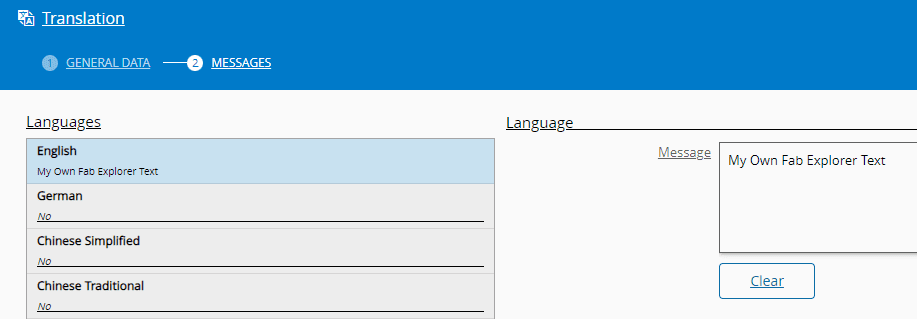
Select Save to complete the operation. To return to the default mode (without label editing), navigate back to the Culture tab on the User Settings dialog, set the Allow label edition switch to false and reload the system.
Warning
This is a very useful procedure but must be approached with extreme caution since many of the text labels used are shared between multiple visual controls in the environment and any change could negatively affect all users of the same environment.