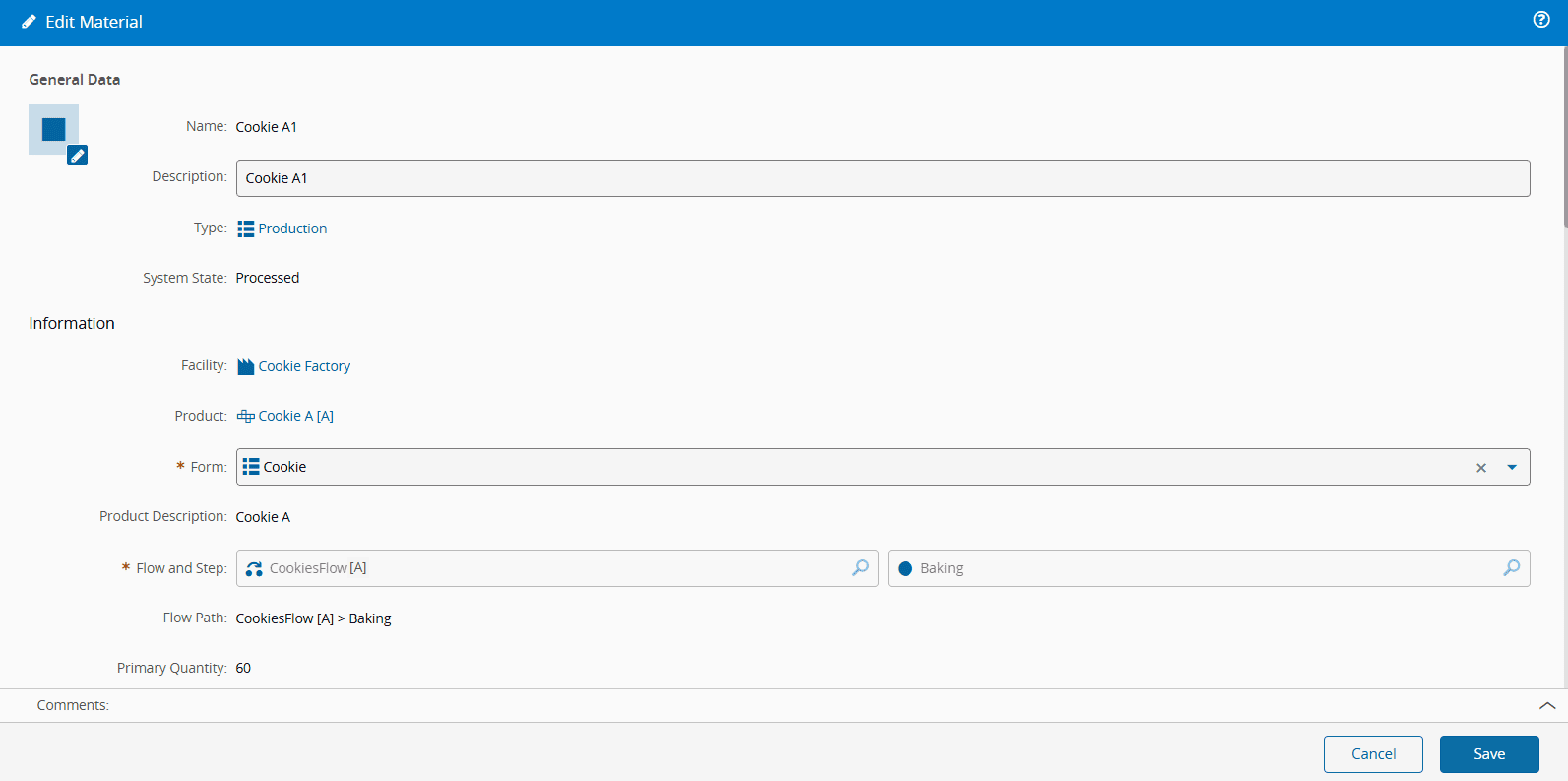
Edit Material#
 Material.Edit
Overview#
This operation is used to Edit a Material.
Setup#
No specific setup is required other than to meet the preconditions of the transaction.
Preconditions#
- The Material exists in the system.
Sequence of Steps#
The Edit Material wizard can be called from the Material page within the Business Data Group.
Step 1: General Data#
All non-system properties can be changed in this wizard.
The Name of the Material cannot be altered.
Info
While editing, you can allow the Material to override product blocks.
To understand what is a product block, read Create Product.