Getting Started#
Critical Manufacturing Documentation Portal is organized into seven main sections:
-
System Requirements - This section offers a segmented view of the necessary information to prepare for the future acquisition and installation of Critical Manufacturing MES.
-
Installation Guide - Here, you'll find detailed instructions on successfully deploying Critical Manufacturing MES.
-
User Guide - This section mirrors the Critical Manufacturing MES graphical user interface, providing all the information needed to navigate the software effectively.
-
Operation Guide - Provides detailed information on system administration, application administration, and deployment strategy.
-
Tutorials - Acts as a gateway for accessing more detailed information about Critical Manufacturing MES.
-
API - Lists the data dictionary that can help extend the functionalities of Critical Manufacturing MES to better suit your purposes and enhance the out-of-the-box capabilities of the system (intended for developers).
-
Design System - Lists guidelines, components, and standards supporting best practices of user experience and user interface design (intended for developers).
User Guide#
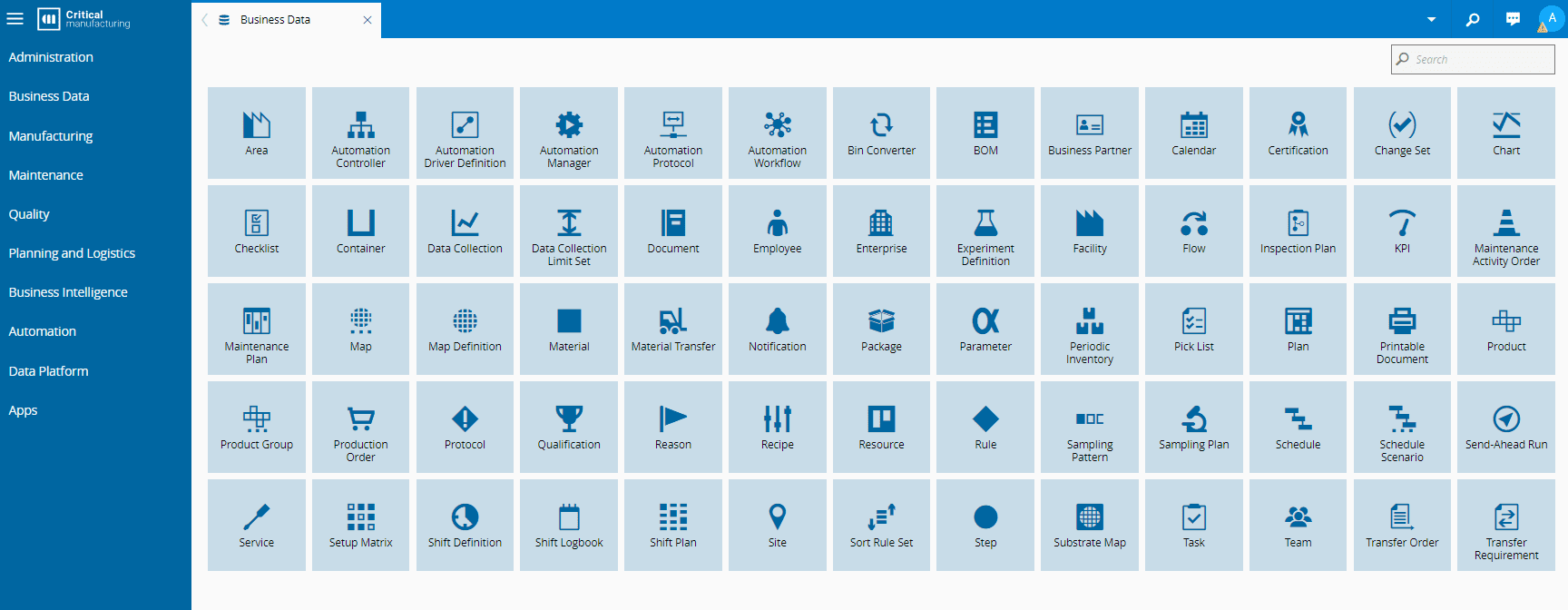
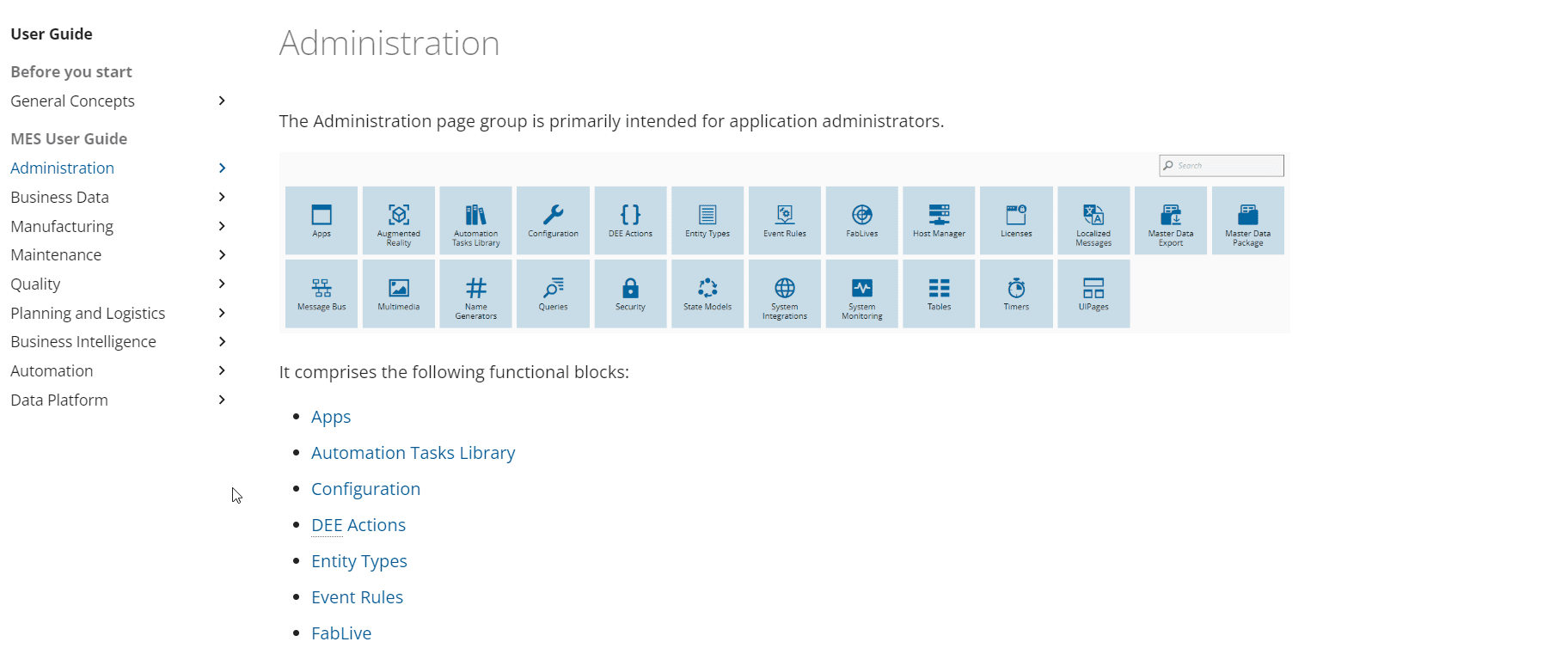
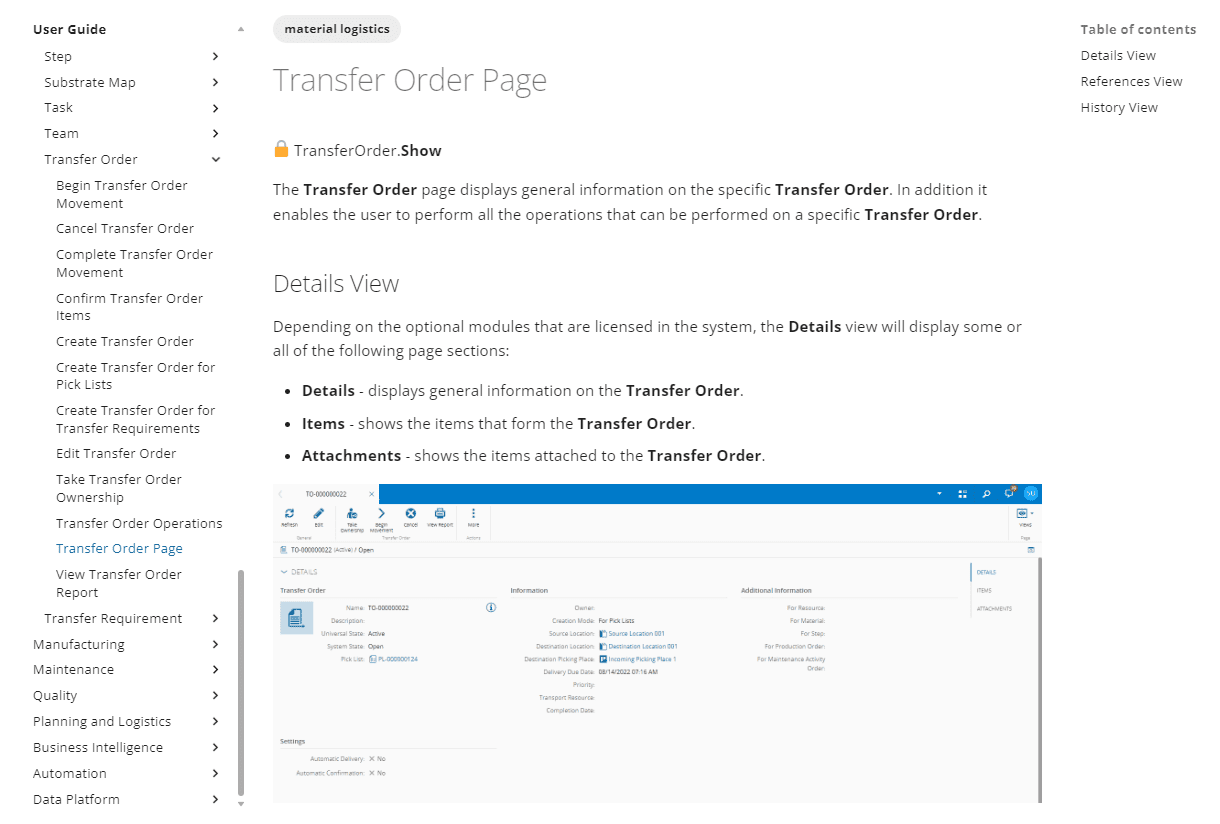
If you're new to our MES, we recommend starting with the General Concepts section on the User Guide. Take the time to explore this section thoroughly as it will help you understand how to take full advantage of our comprehensive User Guide. This guide mirrors the MES graphical user interface, as shown in the images below. For every Entity (e.g., Calendar, Flow, Material,...), you'll find a dedicated section in the User Guide.
For every Entity (e.g., Transfer Order), you'll have a landing page providing an overview, connections, and dependencies with other MES Entities.
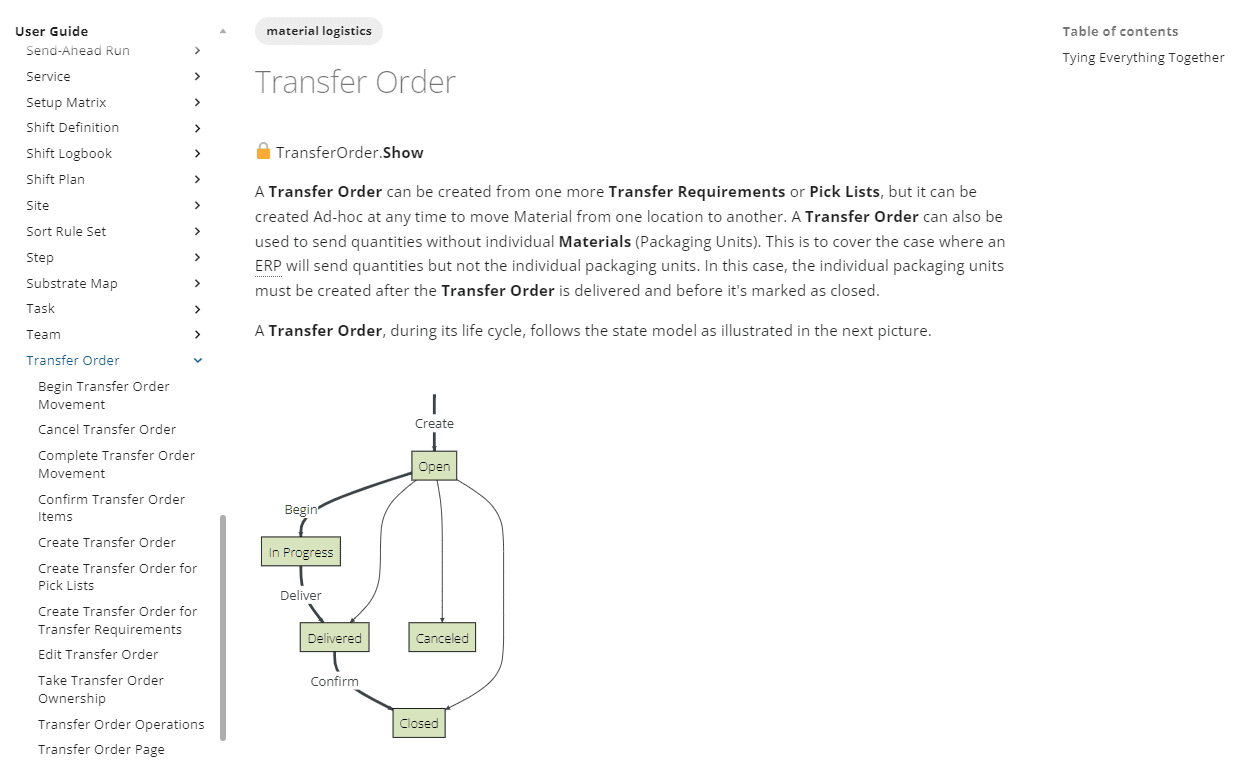
Each Entity also features an Operations Page (e.g., Transfer Order Operations) detailing the range of operations that can be performed. These operations are categorized into two types: generic operations, which are available for all entities (with particular differences for each entity), and specific operations, which are uniquely available for that entity.

Finally, for every Entity, you can find an Entity Page (e.g., Transfer Order Page), offering a detailed explanation of everything you can do from that page, including other accessible views.
Make the Search Field your Best Friend#
Our Search Field is your ultimate tool for finding what you need quickly. Here are some tips to help you get the best results:
- Use as a wildcard anywhere in the search term (e.g., autom)
- Use + before a term to mark it as mandatory (e.g., material +defects)
- Use - before a term to exclude the word from results (e.g., maintenance activity -order)
- Enclose multiple terms with " " to search for exact phrases (e.g., "combine material")
Search related information using Tags#
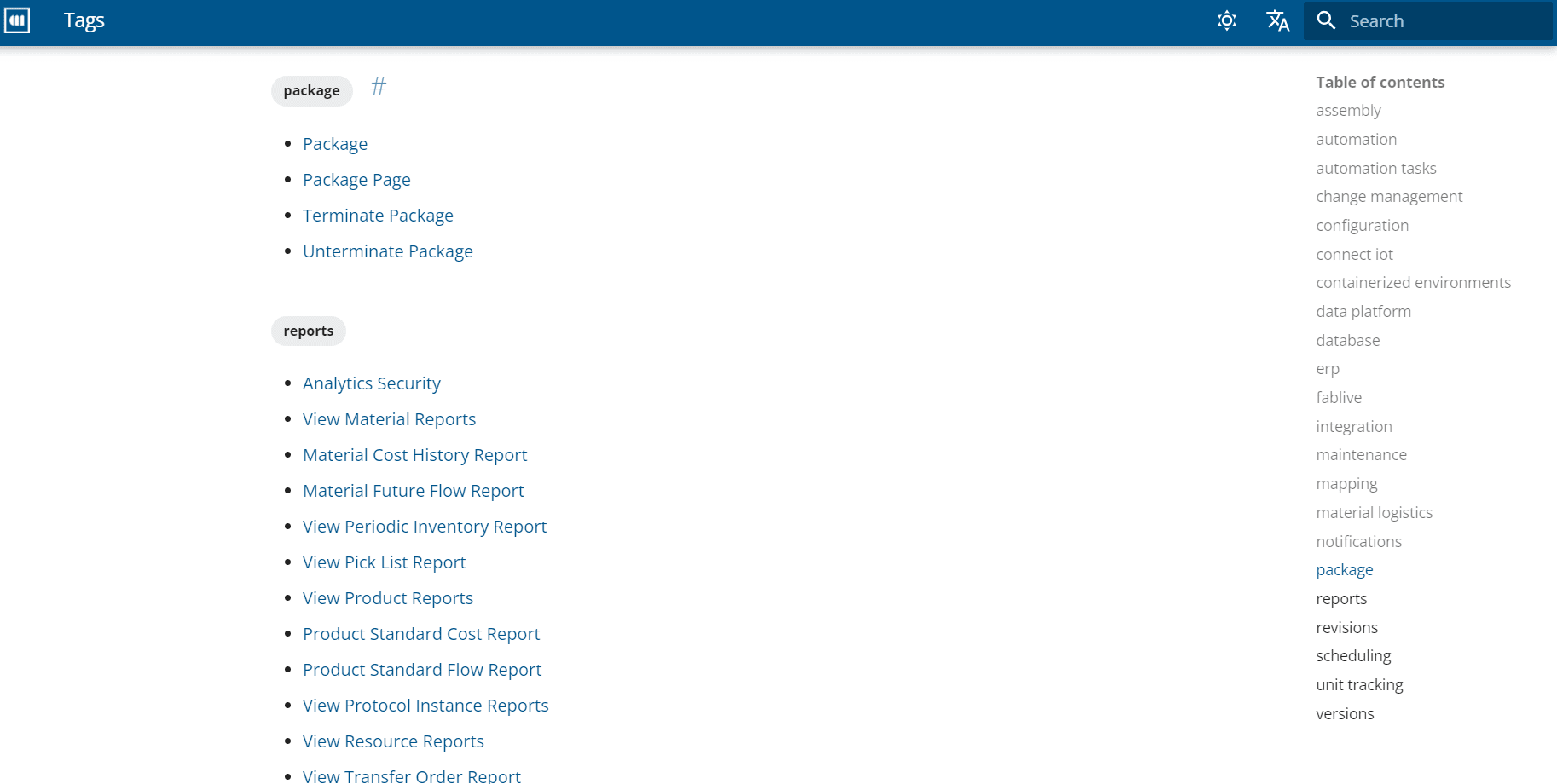
Explore related topics by utilizing Tags found above each page. Simply click on a tag to navigate to a page with related content options.
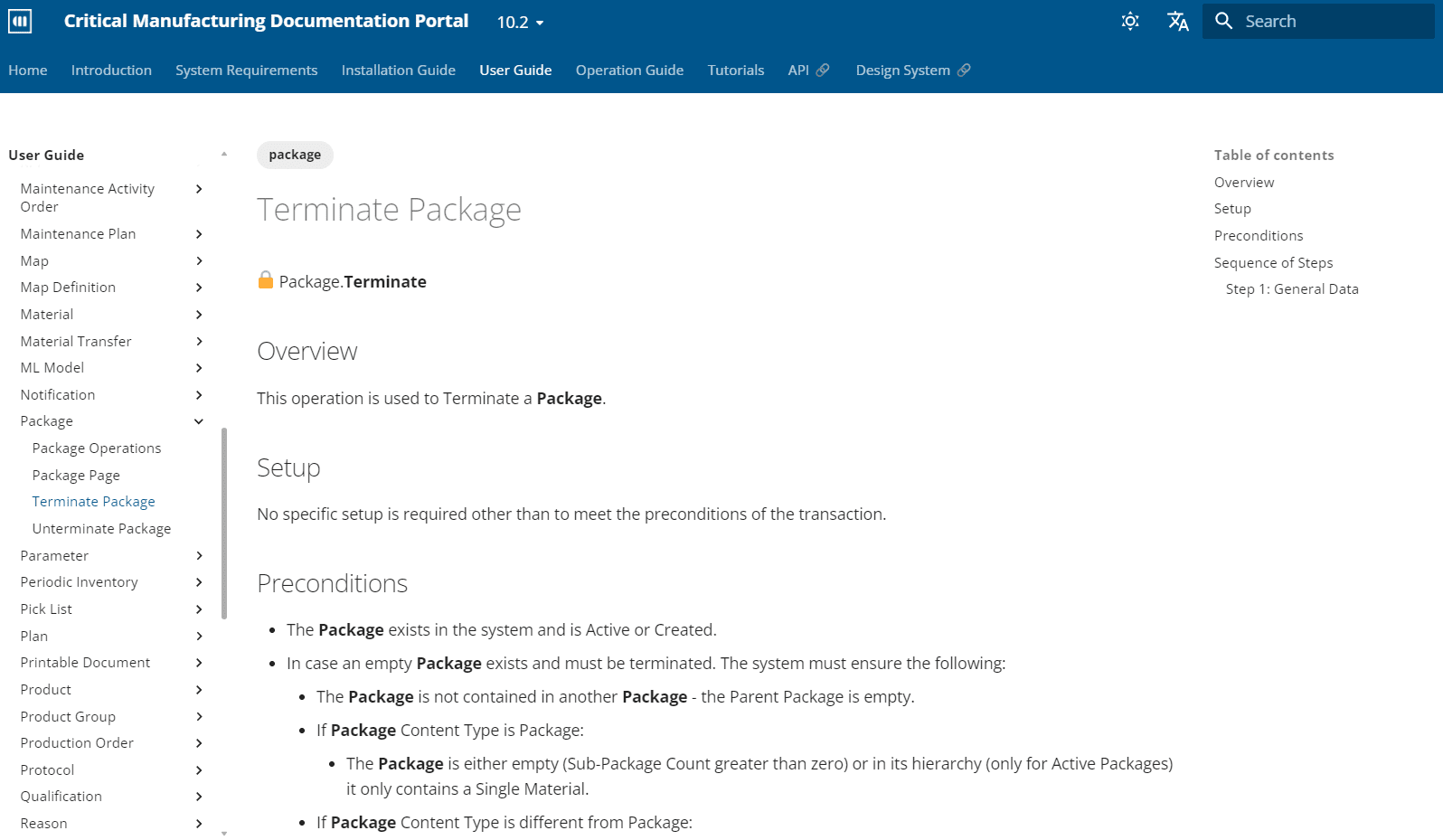
These Tags will guide you to additional pages where you can access content related to your area of interest.