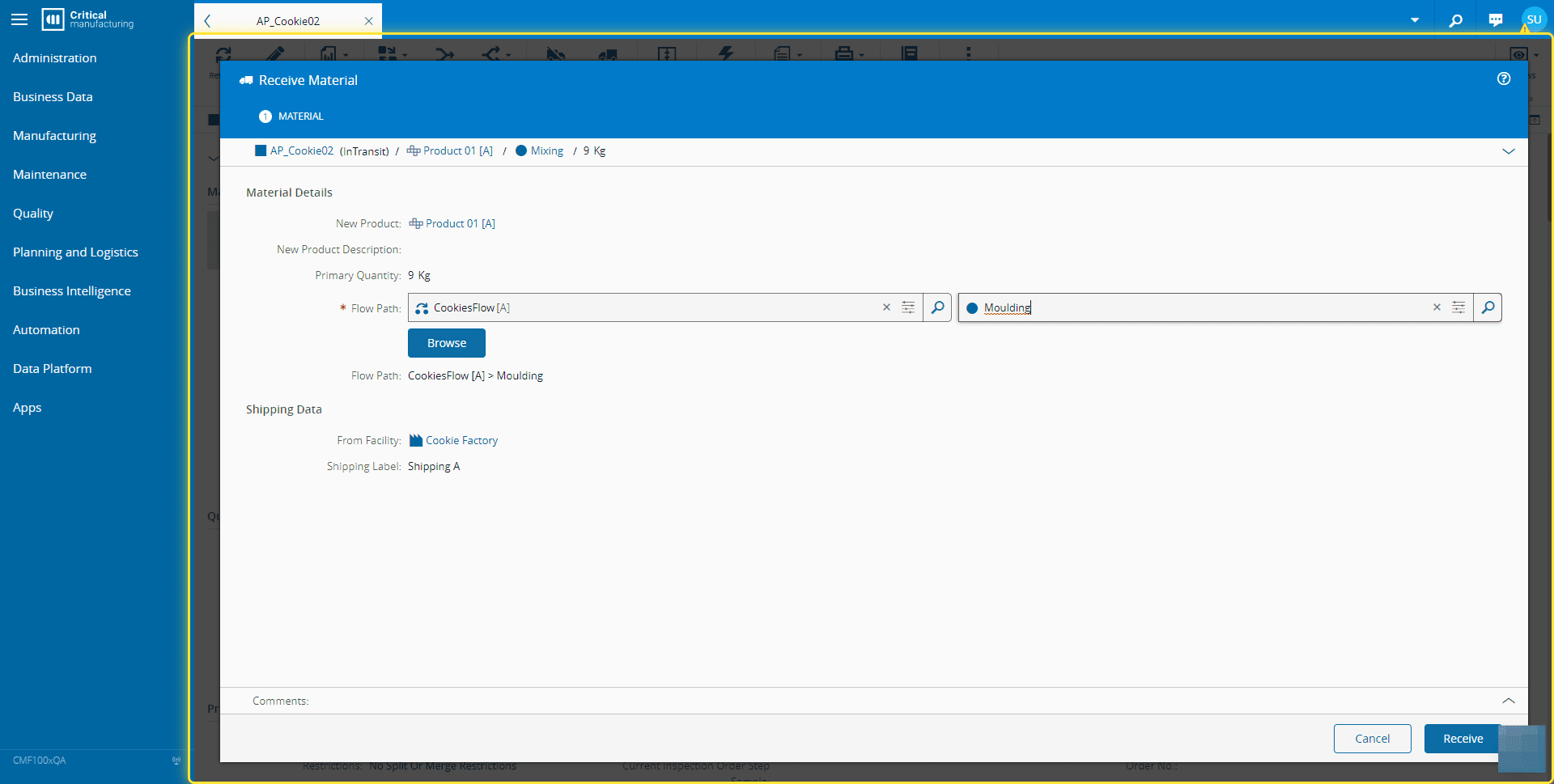
How to: Receive Material#
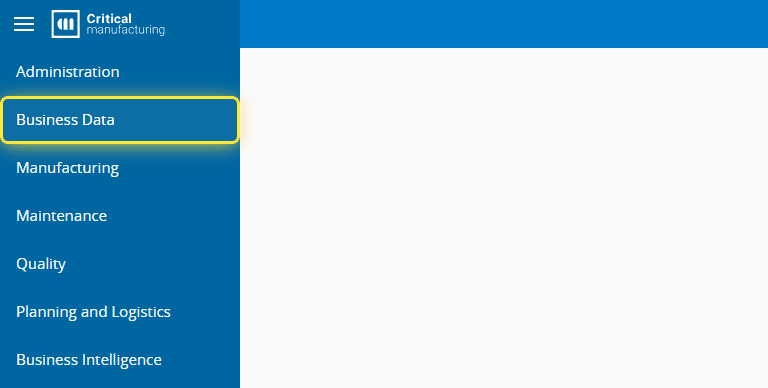
1. Go to the Business Data menu.#
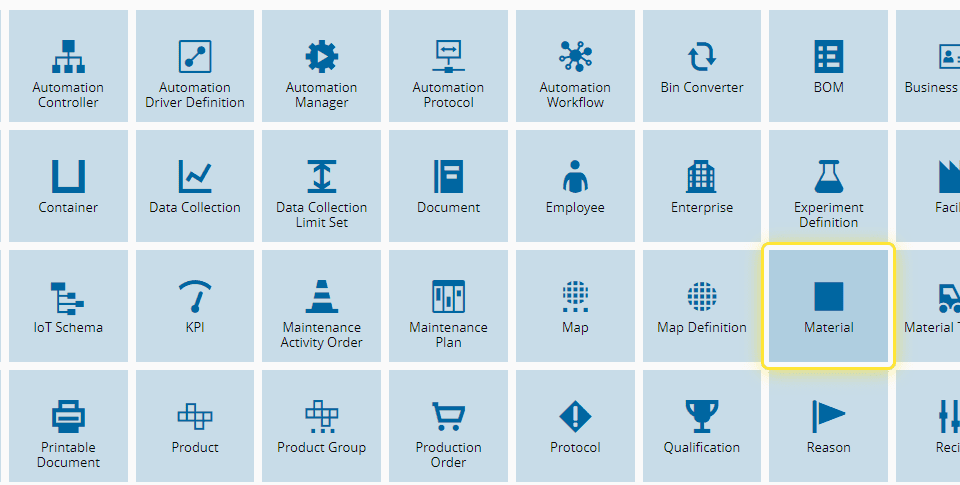
2. Select the Material entity.#
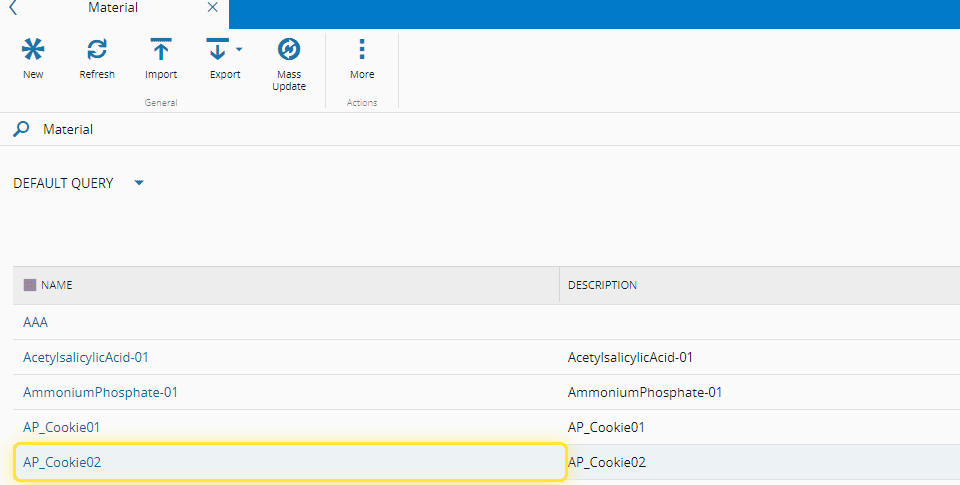
3. Select the Material.#
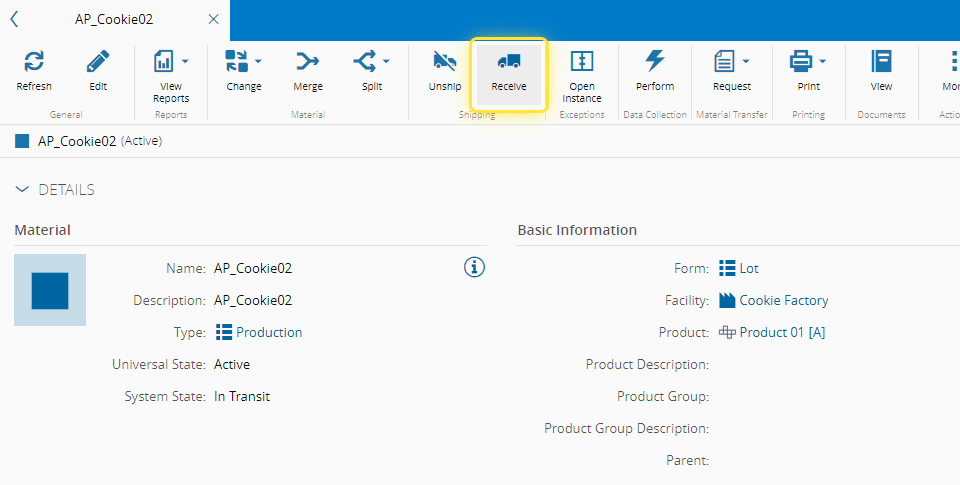
(AP_Cookie02 for this example)
4. Select Receive on the top ribbon.#
For more information, see Receive Material ⧉
5. Select the Flow Path and Step. Select Receive.#