Synchronize Automation Business Scenario#
 AutomationBusinessScenario.Create
Overview#
This operation allows you to have a tgz package with several scenarios and synchronize them to the system. It will automatically create the business scenarios and flag them with a package name and package version.
Setup#
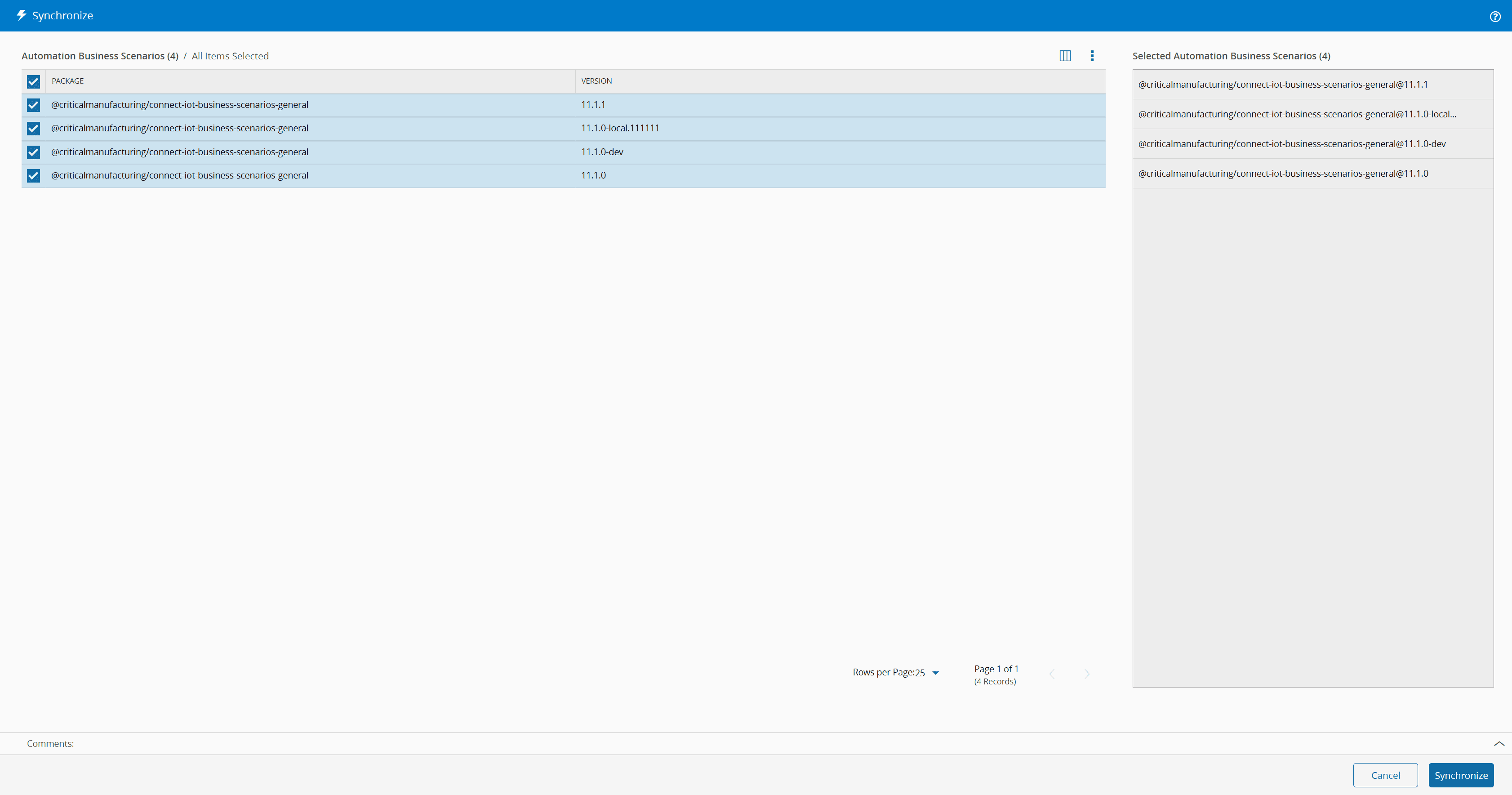
The Synchronize menu will show all packages that are currently in the Automation Repository that contain Automation Business Scenarios. You can then import a selection of those packages to the system.
A package is identified as a package with business scenarios, if the name of the package matches the token for the business scenario package name. This token is defined in the configuration entry /Cmf/System/Configuration/ConnectIoT/BusinessScenarioPackageNameFilter/ and has a default value of @criticalmanufacturing/connect-iot-business-scenarios-*
Sequence of Steps#
Step 1: General Data#
- Select Synchronize.
- Choose the package(s) and select Synchronize to continue the operation.
Warning
In order to upload a business scenario with the same name, but of a different package name, the user must first terminate the business scenario.