Automation Repository Upload Packages#
 AutomationRepository.Upload
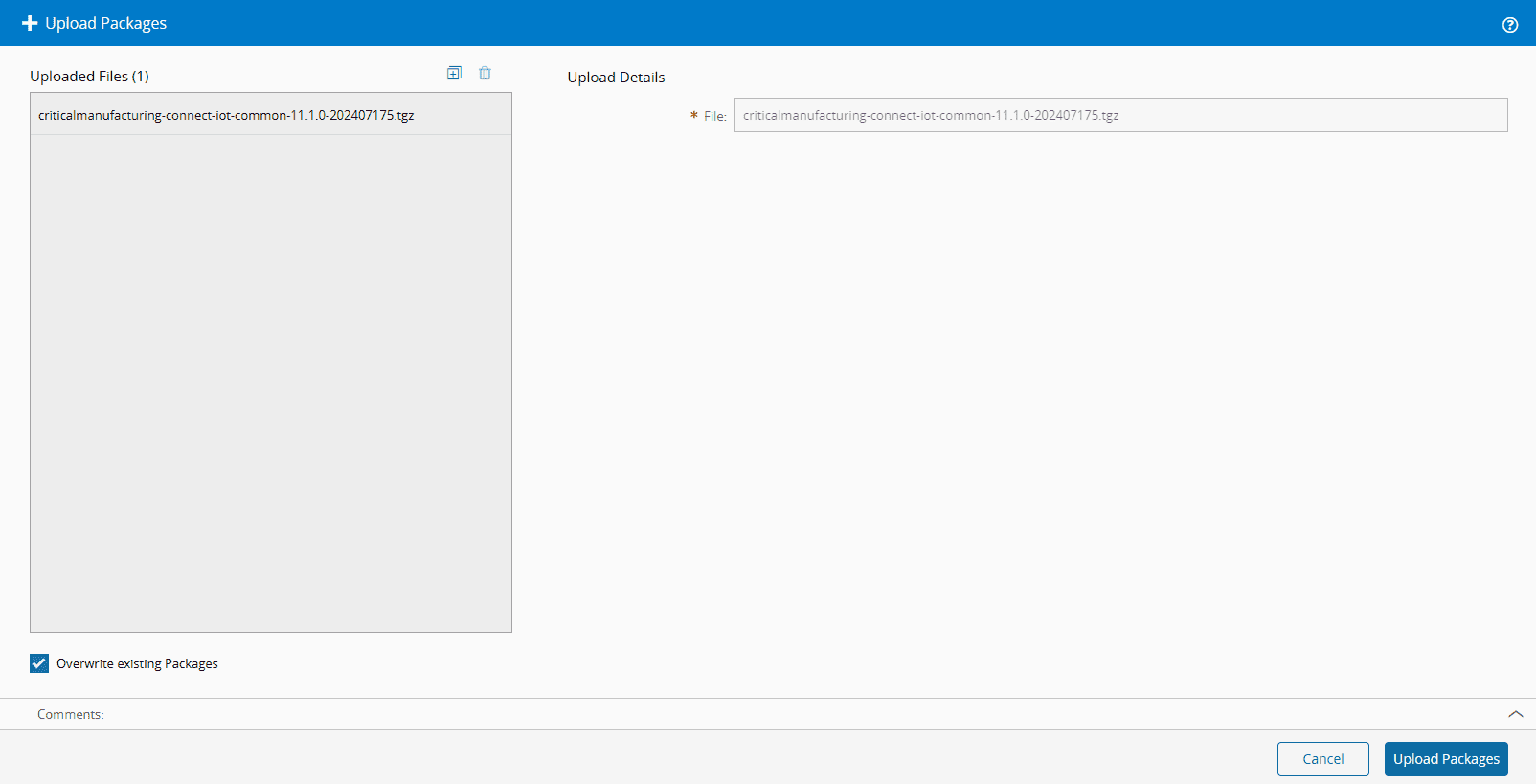
The Upload Packages wizard allows the user to overwrite or upload new packages into the repository. The user can add the packages either by selecting in top right plus button or by drag and dropping the packages to upload. If the flag Overwrite existing Packages is checked, it will overwrite the current packages with the new one's, if the flag is not checked and the system finds two packages that are the same, it will skip those and report back an error message, for that package.
To upload a new package, select Upload Package and then follow the wizard as described below.
- Select the icon.
- Choose the
.tgzfile you want to upload. - If you wish to overwrite an existing package instead of adding a new one, select Overwrite Existing Packages.
- Select the Upload Packages button to finish the operation and commit the packages to the repository.