Edit Automation Tasks Library#
 AutomationTasksLibrary.Edit
Overview#
This operation is used to edit an Automation Tasks Library.
Setup#
No specific setup is required other than to meet the preconditions of the transaction.
Preconditions#
- The Automation Tasks Library exists in the system.
Sequence of Steps#
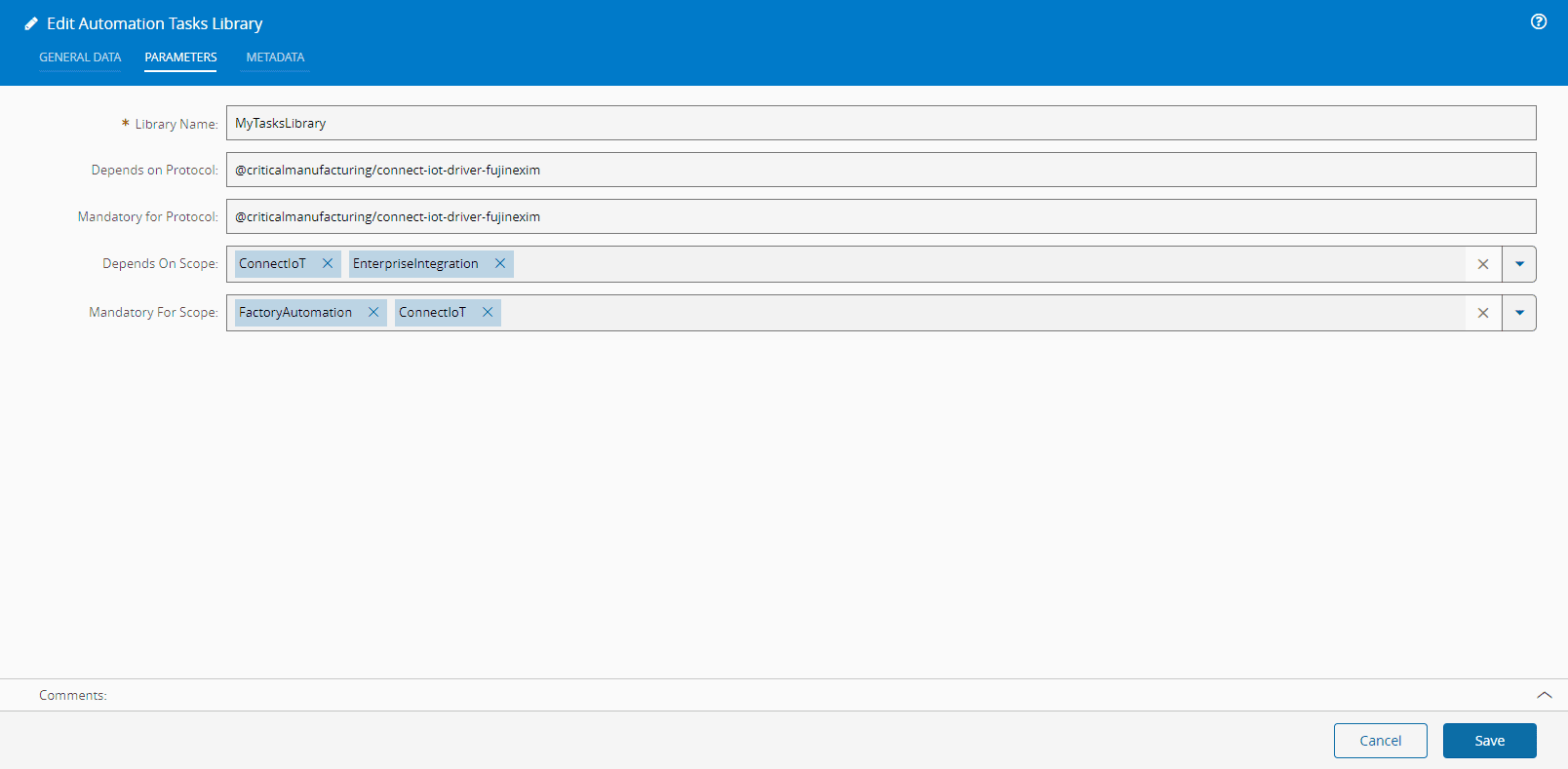
The Edit Automation Tasks Library wizard can be called from the Automation Tasks Library page within the Administration group.
The package on which the Automation Tasks Library depends can't be changed, but the parameters and metadata definition can be edited at will. When editing the metadata, you can optionally select whether to download the code in a JSON file or to copy the code to the clipboard for later usage.
When you finish editing, select Save to complete the operation.
Warning
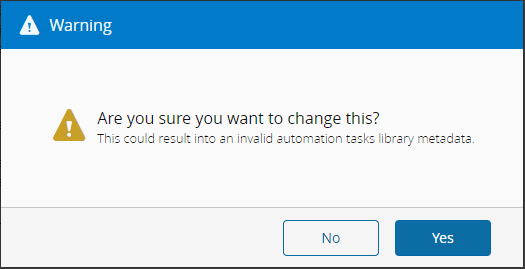
Editing the metadata of an Automation Tasks Library should be done with caution since it can result in invalid metadata. A warning will be displayed to notify you of this possibility.