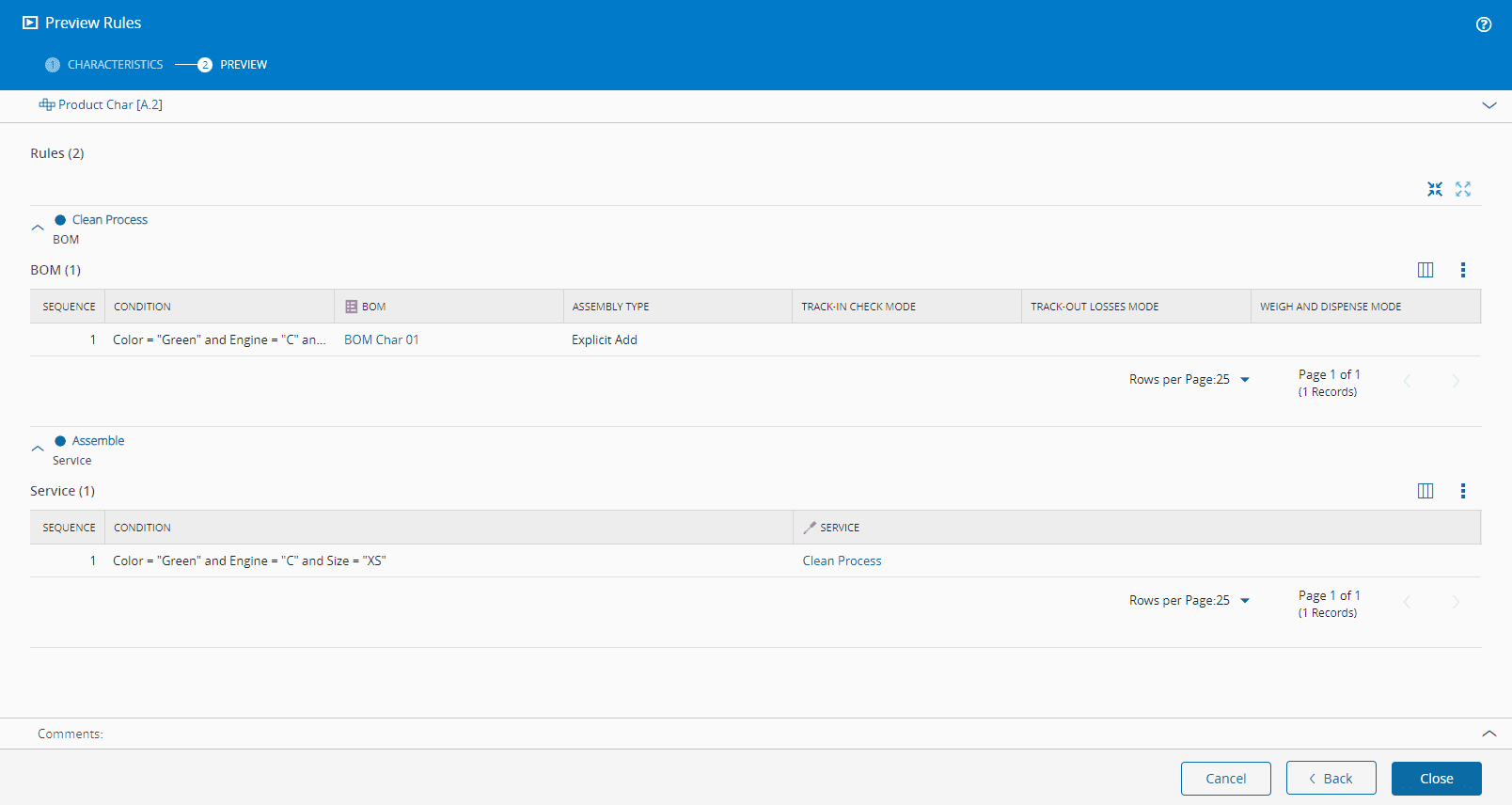
Preview Rules#
 Product.PreviewCharacteristicRules
Overview#
This operation is used to preview the Rules of the Characteristics of the Product.
Setup#
No specific setup is required other than to meet the precondition of the transaction.
Preconditions#
- Product exists in the system and it is not Terminated.
- Product has at least one Product Characteristic Rule.
- Product has at least one Product Characteristic.
Sequence of Steps#
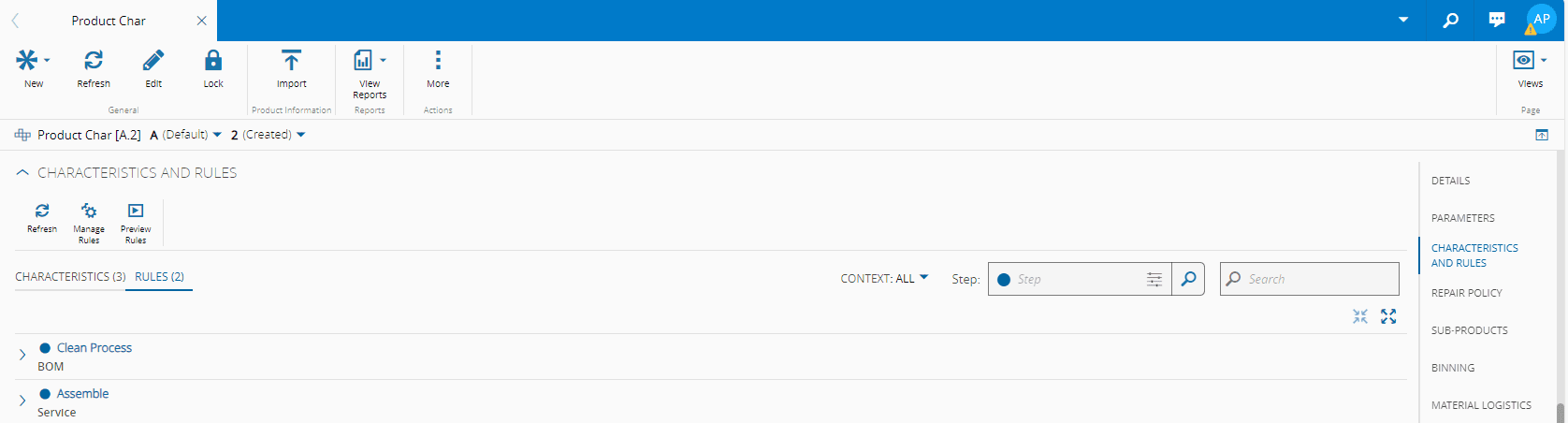
The Preview Rules wizard can be called from the Product page by selecting Characteristics and Rules from the section menus on the right, and then selecting the Rules tab.
Step 1: Characteristics#
-
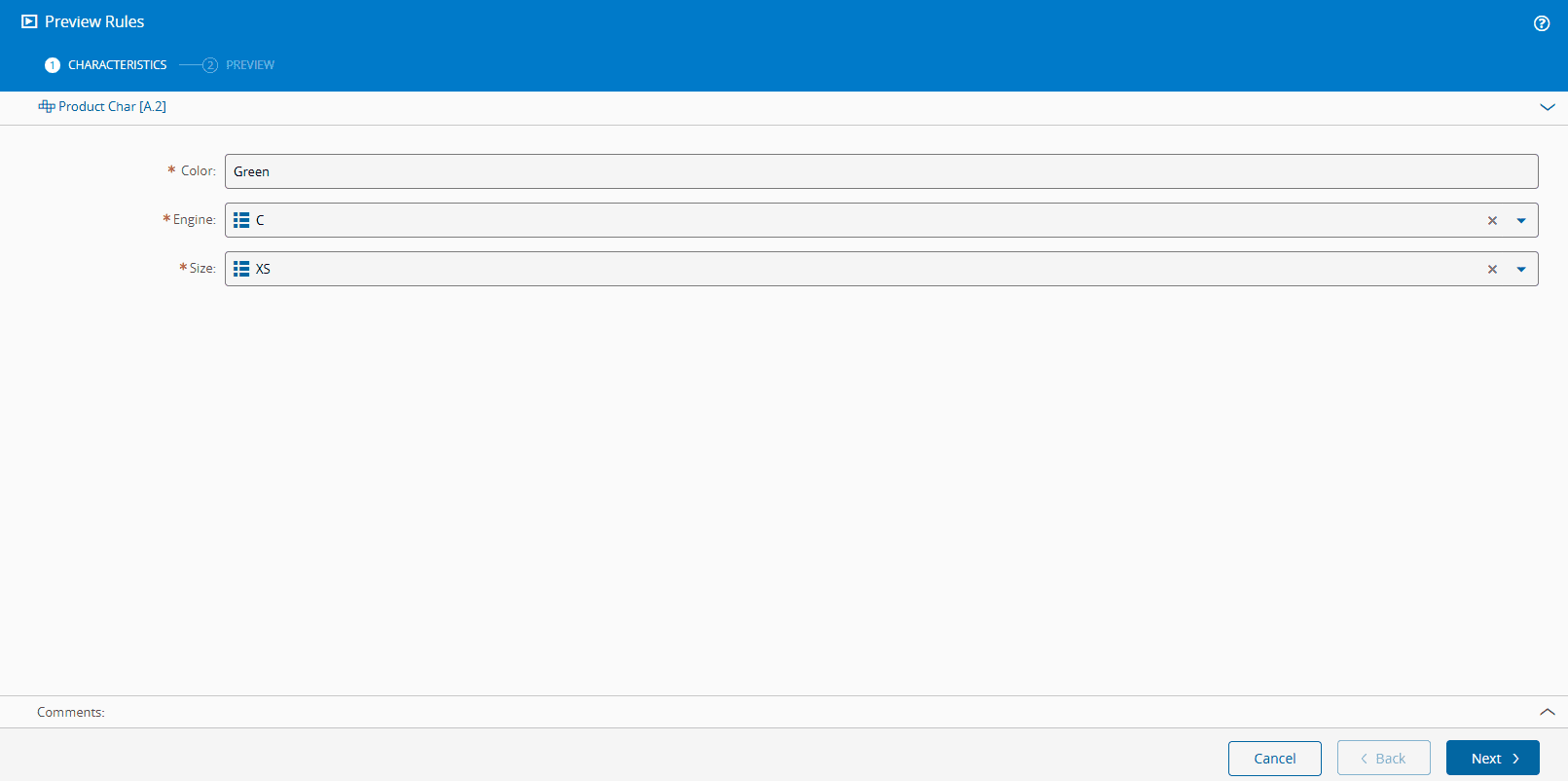
Complete any mandatory Product Characteristics information.
Note
Characteristics are presented in the order they were defined, and their values must come from the associated Lookup Table.
-
Select Next to continue.
Step 2: Preview#
- Preview the results of the Rules Evaluation.