Complete Resource Job#
 ResourceJob.Complete
Overview#
This operation is used to Complete a given Resource Job.
Setup#
No specific setup is required other than to meet the precondition of the transaction.
Preconditions#
- The Resource Job exists in the system and is Active.
- The Resource Job System State is Executing.
- The Owner Entity Type and Owner Entity Id provided must match if previously defined in the Resource Job.
Sequence of Steps#
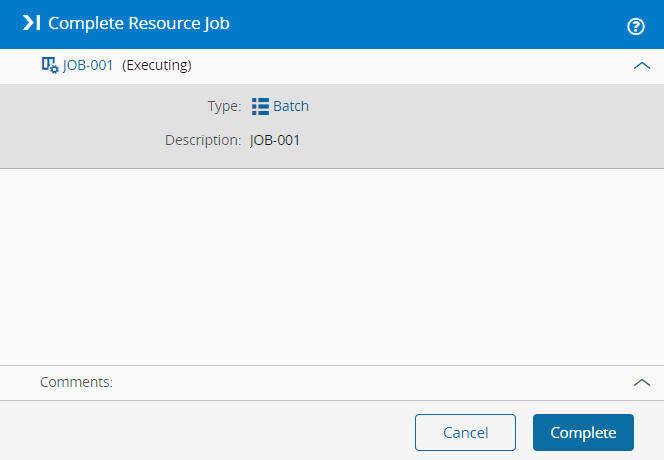
- Choose an Executing Resource Job, then select the Complete button on the top ribbon.
- Optionally, enter a comment for the operation.
- Select Complete.
Info
Once a Resource Job is completed, its System State will change to Complete and its Universal State will change to Terminated.