管理资源通道#
 Resource.Edit
Overview#
This operation is used to manage all the Resource Lanes associated to a specific Resource.
Setup#
No setup is required other than to meet the preconditions of the transaction.
Preconditions#
- The Resource exists, is Active and the Processing Type is Process or Line.
- The Resource has the Is Multilane property enabled.
Sequence of Steps#
Step 1#
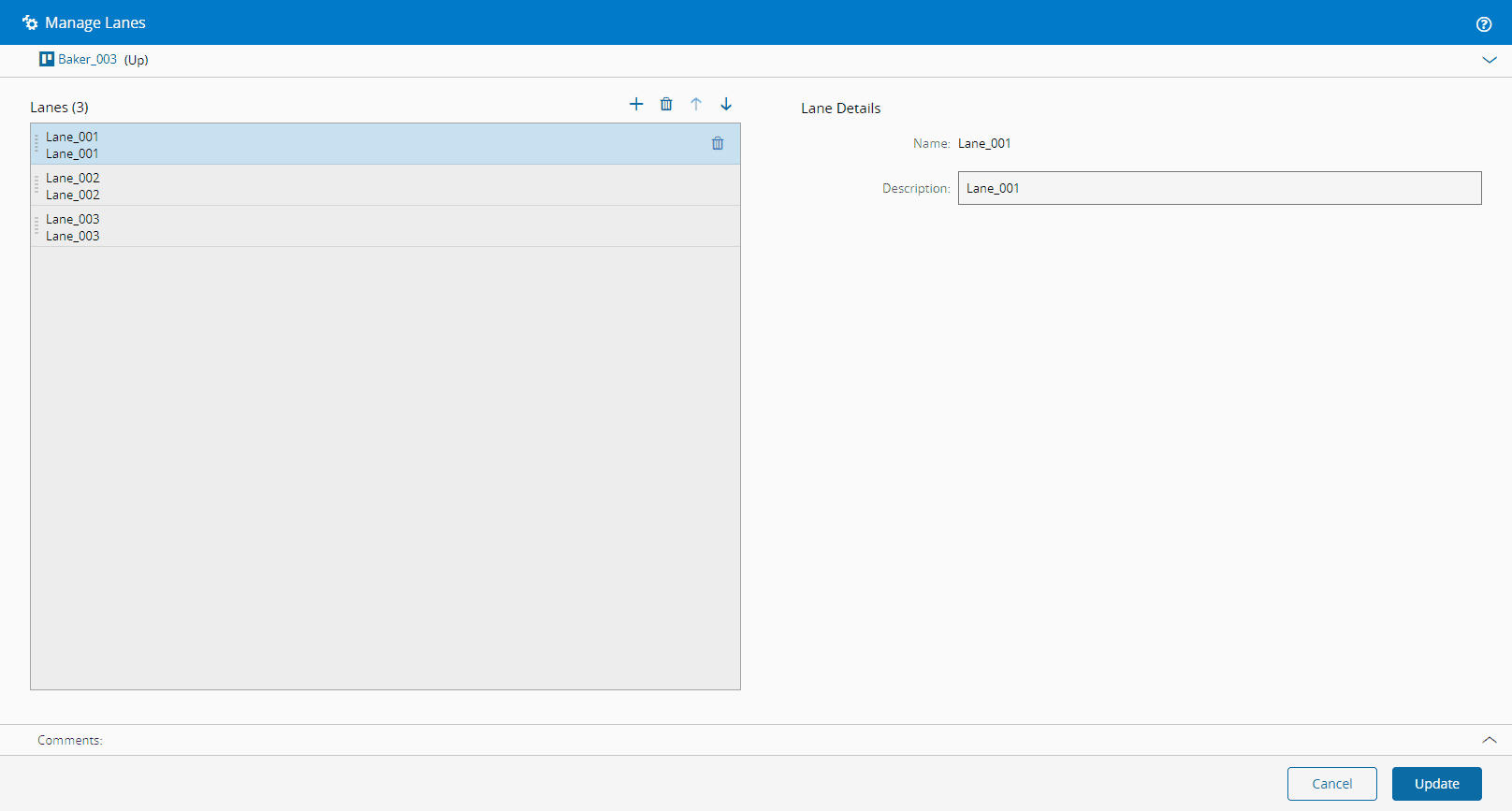
- Select an appropriate Resource, navigate to the Lanes section and select the Manage button.
- Add or remove Resource Lanes as needed (select to add, and to remove).
- Order lanes as needed (select and ).
-
You must specify at least two items, and provide for each item the following information:
- Name.
- Optionally, a description.
-
Select Update to complete the operation.