Introduction#
This document is a guide for planning, installing and configuring the Critical Manufacturing application.
- Preparation - Instructions and recommendations about how to prepare an infrastructure for installing Critical Manufacturing MES. It's not intended to be an exhaustive document about infrastructure but instead a quick guide on proven solutions for successfully deploying the solution.
- Installation - A visual walk-through of the installation wizard and the settings that must be entered before initiating a deployment.
- Post Installation - Best practices that are required to double check the health status of the solution and advanced configuration options that can be made after installation.
- Upgrade - The steps necessary to upgrade an existing installation.
- Removal - How to remove Critical Manufacturing MES from your system.
Should you require further assistance, please open a support ticket in the Critical Manufacturing Customer Portal at https://portal.criticalmanufacturing.com ⧉
Target Audience#
This Installation Guide is intended for application administrators and should be used to support the Critical Manufacturing installation process.
Definitions#
The next table identifies some common terms used throughout the document:
| Acronym | Definition |
|---|---|
| ACL | Access Control List |
| AD | Active Directory |
| CMF | Critical Manufacturing |
| COM | Component Object Mode |
| DACL | Discretionary Access Control List |
| DB | DataBase |
| DWH | Data Warehouse |
| EFC | Electronic Failure Catalogue |
| HPC | High Performance Cluster |
| HTTP | HyperText Transfer Protocol |
| HTTPS | HyperText Transfer Protocol Secure |
| IIS | Microsoft Internet Information Services |
| IP | Internet Protocol |
| MS-DTC | Microsoft Distributed Transaction Coordinator |
| MSMQ | Microsoft Message Queue |
| NLB | Network Load Balancing |
| ODS | Operational Data Store |
| OLAP | Online Analytical Processing |
| OS | Operating System |
| SAN | Storage Area Network |
| SDDL | Security Descriptor Definition Language |
| SID | Security Identifier |
| SMTP | Simple Mail Transfer Protocol |
| URL | Uniform Resource Locator |
Table: Definitions
Naming Conventions#
The following conventions are applied throughout the document:
Info
Helpful hints to assist in particular situations.
Note
A note with important information.
Warning
A warning or a word of caution.
These callouts carry important information can be very useful. However, in some situations, other smaller icons are visible and should be regarded as a visual identifier that a larger information callout of the same type can be found below. These icons include:
| Convention | Callout |
|---|---|
 | Info |
 | Warning |
| Note |
Table: Snippet visual conventions
Other visual indicators are used in the documentation to indicate information on specific actions or operations found in the MES GUI:
| Convention | Description |
|---|---|
 | Described functionality is associated with the stated security feature |
| Icon that symbolizes an edit action | |
| Icon that symbolizes an add action | |
| Icon that symbolizes a remove action | |
| Icon that symbolizes a move up action | |
| Icon that symbolizes a move down action | |
| Icon that symbolizes the use of a camera or scanner | |
| Icon that symbolizes the use of a keypad | |
| Icon that symbolizes a browser modal window view action | |
| Icon that symbolizes a download action | |
| Icon that symbolizes a copy action | |
| Icon symbolizing PDF availability |
Table: Visual conventions
Documentation Set#
This Critical Manufacturing release comes with the following set of documents available online:
| Document | Target Audience | Description |
|---|---|---|
| User Guide | End Users | The standard application user interface manual (with a few exceptions which are covered in the Operations Guide and the Developer Guide/). |
| System Requirements | System Administrators | A description of the system requirements for Critical Manufacturing MES installation and operation. |
| Installation Guide | System Administrators | The application installation guide. |
| Operations Guide | System Administrators | A guide for maintaining, optimizing and troubleshooting the application. |
| Developer Portal ⧉ | System Integrators | A guide to explain how to extend and customize the system. |
| Data Dictionary ⧉ | System Administrators | A description of the database schema including the relationships of main objects. |
| Tutorials | End Users | Scenario creation and system operability for factory-floor and planning situations. |
Table: Guides available online
This Critical Manufacturing release also includes the following separate PDF documents:
| Document | File Name | Description |
|---|---|---|
| Installation Guide | InstallationGuide.pdf | The application installation guide. |
| Release Notes | ReleaseNotes.pdf | The release notes that includes a description of the new features as well as the description of any changes. |
| System Requirements | SystemRequirements.pdf | A description of the system requirements for Critical Manufacturing installation and operation. |
Table: Included PDF documents
Note
The PDF version of this document included in the Critical Manufacturing release is an exported version of the web-based guide.
Document History#
This document was developed prior to the product release to manufacturing and as such, it cannot be guaranteed that all details included herein will be exactly as what is found in the shipping product. Critical Manufacturing cannot guarantee the accuracy of any information presented after the date of publication.
The date of the document changes whenever a new edition is released. However, it must be noticed that some product updates do not necessarily require document changes, and as such, versions of the product may be released without accompanying documentation and vice versa.
Licensing#
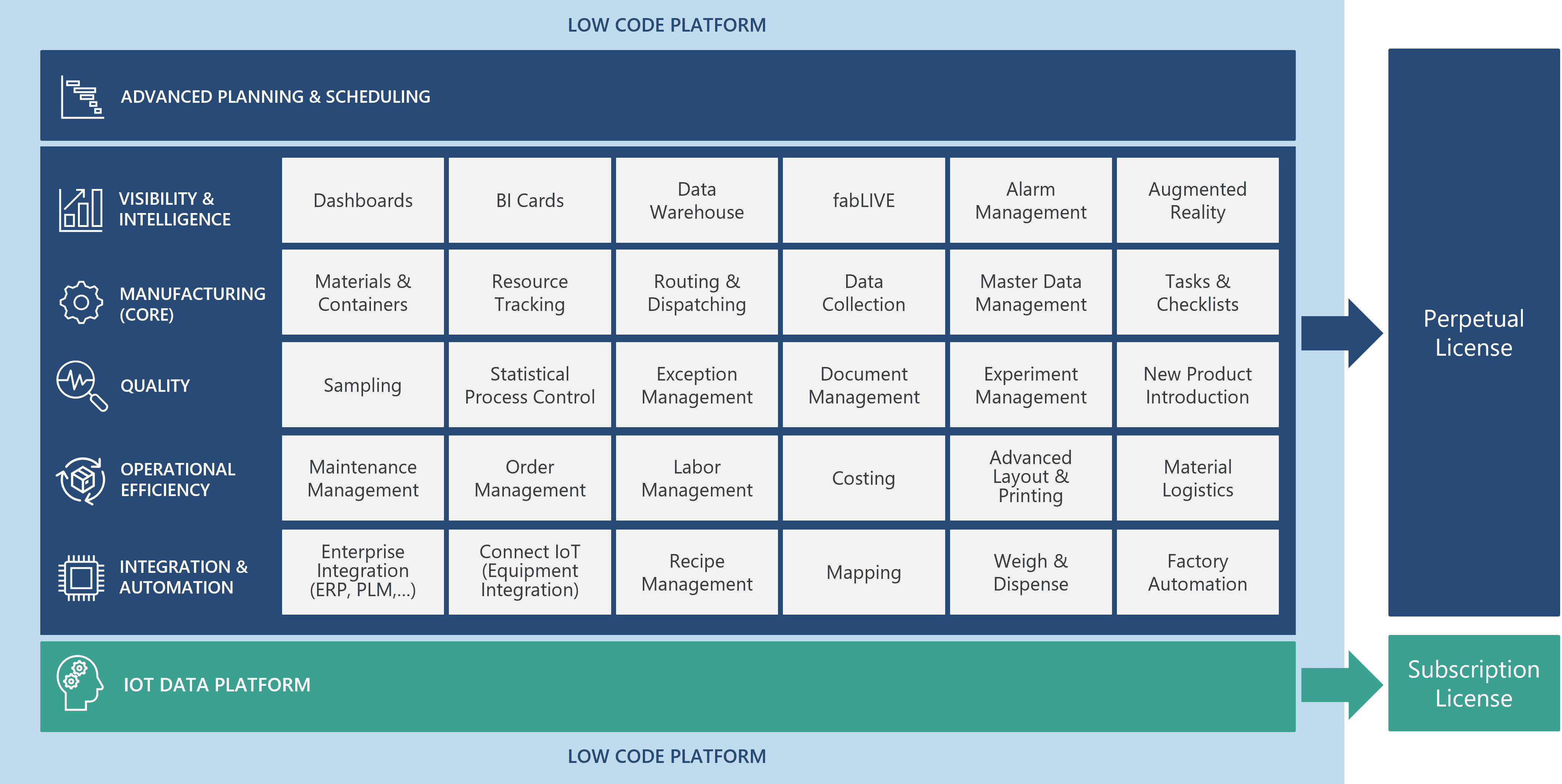
The Critical Manufacturing base license includes the Core module. All other modules are licensed separately.