Migration Guide#
Estimated time to read: 5 minutes
Version 11.0 introduced significant changes to Critical Manufacturing MES system, impacting several aspects of how you create and manage Flows, Rework Paths, and Master Data Packages. This guide highlights the key differences and provides step-by-step instructions to help you navigate these updates.
Creating a Flow#
General Data#
Before version 11.0, in the General Data wizard, when the Flow Type was Sequential or Alternate, you had to specify the type of child nodes for the Flow, whether they were Steps or Flows. After version 11.0, you only need to specify the Flow Type from the following options:
- Sequential
- Alternate (choose Single or Multiple Selection)
- Non-Sequential Block
- Line
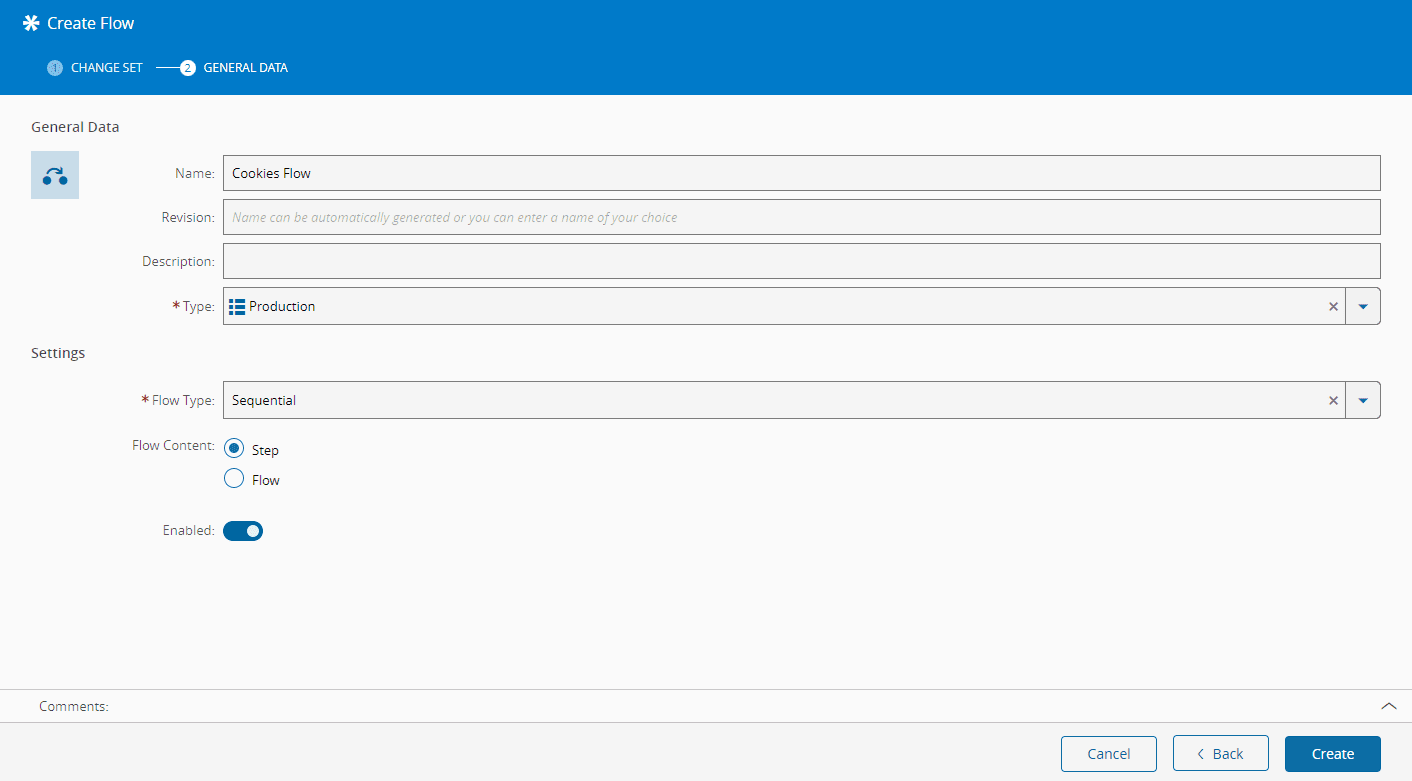
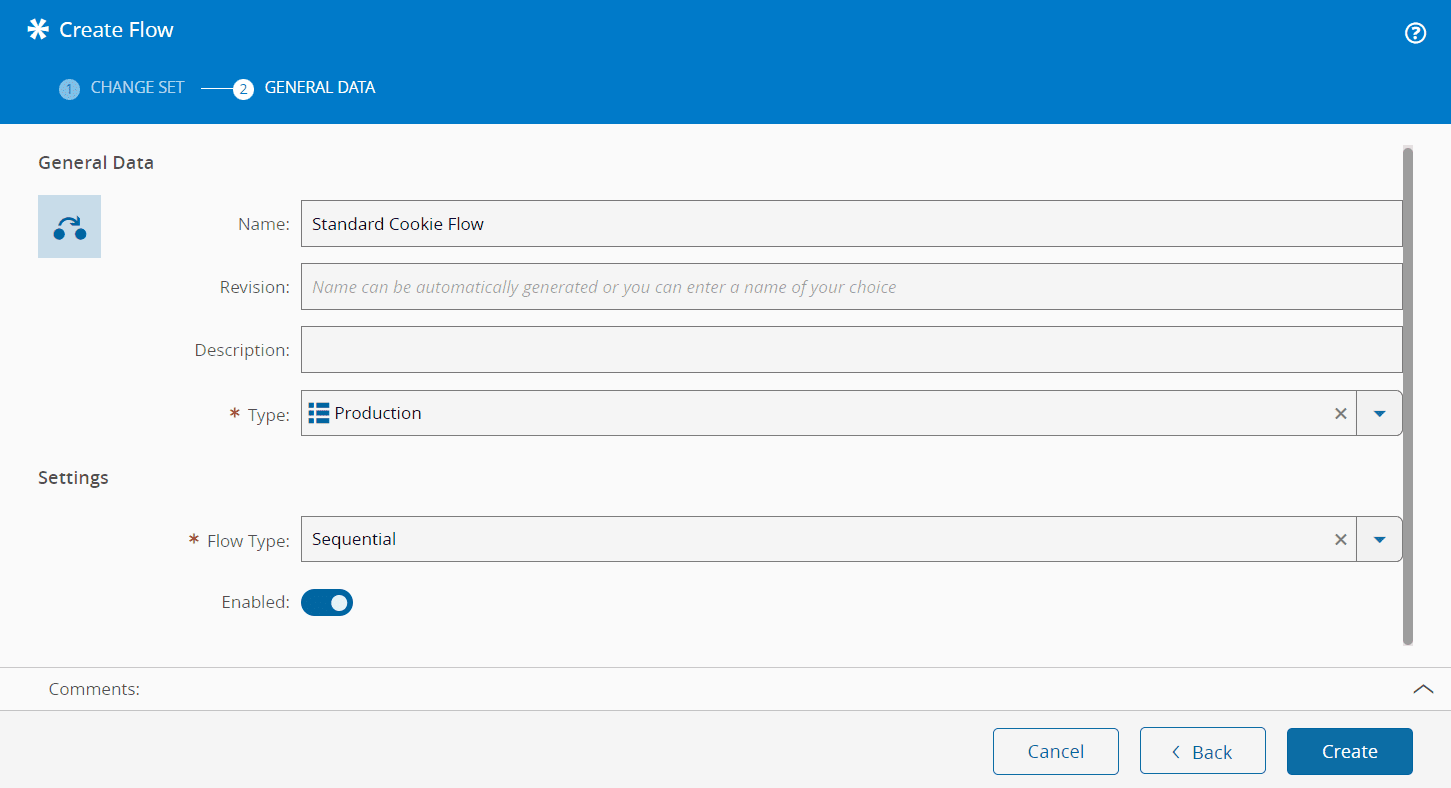
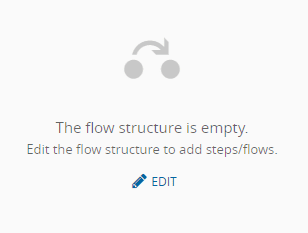
This means you don't have to indicate whether your Flow comprises only Steps or Flows; it can include both at the same level. You can add as many Flow Items as you like by selecting the button.
Rework Paths#
Before version 11.0, when configuring Rework Flows, the Return Path had to be a Step within that Flow. So, in the Before version 11.0 example shown below, if the Rework Path was configured in Step 4, the Return point would have to be Step 3. After version 11.0, Rework Paths can be defined at the Parent Flow level, allowing Return Paths to any Step within its structure. These Return Paths are anchored to the TopMost Flow where they are defined, rather than to a specific Flow Item. For instance, in the After version 11.0 diagram, the Return Path can be any Step (e.g., Step 1, Step 2, Step 3, or Step 4) within the TopMost Flow (Flow 1).


Master Data Template#
Before version 11.0, the Flow sheet in the Master Data required specifying the Child Type (column D), indicating whether it was a Step or a Flow. After version 11.0, this requirement moved to the Flow Items sheet (column B).


After version 11.0, it is also possible to choose whether your Alternate Flow uses Single or Multiple Selection (column J). Single Selection considers only the first Flow Item whose condition resolves to true when attempting to move the Material to the next Step, while Multiple Selection allows choosing from any Flow Items with true conditions. Before version 11.0, Multiple Selection was the default setting, and this choice wasn't available.

In version 11.0, the Flow Structure sheet was renamed to Flow Items, requiring you to change the name of this sheet in your Master Data template to be compatible with versions above 11.0. In addition, it's now possible to set Rework Path conditions, such as Expressions (column L), Rules (column M), Sampling Steps (column N), and Sampling Plans (column O). You can also define entry and exit Rules for Steps (columns J and K).

Beyond the basic information, you can specify additional settings in version 11.0, such as whether the Rework Path applies to Queued and Processed States (columns O and P), and set Rules for On Rework (column Q).


