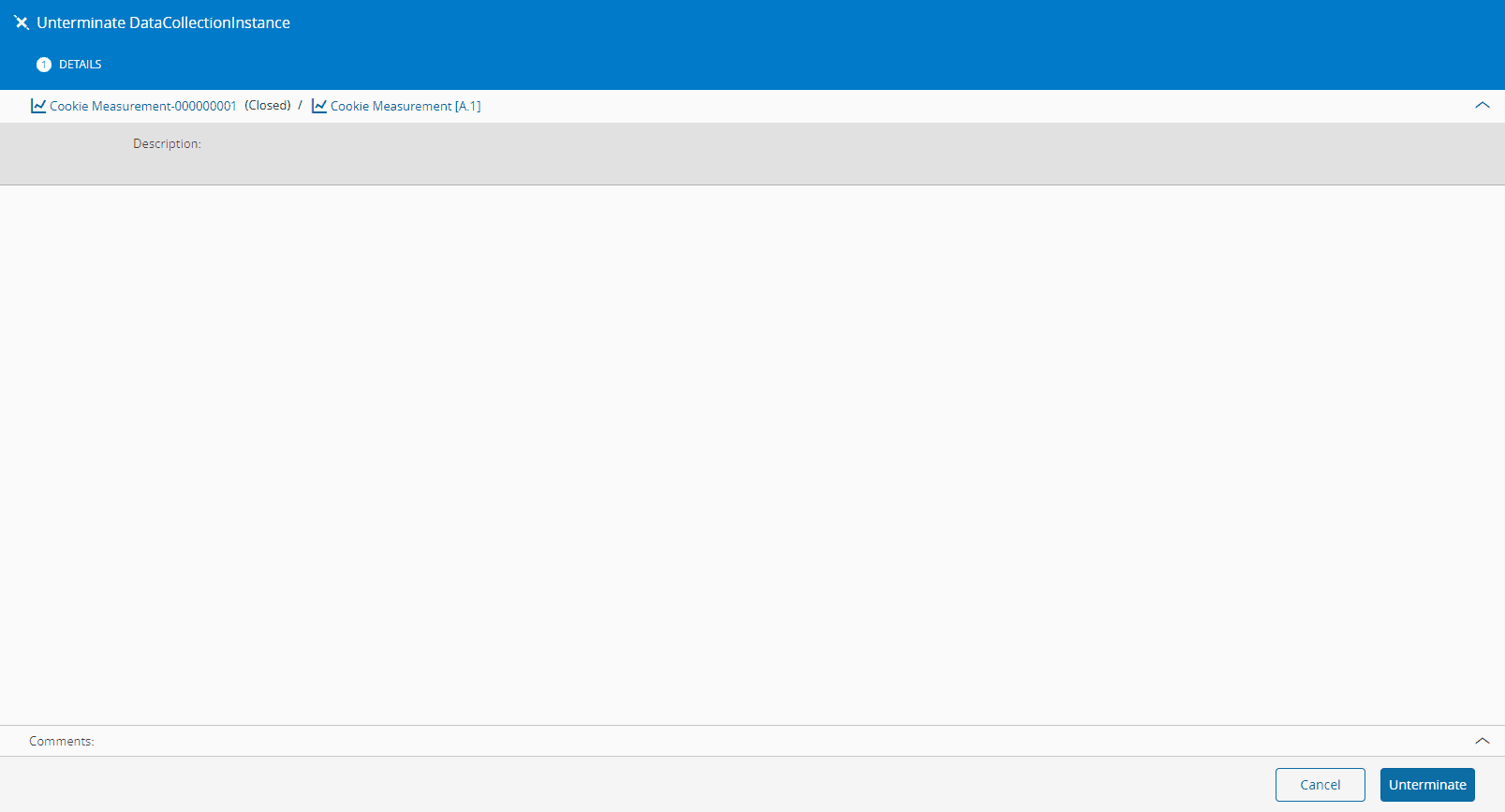
Unterminate Data Collection Instance#
 DataCollectionInstance.Unterminate
Overview#
This operation is used to Unterminate a Data Collection Instance.
Setup#
No specific setup is required other than to meet the preconditions of the transaction.
Preconditions#
- The Data Collection Instance exists in the system and is in the Terminated state.
Sequence of Steps#
Use the following steps to unterminate an active Data Collection Instance.
Step 1: Open an active Data Collection Instance#
- Open a Data Collection.
- In the Data Collection page, select Instance from the right side menu.
- In the Data Collection Instances table, select the name of the Data Collection Instance that you want to unterminate.
Step 2: General Data#
In the top ribbon, select Unterminate.
Info
All generic/smart table rows that reference this object will not be recovered.
For more information, see Terminate and Unterminate.