Manage Resource Instruments#
 Resource.ManageInstruments
Overview#
This operation is used to associate Resources of Processing Type Instrument to a specific Resource of Processing Type Process or Line.
Setup#
No specific setup is required other than to meet the preconditions of the transaction.
Preconditions#
- The Resource where the Instrument is to be associated exists, is Active, Non-Template, and is of Processing Type Process Or Line.
- All Instruments to be associated with the Resource are Active, Non-Template, and in the same Facility as the Resource.
- An Instrument which is marked as InstrumentExclusiveUsage must not already be associated with another Resource.
Sequence of Steps#
- Select an appropriate Resource, navigate to the Instruments section and press the Manage button.
-
Add as many instruments as desired (press in the top right of the grid to add, and to remove, ordering the items with the and buttons) - specifying one item minimum - providing for each item the following information:
- A specific instrument Resource to be measured.
- The Measurement mode, if available.
Info
Details on the Resource will be displayed for each individual item.
-
Select Update to complete the operation.

Apply One Instrument to All Applicable Parameters#
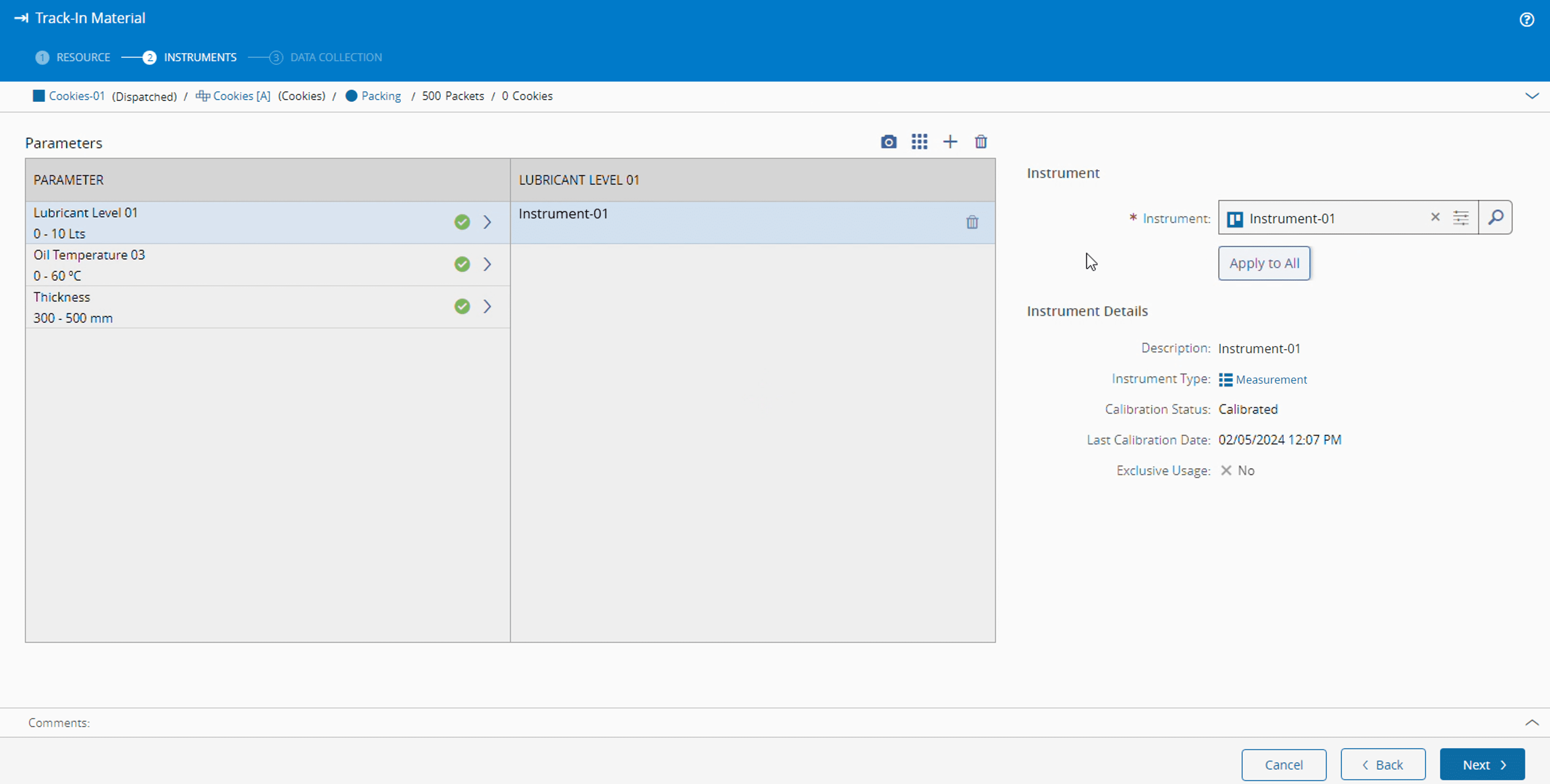
If an Instrument is used to measure multiple Parameters, you can choose the Apply to All option, as shown in the wizard below.