---
alias: user-guide-automation-task-core-executeaction
tags:
- automation tasks
description: "This task executes a MES rule, mapping it to a DEE action for efficient service execution within a transaction"
---
# Execute Action
:iot-rule-lg:{style="font-size:100px"}
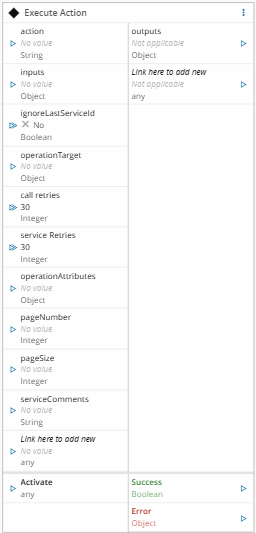
This task executes a MES Action `Rule`, mapped to a MES `DEE` action. This task is useful when you intend do operations on the MES side and require the use of multiple/specific MES services with minimal network traffic and inside the same transaction scope.
## Details
| Fields | Details |
| ----------------- | ---------------------------------------------------------------------------------- |
| Scope | Connect IoT
Data Platform
Enterprise Integration
Factory Automation |
| Workflow | Data flow
Control flow |
| `IsProtocol` flag | :material-close:{style="color:#EF5350"} |
## Inputs
| Name | Data Type | Description |
| --------------- | ---------- | ------------------------------------- |
| action | `String` | Name of the action |
| inputs | `Object` | Object with the inputs for the action |
| `` | `` | Inputs for the action |
| Activate | `any` | Executes the action in MES |
## Outputs
| Name | Data Type | Description |
| ------ | -------- | --------- |
| outputs | `Object` | Object with the outputs of the action |
| `` | `` | Outputs of the action |
| Success | `Boolean` | If there was no problem emits a true |
| Error | `Error` | Error that occurred during the processing of this task |
## Settings
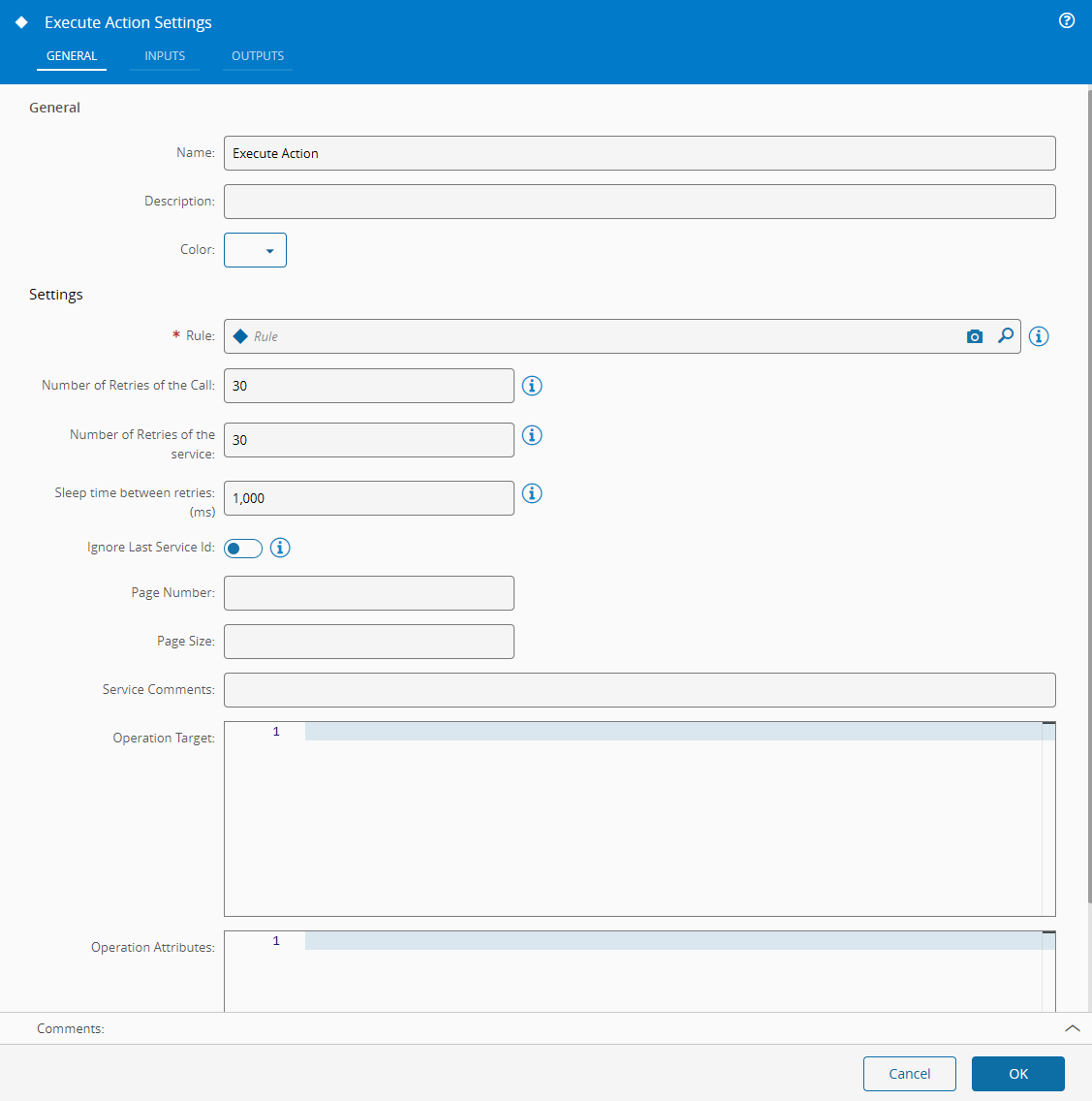
On the `General` Tab, there are the following settings:
| Name | Data Type | Description |
| ------ | -------- | --------- |
| Rule | `Rule` | Name of MES `Rule` to be invoked |
{% include-markdown 'includes/pages/iot_tasks_retries_settings.md' %}
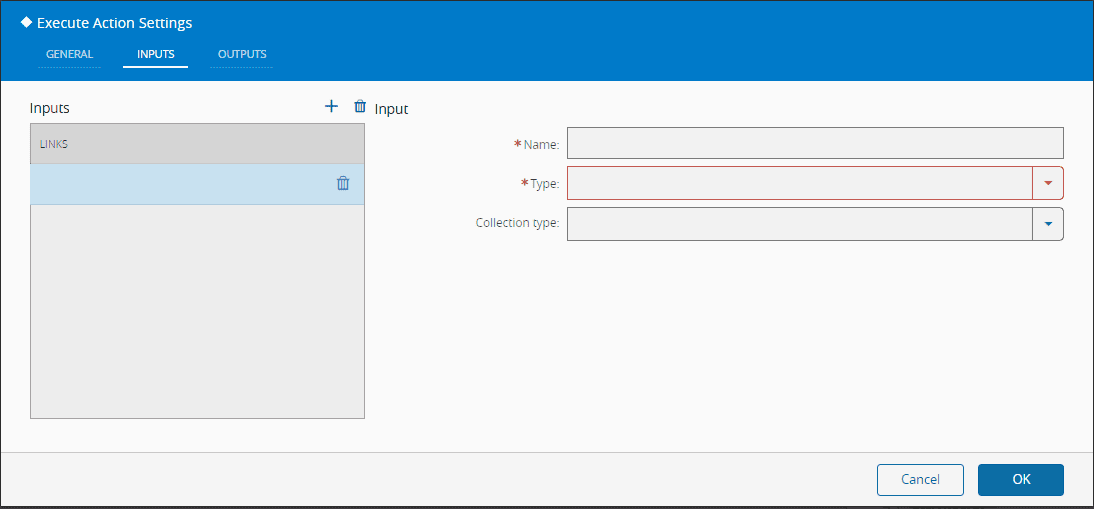
On `Inputs` Tab, there are the following settings:
| Name | Data Type | Description |
| --------------- | ----------------- | --------------------- |
| Name | `String` | An input name |
| Type | `Long`
`Decimal`
`DateTime`
`Boolean`
`String`
`Integer` | The type of the input |
| Collection Type | `None`
`Array`
`Map` | |
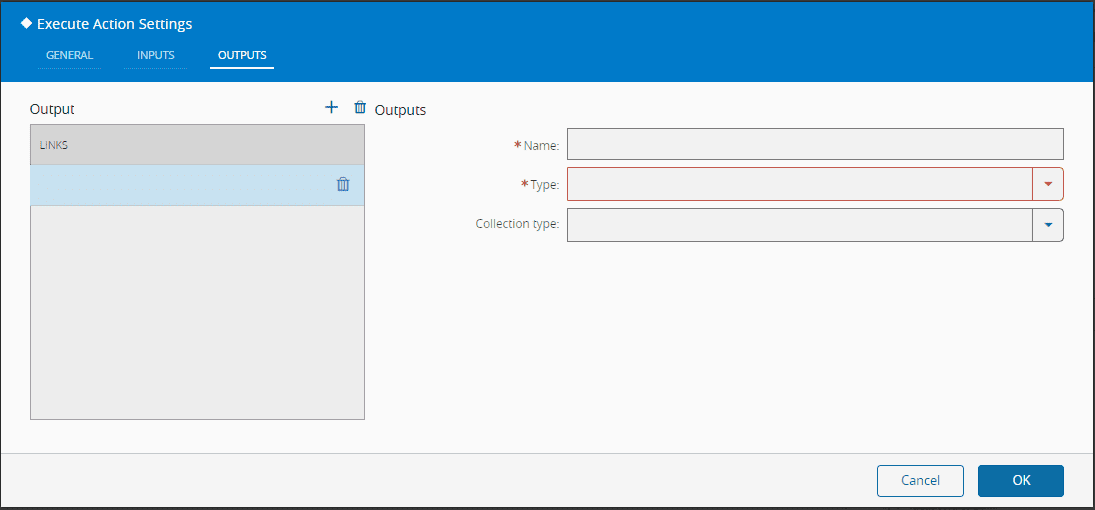
On the `Outputs`, there are the following settings:
| Name | Data Type | Description |
| ------ | -------- | ------- |
| Name | `String` | An output name |
| Type | `Long`
`Decimal`
`DateTime`
`Boolean`
`String`
`Integer` | The type of the output |
| Collection Type | `None`
`Array`
`Map | |
## Behavior
This task executes a MES `Rule` which is mapped to a MES `DEE` action. It loads the corresponding MES `Rule` and MES `DEE` action and executes it with the given inputs. After executing it, it emits all the DEE outputs and the individual outputs.
!!! note
A MES `Rule` is a reusable object that maps to a `DEE` rule used to evaluate or process something.
!!! note
MES `DEE` Actions are soft-rules defined in C\# which are loaded and compiled into memory and executed during runtime.
!!! note
The inputs and outputs object should be an array with objects with a name string, a type of type complexValueType with at least the type defined (here type is a numeric value see enum PropertyValueType).
## Remarks
For the MES `Rule` to be visible to the settings it needs to be of classification `ConnectIoT`. It's advisable to use MES `DEEs` to make calls to MES services instead of the `Execute Service` task, because it will have a lesser load impact in the MES Service calls load and therefore on the overall Connect IoT performance. Also, the execution context of the entire action shares the same transaction.