---
tags:
- automation tasks
description: "This documentation details the Job End task, signaling successful or failed Factory Automation job completion"
---
# Job End
:iot-jobend-lg:{style="font-size: 100px"}
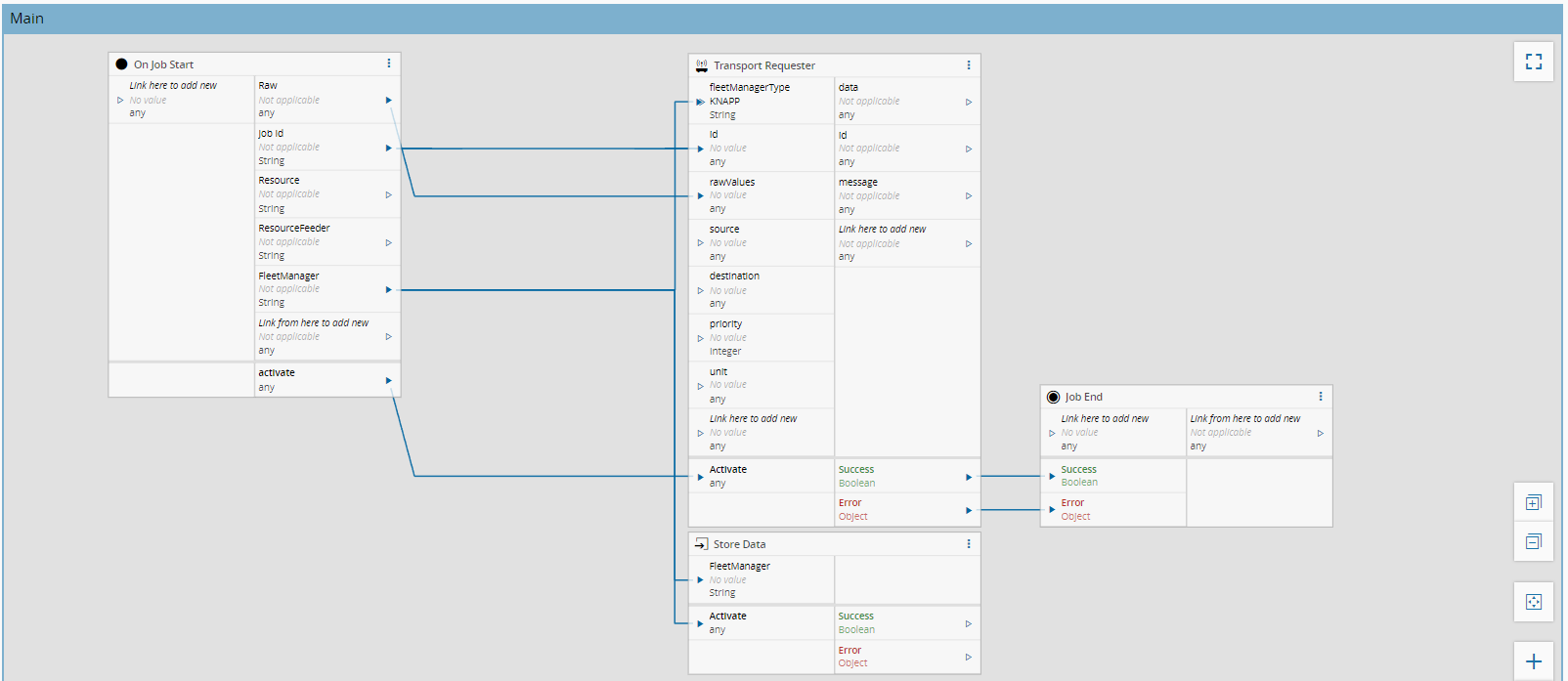
The task **Job End** marks the completion of a Factory Automation job within a workflow. It is used to explicitly signal whether the job finished successfully or with an error.
## Details
| Fields | Details |
| ----------------- | ---------------------------------------------------------------------------------- |
| Scope | Data Platform
Enterprise Integration
Factory Automation |
| Workflow | Data flow |
| `IsProtocol` flag | :material-close:{ style="color: #EF5350" } |
## Inputs
| Name | Data Type | Description |
| ------- | --------- | ---------------------------------------------------------------------- |
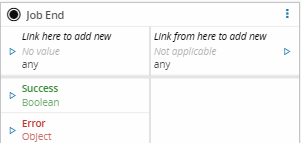
| inputs | `Any` | Auto-generated inputs used to pass contextual data to the Job End task |
| Success | `Success` | Indicates that the job was completed successfully |
| Error | `Error` | Indicates that an error occurred |
## Outputs
The task's outputs are automatically generated and forward data to the subsequent workflow steps.
## Settings
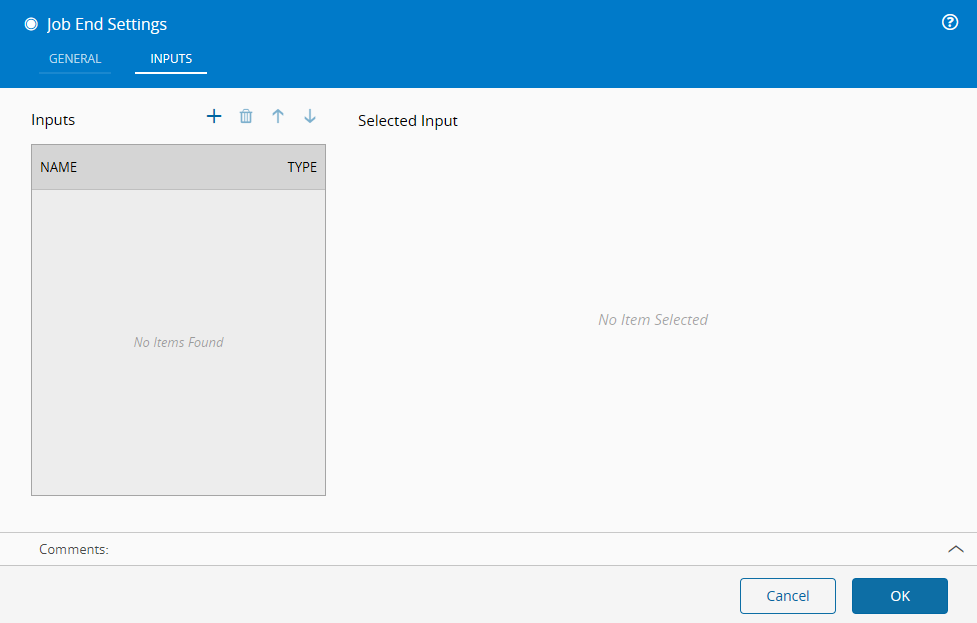
The `General` Tab, includes settings such as name, description and color.
Additional inputs can be defined in the `Inputs` tab:
## Behavior
The **Job End** task is used to close the execution lifecycle of a Factory Automation job. It evaluates the incoming execution path and signals the job outcome. Because of this, this task should be placed at the end of the workflow.