---
alias: user-guide-automation-task-oib-gatekeeperboardrequestresult
tags:
- automation tasks
description: "This task sends board validation results to the Gate Keeper for processing and system updates"
---
# Gate Keeper Board Request Result

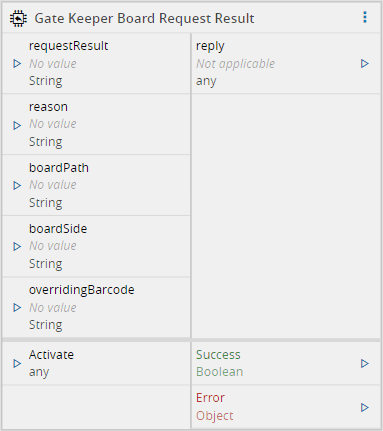
When activated, the `Gate Keeper Board Request Result` task will send the reply to the Gate Keeper, validating the board entry.
## Inputs
| Name | Data Type | Description |
| ----------------- | --------- | ------------------------------------------------------------ |
| requestResult | `String` | The result of the board validation returned by MES. Must be one of these options:
`Confirmed`
`Rejected`
`Internal_Error`
`PassThrough` |
| reason | `String` | A reason for the return value of requestResult. Example: an error message for the `Internal_Error` |
| boardPath | `String` | The Board path for which the result is returned. It is required for the Station software to differentiate between boards |
| boardSide | `String` | The MES system returns the board side. It is logged and can be used for a check. Values allowed: `Top` |
| overridingBarcode | `String` | The MES system is able to override the barcode value. If the input is empty, the barcode will not be changed |
| Activate | `Any` | Activate the task |
## Outputs
| Name | Data Type | Description |
| ------- | --------- | ------------------------------------------------ |
| reply | `Any` | The reply received from the Gate Keeper |
| Success | `Boolean` | Triggered when the task is executed with success |
| Error | `Error` | Triggered when the task failed for some reason |
## Settings
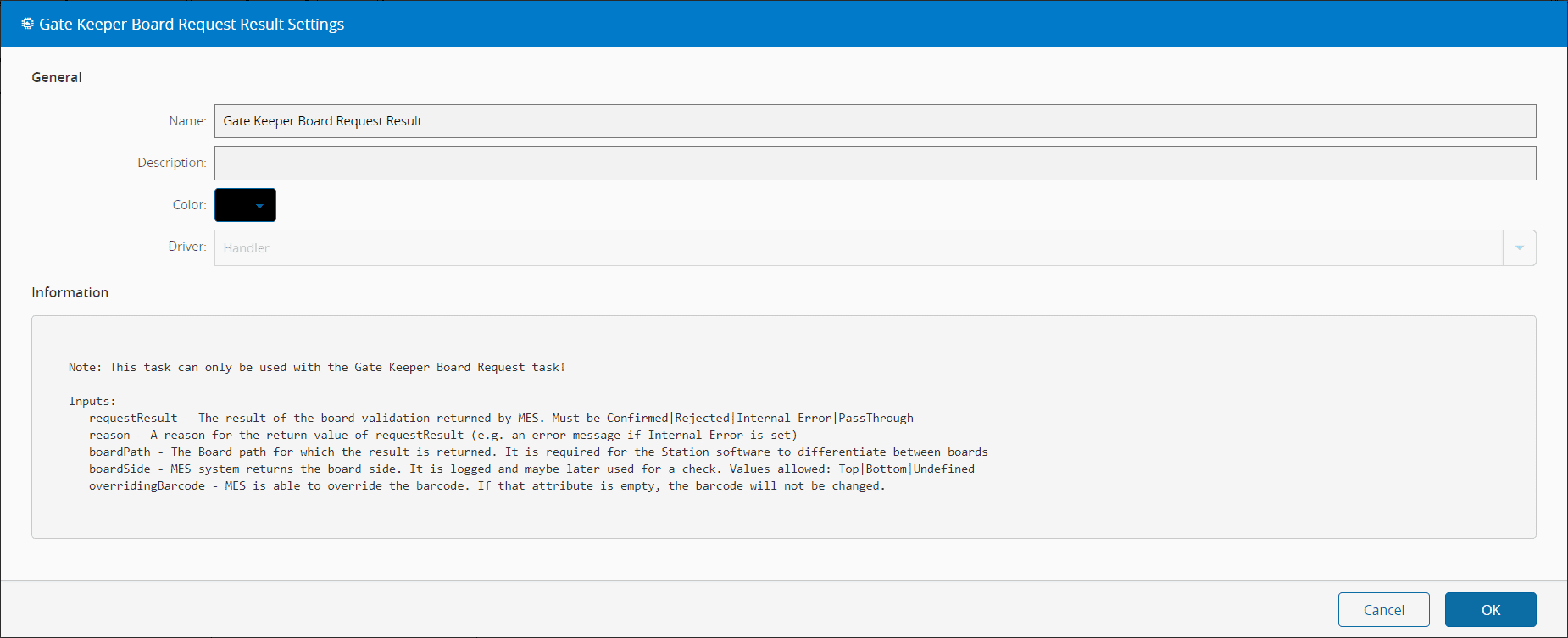
This task doesn't have any settings.
## Behavior
In this task you choose a driver when dropping it into the workflow (if you have more than one driver associated with the controller).
When the Gate Keeper sends a `BoardGateKeeper.Event.BoardRequest` and has the interlocking activated, the board will stop and wait for an MES validation of the board entry before proceeding. This task is responsible for supplying the Gate Keeper with the validation it requires to proceed with the board entry. It does that by sending a `BoardGateKeeper.Command.BoardRequestReply` to the Gate Keeper.
!!! note
This task can only be used with the Gate Keeper Board Request task.
!!! note
This task only applies when the Gate Keeper has the interlocking function activated.
## Remarks
{% include-markdown 'includes/pages/automation_zones_note.md' %}