Special Manage Qualification Materials#
 MaintenanceActivityOrder.AssignMaterialsToQualification
MaintenanceActivityOrder.ManageQualificationMaterials
Overview#
This operation is used to manage Qualification Materials in a Maintenance Activity Order (MAO). If you want to assign or unassign Materials to each individual MAO Qualification Check, use the Special Manage Qualification Materials operation.
Preconditions#
- The MAO exists and is Active.
- The MAO Maintenance Type is set to Qualification.
- The MAO Material Type Restriction Mode is set to Require Specific.
- The MAO Execution State is Requested, Approved, Released, In Progress, or Waiting For Acceptance.
- There must be at least one MAO Qualification Check whose system state is neither Completed or Obsolete.
- The Material exists, is Active, and Non-Template.
- The Material is Top-Most and not in an Off-Flow (either Temporary Off-Flow or Rework).
- The Material Pick List Item Count must be empty.
- The Material In Transfer Order Item must be empty.
- If the Material is associated with a Resource, and the state of the Material is Consumable, Durable, Dispatched, In Process, or the property In Store is set to
true, the Resource Inventory Locked must befalse. - The Material Is Approved property must not be set to
false. - The Material Expiration Date is
null, or if defined, it must be in the future. - The Source Material Floor Life must be valid. This condition is met if any of the following applies:
- Floor Life Remaining Hours is
null; or - Floor Life Remaining Hours is greater than
0and the Floor Life Counter State is Stopped; or - The Floor Life Counter State is Running, and the Floor Life Remaining Hours - calculated as
Floor Life Remaining Hours - (Now() - Floor Life Open Date)- is greater than0.
- Floor Life Remaining Hours is
- The Material Product must not be blocked or if blocked, the Material property Override Product Block must be
true.
Sequence of Steps#
Step 1: Materials#
- Select a MAO that matches the preconditions above.
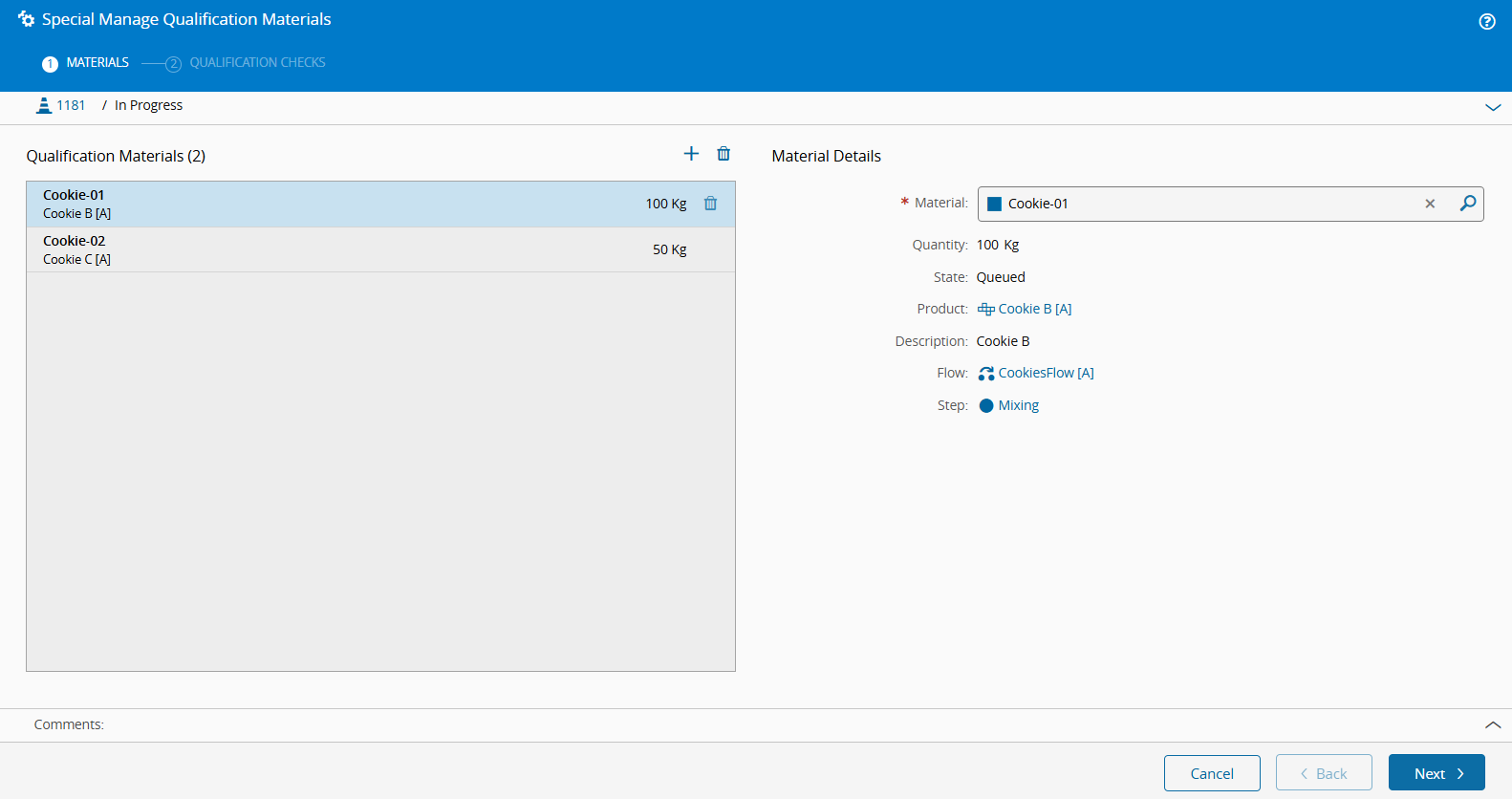
- On the top ribbon, select the Manage dropdown, then choose Special Manage Materials. Alternatively, go to the Materials section, open the Manage dropdown, and select Special Manage Materials.
- In the Manage Qualification Materials wizard, assign or unassign the required Materials using the and icons. When a Material is selected, its details are displayed in the panel below.
- Optionally, enter a comment.
- Select Next to assign the Materials to each individual Qualification Check.
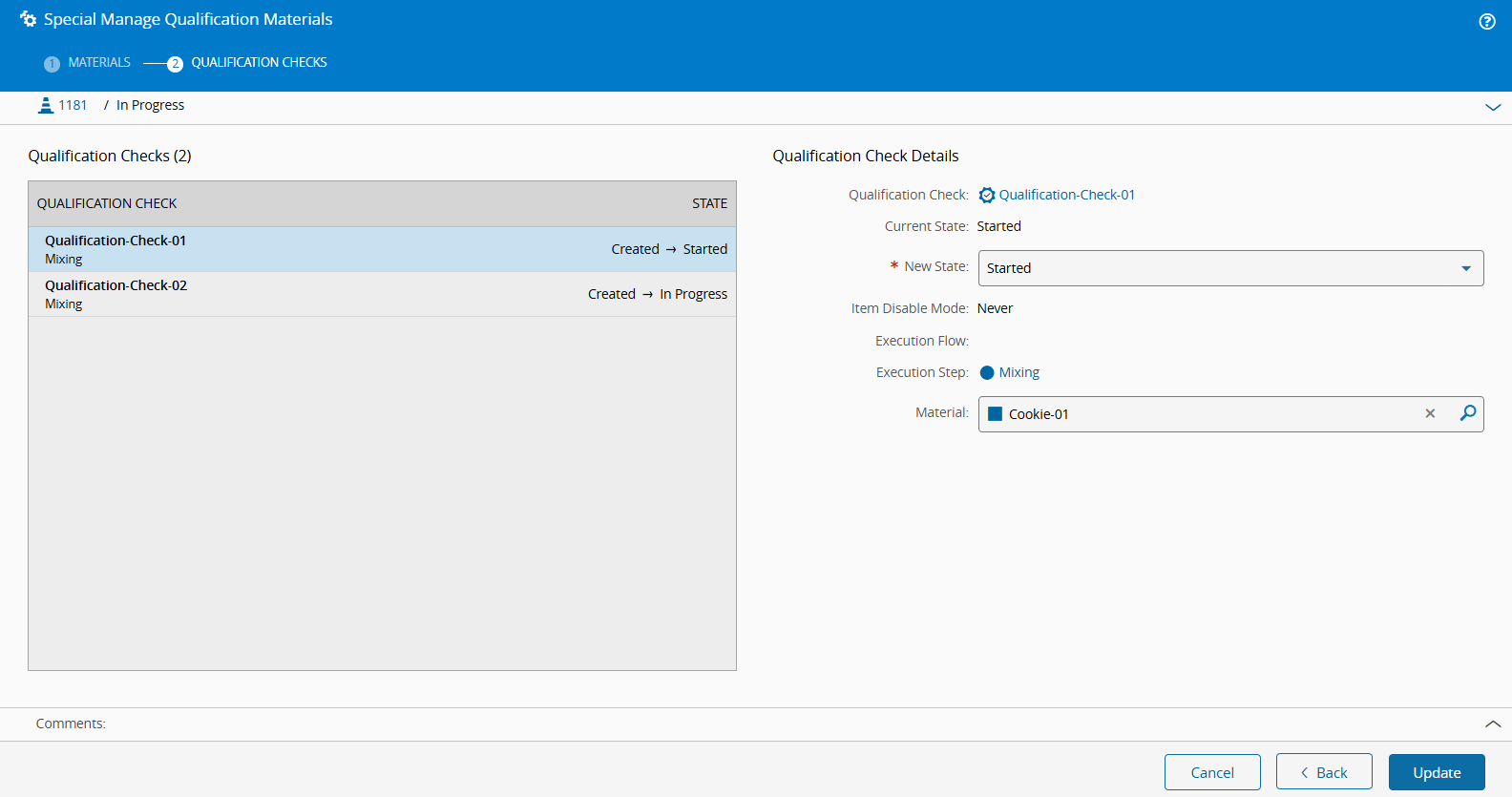
Step 2: Qualification Checks#
-
For each Qualification Check associated with the current MAO, provide:
- New State - select the state of the Qualification Check execution, which can be Started, In Progress, or In Verification.
- Material - choose the Material that will be associated with the current Qualification Check.
-
Optionally, enter a comment.
- Select Update to complete the operation.