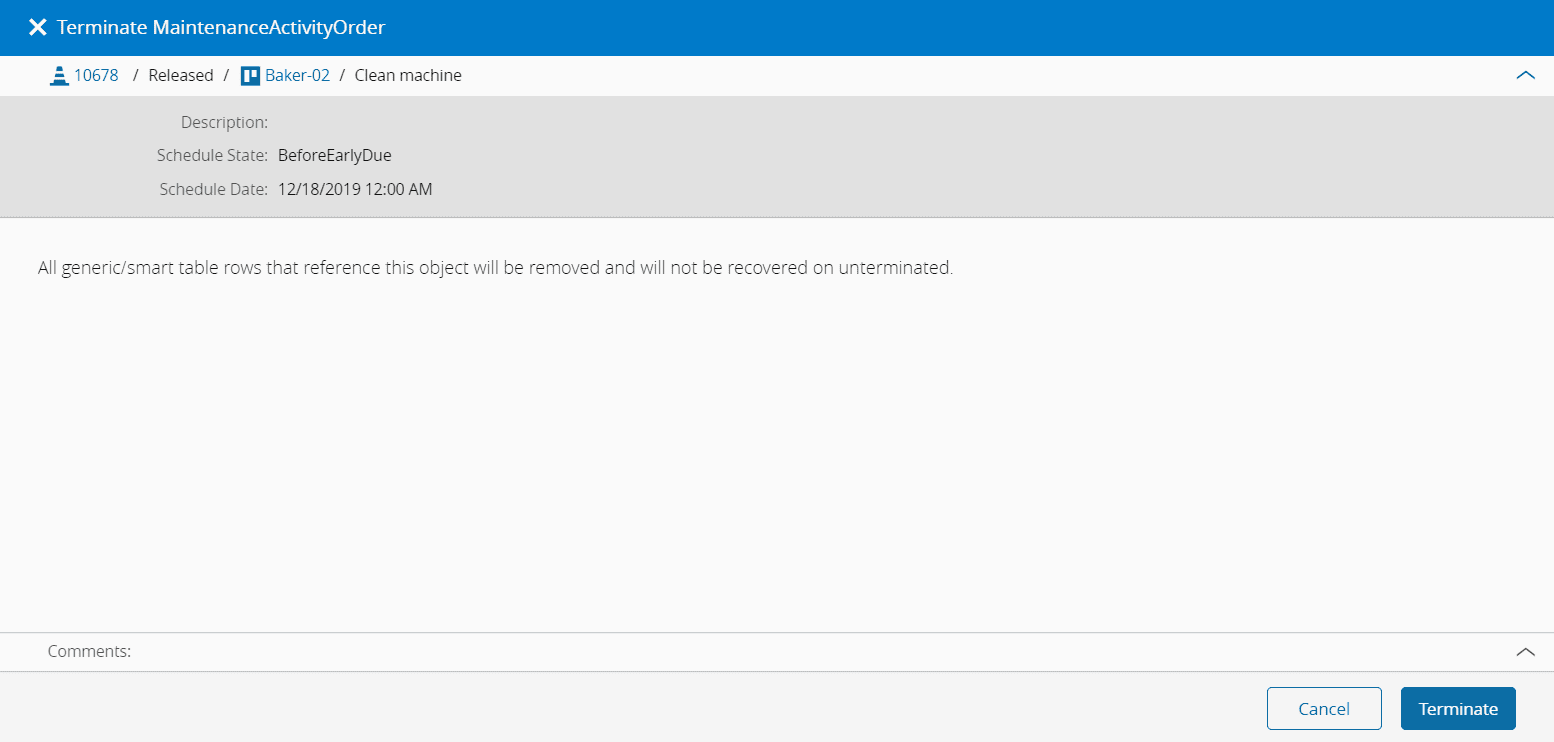
Terminate Maintenance Activity Order#
 MaintenanceActivityOrder.Terminate
Overview#
This operation is used to Terminate a Maintenance Activity Order (MAO) object.
Setup#
No specific setup is required other than to meet the preconditions of the transaction.
Preconditions#
- The MAO exists in the system and is in the Active or Created state.
- The Terminate Maintenance Activity Order operation can only be called from another MAO, it cannot be called directly.
- There cannot be a matching MAO (cannot have the same name) in the effective Maintenance Plan, where the Schedule Type is either Time Based, Usage Based or Usage And Time Based.
Sequence of Steps#
The Terminate Maintenance Activity Order wizard can be called from the MAO page within the Business Data Group.
Step 1: General Data#
- Select Terminate to perform the operation. All Generic/Smart Table rows that reference the current object will be removed.
For more information, see Terminate and Unterminate.
Warning
MAO objects cannot be unterminated. If you terminate a MAO object, it will be permanently lost. This operation also terminates MAO Qualification Checks, MAO Qualification Check Materials, and MAO Qualification Items.