Track-In Sub-Material#
Overview#
This operation is used to track in a Sub-Material into a Resource, meaning that the Sub-Material begins being processed at the physical Resource. This operation can be performed from both the Material and Resource perspectives.
Setup#
No specific setup is required other than meeting the preconditions of the transaction.
Preconditions#
- The Sub-Material is in
QueuedorProcessedstate. - The Resource into which the Sub-Material is being tracked in is a Sub-Resource of Processing Type
Processof the Resource where the Parent Material is located. If the Resource where the Parent Material is located does not have Sub-Resources of Processing TypeProcess, the Resource must benull. - The Parent Material is in
In Processstate. - The current Step
SubMaterialTrackStateDepthproperty is greater than or equal to the current Sub-Material depth, and the Parent MaterialLastProcessedResourcehas theIsSubMaterialTrackingEnabledproperty set totrue.
Sequence of Steps#
Step 1: Resource State#
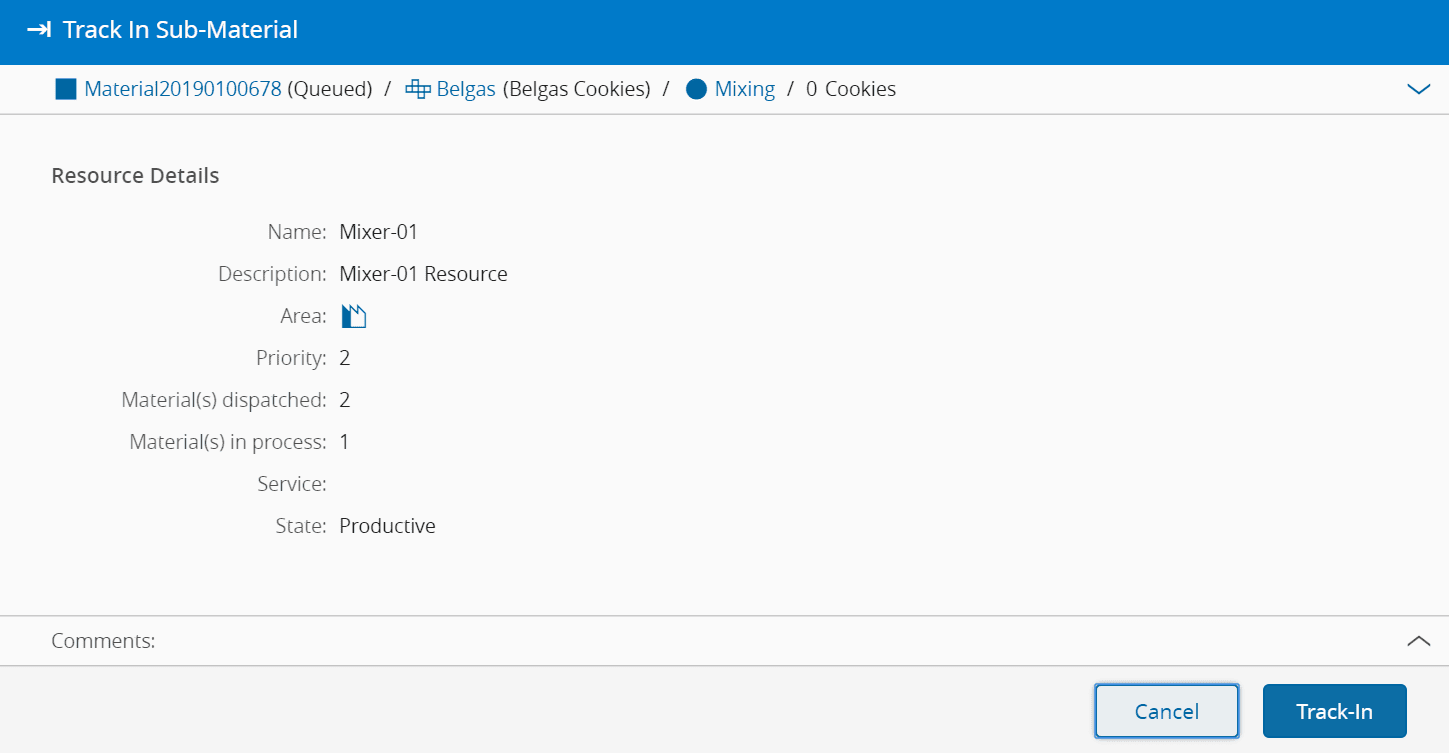
- Select the Sub-Material and select Track-In.
- Verify the Resource details and define the Resource State.
- Click Next.
Step 2: Record Loss/Bonus#
Info
For more information, see the Sub-Material Processing tutorial.