---
alias: user-guide-automation-converter-stringremove
description: "This tool removes characters from a string based on specified start and count values"
---
# String Remove
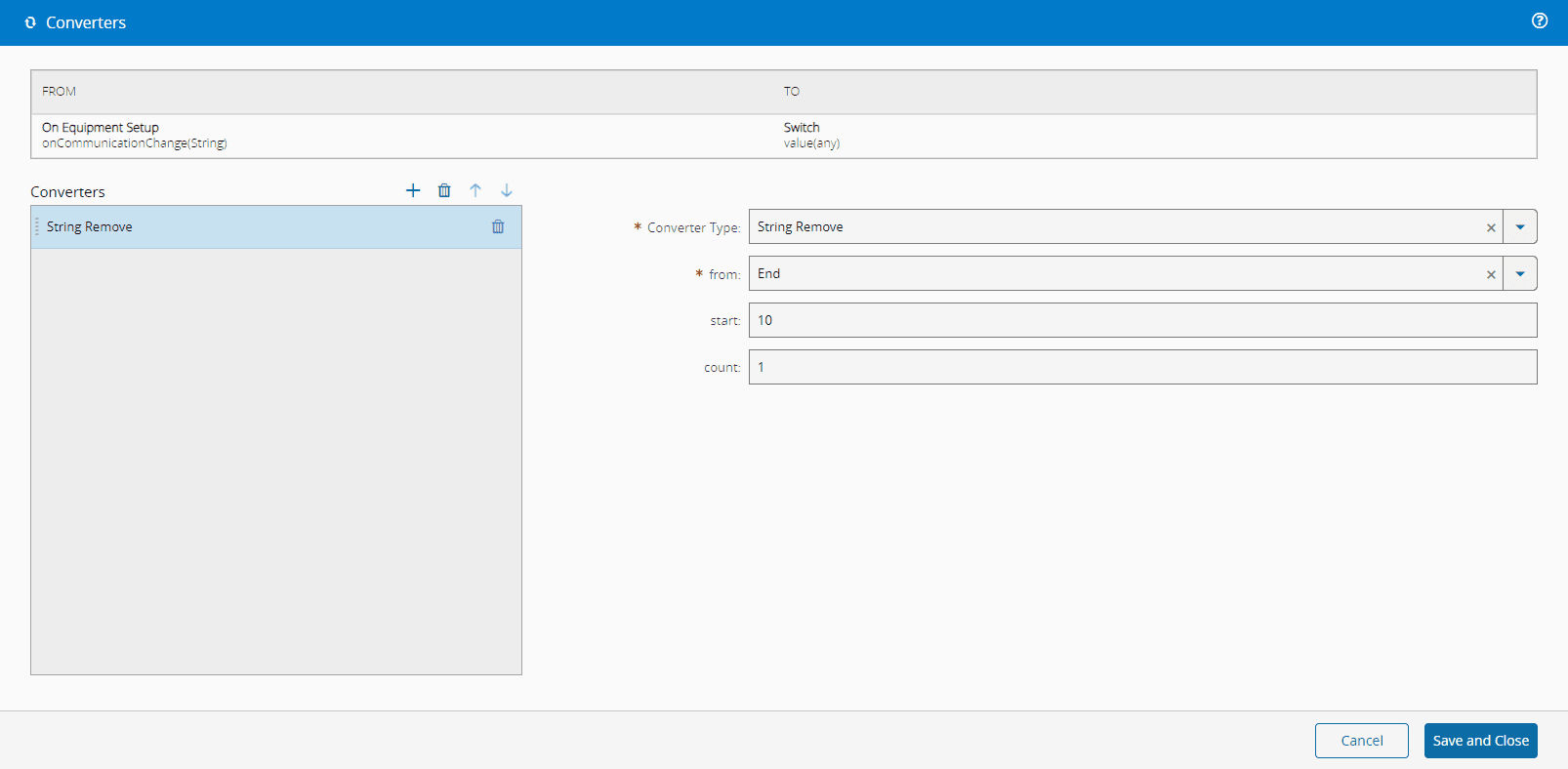
This converter extracts characters from a string.
## Settings
| Name | Data Type | Possible Values | Description |
|-------- | ----------- | ----------- | ----------- |
| from | `String` | `Start`
`Middle`
`End` | Where to start removing characters from the string |
| start | `Number` | | Position in the string from which to start |
| count | `Number` | | Number of characters to remove |
Table 1: Settings
## Examples
`start` is only used when `from` is `Middle`; for `Start` and `End` the converter always removes `count` characters from the matching end of the string.
| Input | `from` | `start` | `count` | Output |
| ------------ | ---------------- | ------- | ------- | --------------------------------------------- |
| `HelloWorld` | `Start` | N/A | `5` | `World` |
| `HelloWorld` | `Middle` | `5` | `3` | `Hellold` |
| `HelloWorld` | `End` | N/A | `5` | `Hello` |
| `HelloWorld` | *(unrecognized)* | `0` | `0` | `HelloWorld` (input is returned unchanged). |
Table 2: Examples
### Failure Behavior
This converter never fails. When `from` does not match `Start`, `Middle`, or `End`, the converter returns the input string unchanged. When the input value is `null` or `undefined`, the converter treats it as an empty string. See [[user-guide-automation-converters-index]] for the full set of failure patterns across converters.