---
alias: user-guide-automation-task-core-executeaction
tags:
- automation tasks
description: "This task executes a MES rule, mapping it to a DEE action for efficient service execution within a transaction"
---
# Execute Action
:iot-rule-lg:{style="font-size:100px"}
This task executes a MES Action `Rule`, mapped to a MES `DEE` action. This task is useful when you intend do operations on the MES side and require the use of multiple/specific MES services with minimal network traffic and inside the same transaction scope.
## Details
| Fields | Details |
| ----------------- | ---------------------------------------------------------------------------------- |
| Scope | Connect IoT
Data Platform
Enterprise Integration
Factory Automation |
| Workflow | Data flow
Control flow |
| `IsProtocol` flag | :material-close:{style="color:#EF5350"} |
## Inputs
| Name | Data Type | Description |
| --------------- | ---------- | ------------------------------------- |
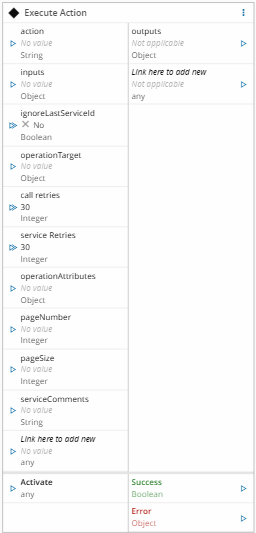
| action | `String` | Name of the action |
| inputs | `Object` | `Map` with the inputs for the action. A value that is not a `Map`, such as a plain object, is ignored. |
| `` | `` | Inputs for the action |
| Activate | `any` | Executes the action in MES |
## Outputs
| Name | Data Type | Description |
| ------ | -------- | --------- |
| outputs | `Object` | Object with the outputs of the action |
| `` | `` | Outputs of the action |
| Success | `Boolean` | If there was no problem emits a true |
| Error | `Error` | Error that occurred during the processing of this task |
## Settings
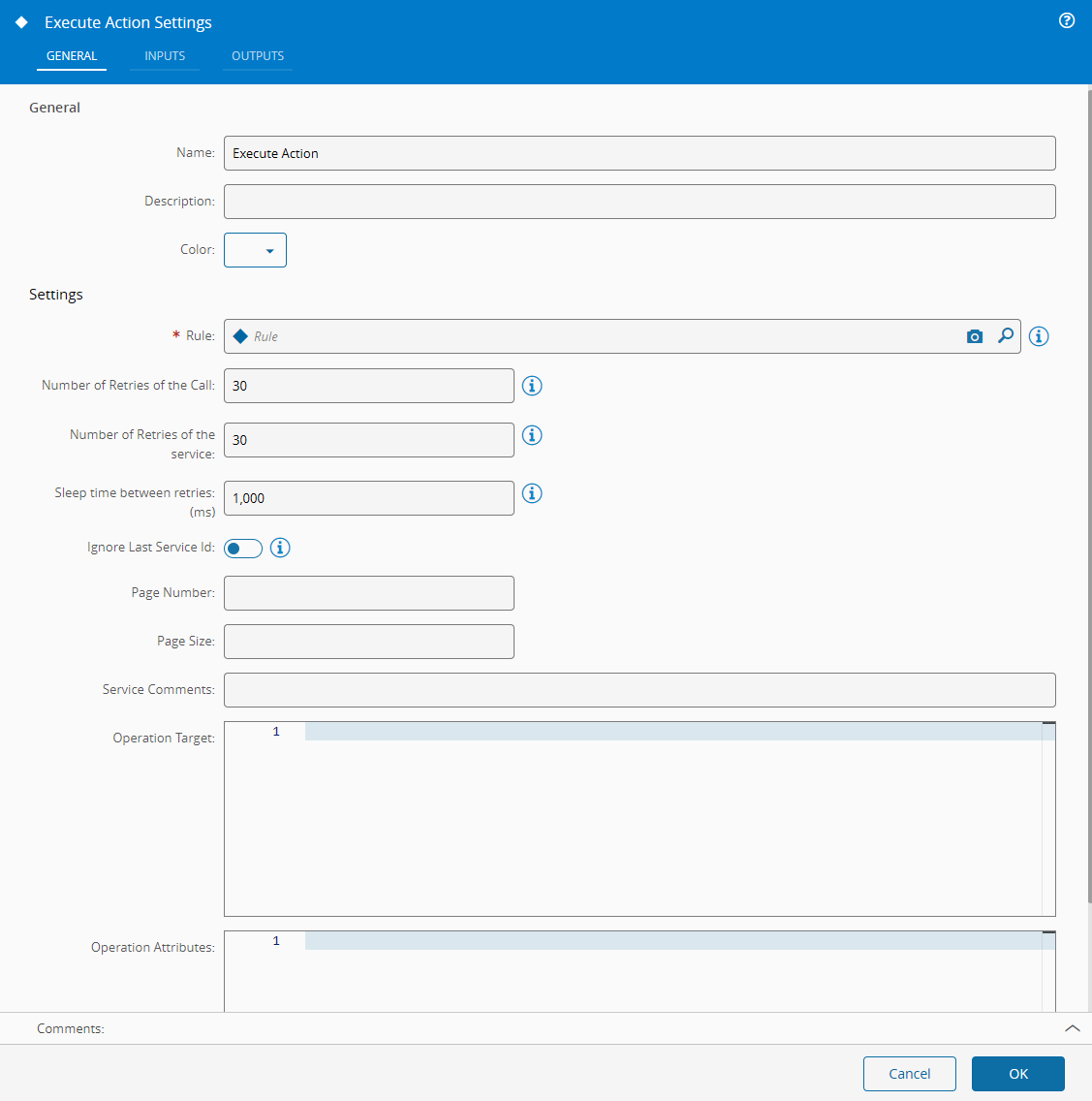
On the `General` Tab, there are the following settings:
| Name | Data Type | Description |
| ------ | -------- | --------- |
| Rule | `Rule` | Name of MES `Rule` to be invoked |
| Ignore Last Service Id | `Boolean` | Flag to ignore the last service ID. Default is `false` |
| Page Number | `Integer` | Page number sent with the call |
| Page Size | `Integer` | Number of results per page sent with the call |
| Service Comments | `String` | Comments sent with the call |
| Operation Target | `Object` | Operation target sent with the call |
| Operation Attributes | `Object` | Operation attributes sent with the call |
{% include-markdown 'includes/pages/iot_tasks_retries_settings.md' %}
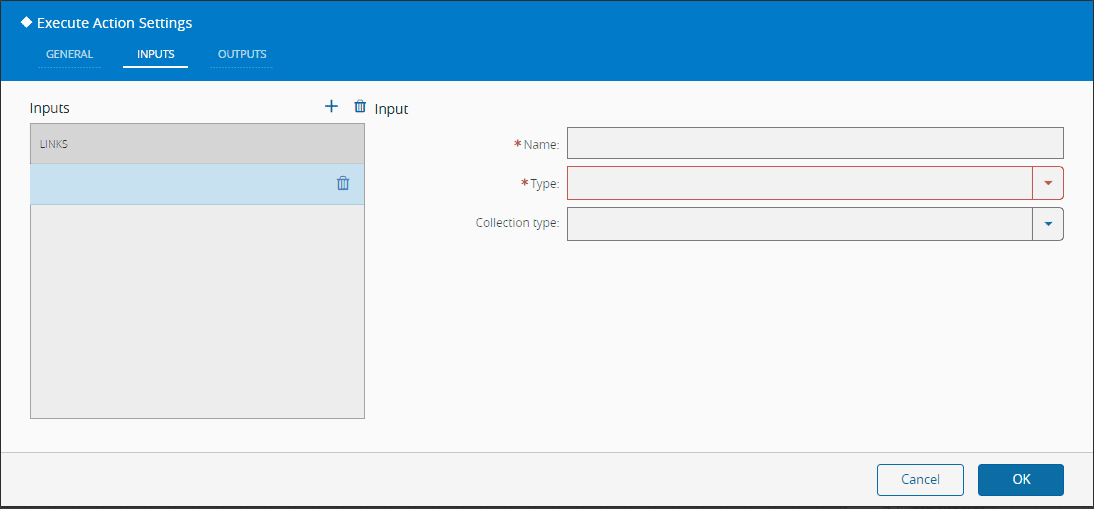
On `Inputs` Tab, there are the following settings:
| Name | Data Type | Description |
| --------------- | ----------------- | --------------------- |
| Name | `String` | An input name |
| Type | `Long`
`Decimal`
`DateTime`
`Boolean`
`String`
`Integer` | The type of the input |
| Collection Type | `None`
`Array`
`Map` | |
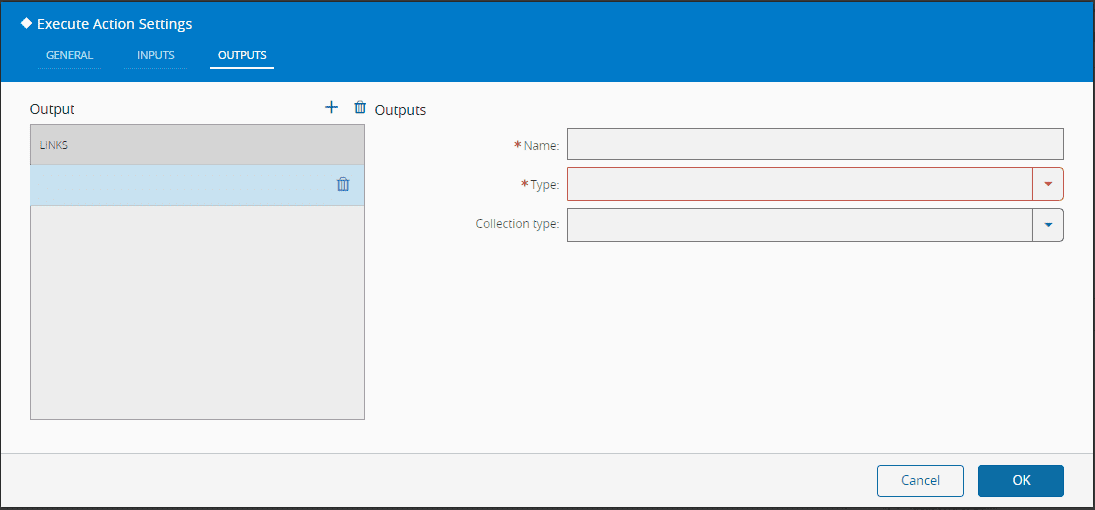
On the `Outputs`, there are the following settings:
| Name | Data Type | Description |
| ------ | -------- | ------- |
| Name | `String` | An output name |
| Type | `Long`
`Decimal`
`DateTime`
`Boolean`
`String`
`Integer` | The type of the output |
| Collection Type | `None`
`Array`
`Map | |
## Behavior
This task executes a MES `Rule` which is mapped to a MES `DEE` action. It loads the corresponding MES `Rule` and MES `DEE` action and executes it with the given inputs. After executing it, it emits all the DEE outputs and the individual outputs.
!!! note
A MES `Rule` is a reusable object that maps to a `DEE` rule used to evaluate or process something.
!!! note
MES `DEE` Actions are soft-rules defined in C\# which are loaded and compiled into memory and executed during runtime.
!!! note
The inputs and outputs object should be an array with objects with a name string, a type of type complexValueType with at least the type defined (here type is a numeric value see enum PropertyValueType).
## Remarks
For the MES `Rule` to be visible to the settings it needs to be of classification `ConnectIoT`. It's advisable to use MES `DEEs` to make calls to MES services instead of the `Execute Service` task, because it will have a lesser load impact in the MES Service calls load and therefore on the overall Connect IoT performance. Also, the execution context of the entire action shares the same transaction.
The task also has the inputs `ignoreLastServiceId`, `pageNumber`, `pageSize`, `serviceComments`, `operationTarget`, `operationAttributes`, `call retries` (`retries`), and `service Retries` (`numberOfRetries`). A value received on one of them replaces the setting of the same key, so a value on `service Retries` is sent to MES as the number of system retries.
In Data Flow, an added input keeps the last value it received. When an input receives nothing before an activation, the action receives its previous value again.