---
alias: user-guide-automation-task-core-jsonata
tags:
- automation tasks
description: "This task executes a JSONata expression against a JSON object, returning a transformed result"
---
# JSONata
:iot-jsonata-lg:{style="font-size: 100px"}
This task evaluates a JSONata expression against a given JSON object.
## Details
| Fields | Details |
| ----------------- | ---------------------------------------------------------------------------------- |
| Scope | Connect IoT
Data Platform
Enterprise Integration
Factory Automation |
| Workflow | Data flow
Control flow |
| `IsProtocol` flag | :material-close:{ style="color:#EF5350" } |
## Inputs
| Name | Data Type | Description |
| ------------ | --------- | ------------------------------------------- |
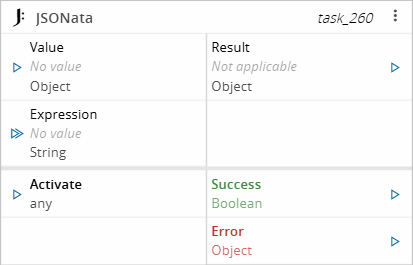
| value | `Object` | The JSON object |
| expression | `String` | The JSONata expression |
| Activate | `Any` | Activates the task execution |
## Outputs
| Name | Data Type | Description |
| -------- | --------- | ---------------------------------------------------------------------------------- |
| result | `Object` | The result of evaluating the JSONata expression against the JSON object |
| Success | `Boolean` | If there was no problem emits a true |
| Error | `Error` | Error that occurred during the processing of this task |
## Settings
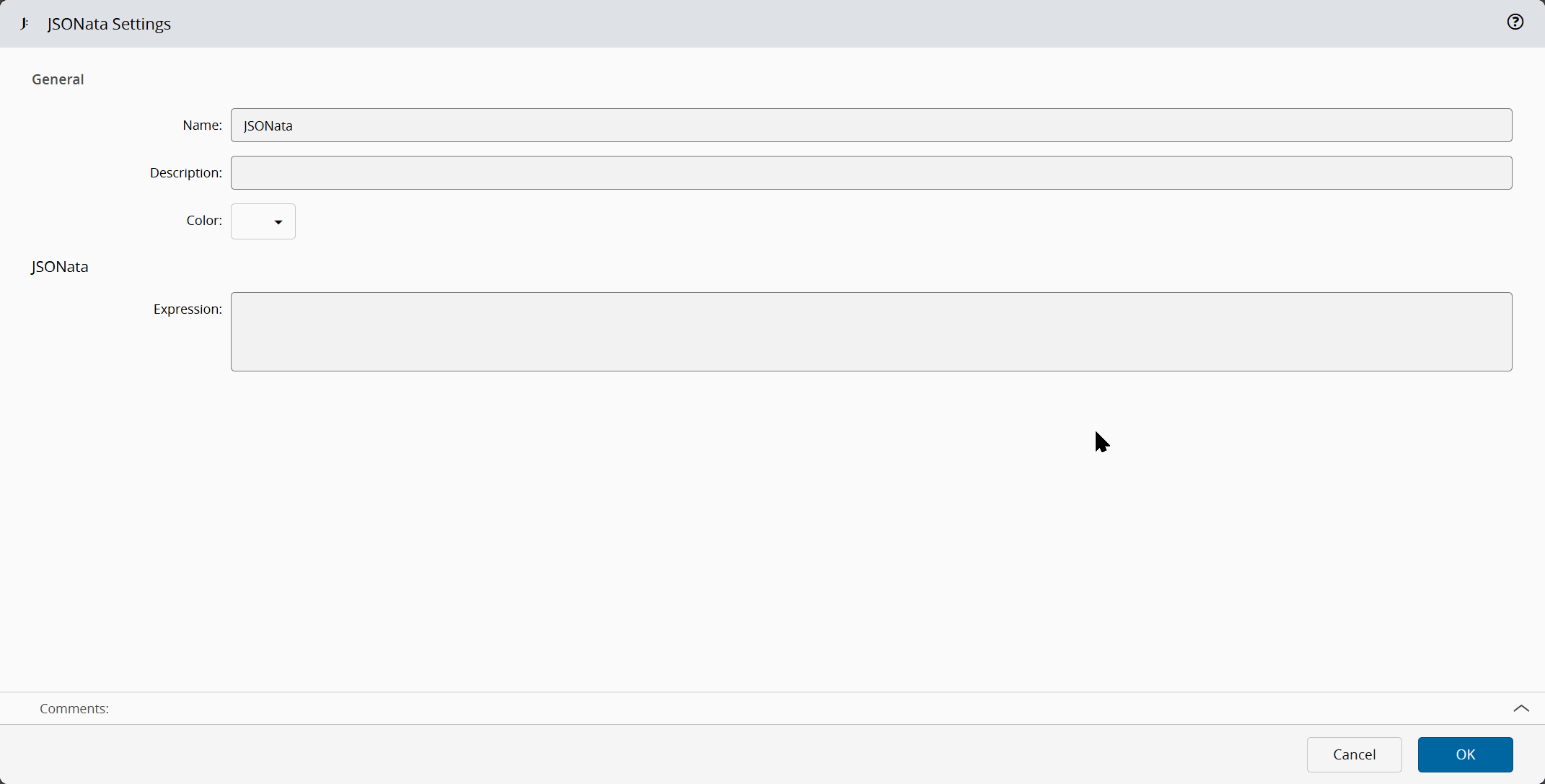
On the `General` Tab, you have the usual settings and the following options settings:
| Name | Data Type | Description |
| ------------- | --------- | ------------------------------------------------------------ |
| Expression | `String` | The JSONata expression |
## Behavior
The task evaluates a JSONata expression against a given JSON object to dynamically extract, transform, or query specific data from the JSON object. The output of the task can be a filtered subset of the JSON data, a transformed version of it, or specific values extracted based on the expression's logic.
The expression can come from the Expression setting on the General tab or from the `expression` input. When the `expression` input receives a value together with `Activate`, that expression replaces the configured setting. An expression received without `Activate` is not applied. The `value` input accepts a JSON object or a string that can be parsed as a JSON object; any other value emits an `Error`. The task also emits an `Error` when no expression is defined or when the expression is not valid JSONata.
!!! note
Full reference for the JSONata expression language is available at . Use as a playground to test expressions.
## Examples
### Extract a value with the Expression setting
Set the Expression setting on the General tab to:
```text
User.Name
```
When the `value` input receives the following object:
```json
{ "User": { "Name": "Hello World" } }
```
The `result` output emits `"Hello World"` and `Success` emits `true`.
### Transform arrays with the expression input
Send the expression through the `expression` input instead of the setting:
```text
Parameters.[NumericValues]
```
When the `value` input receives the following object:
```json
{
"Resource": { "Name": "Oven" },
"Parameters": [
{ "Class": "Pressure", "Name": "Oven", "NumericValues": [1.1, 2.2], "UnitOfMeasure": "bar" },
{ "Class": "Temperature", "Name": "Oven", "NumericValues": [3.3, 4.4], "UnitOfMeasure": "C" }
]
}
```
The expression selects the `NumericValues` array of each entry in `Parameters`, so the `result` output emits:
```json
[[1.1, 2.2], [3.3, 4.4]]
```