How to Create a Controller Instance#
Info
The Connect wizard can also be started from the Automation Manager page or from the page of an entity enabled for Connect IoT. For more information, see Connect Automation Manager.
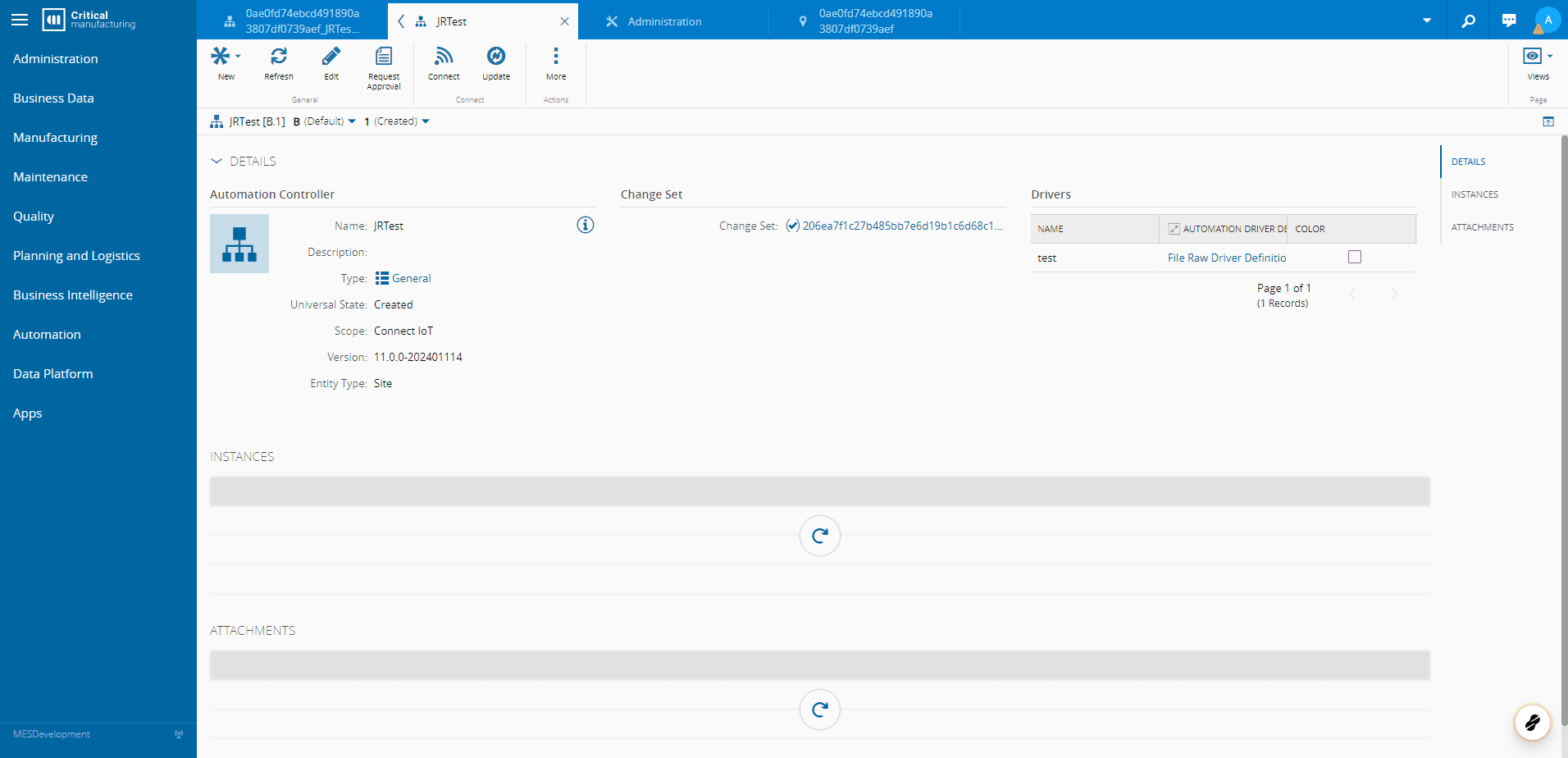
1. Go to your Automation Controller#
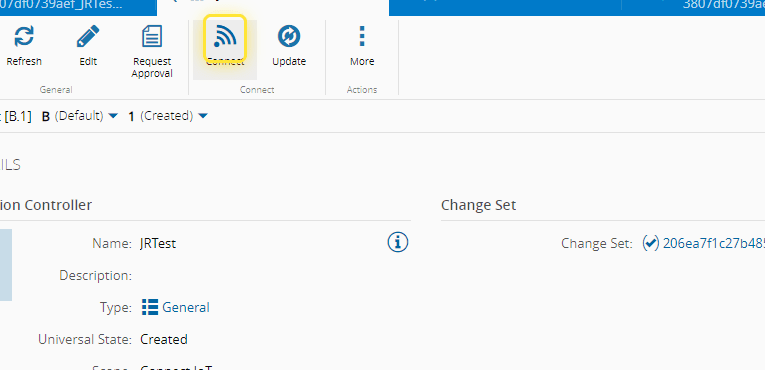
2. Select Connect#
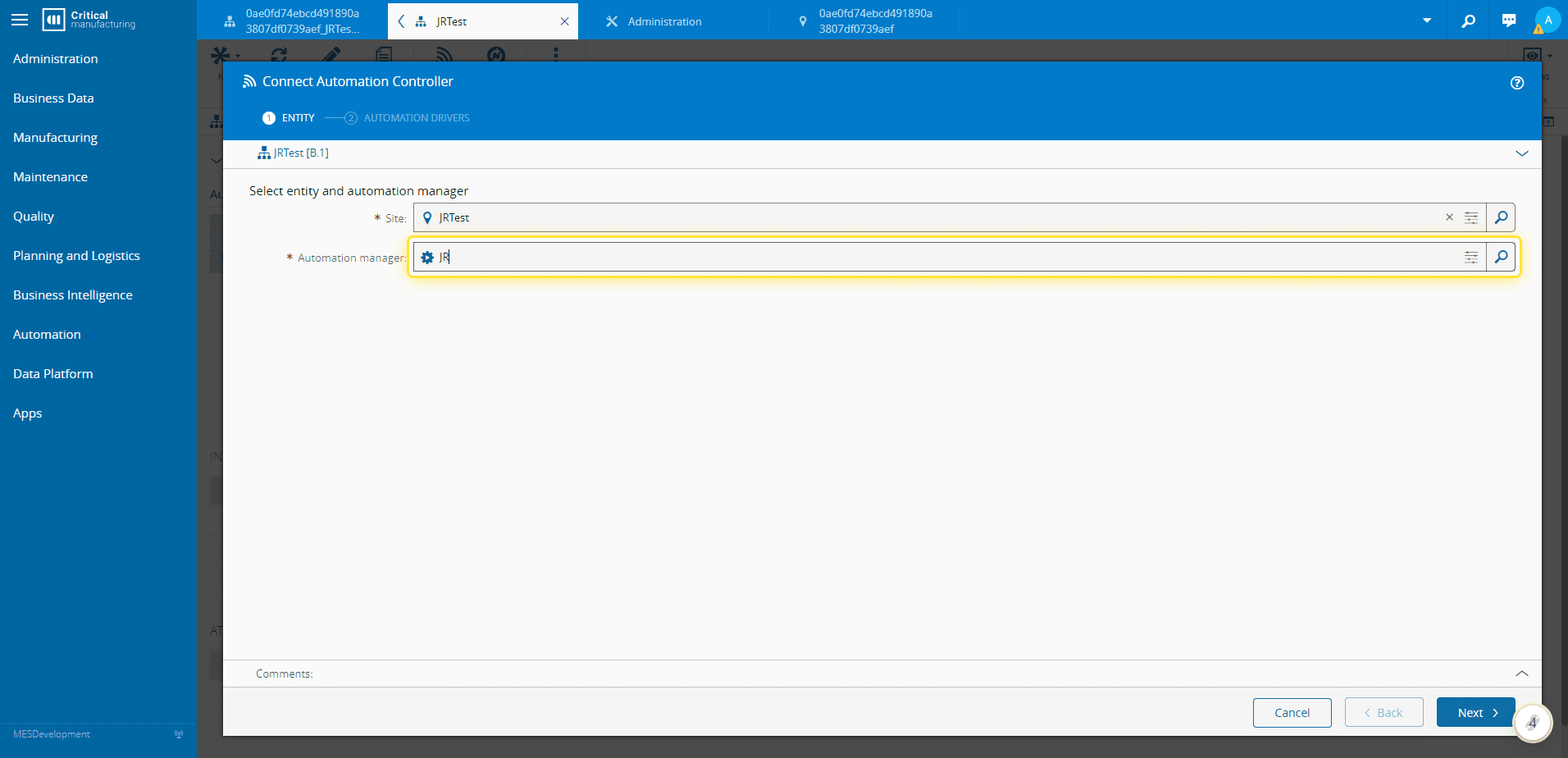
3. Type in the MES Entity to associate to the Automation Controller#
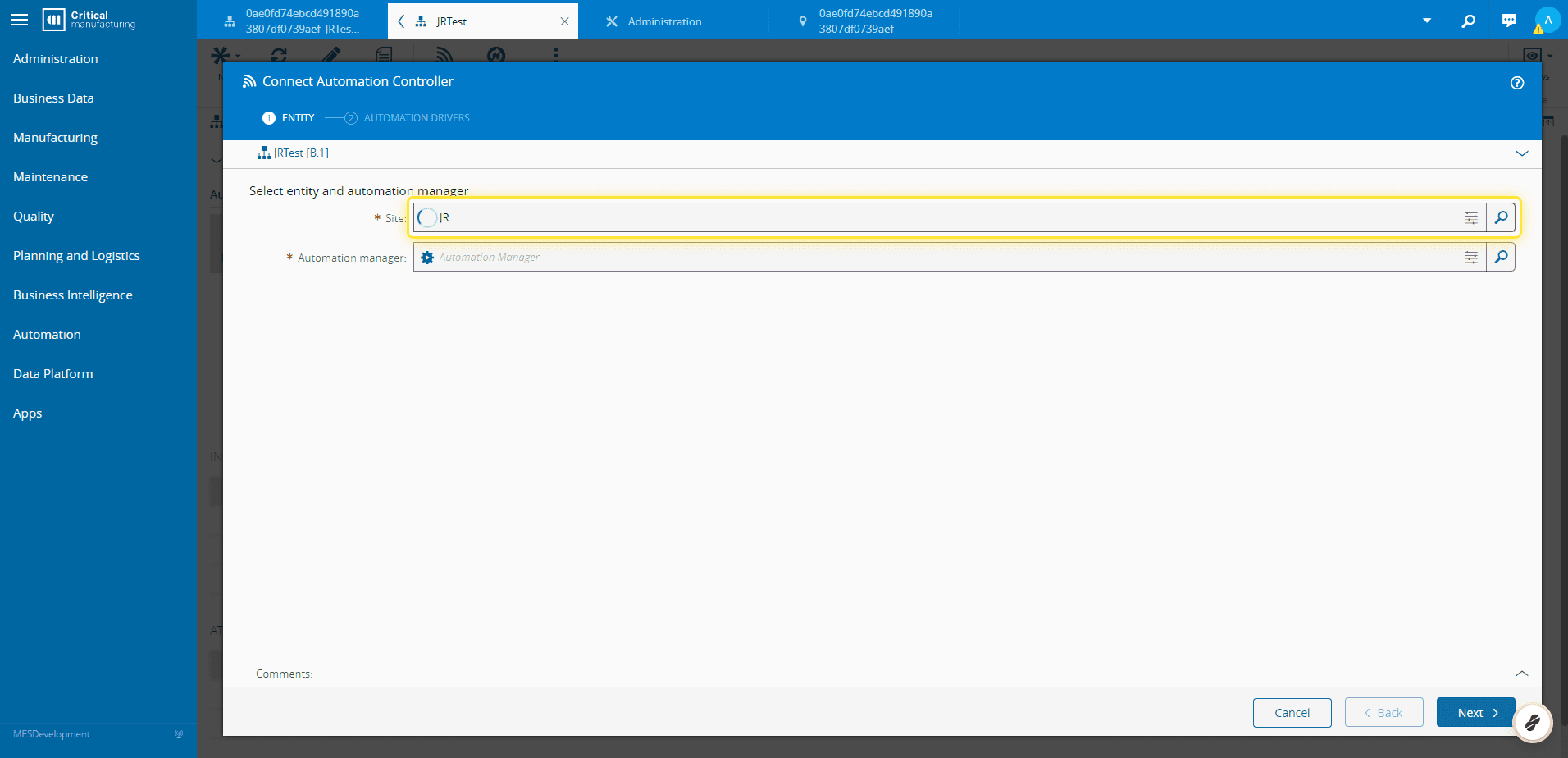
4. Type in the Automation Manager that will run the Automation Controller#
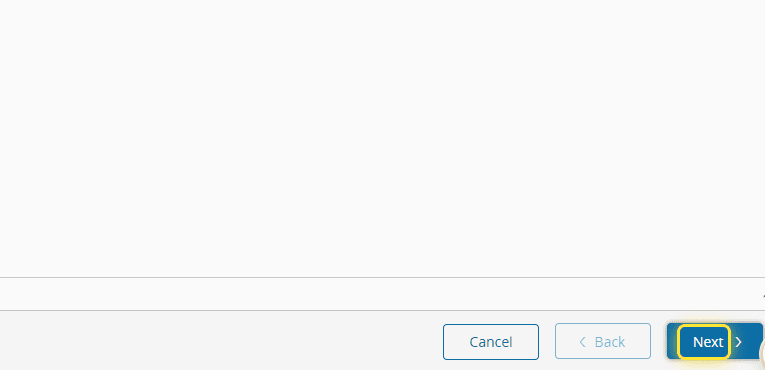
5. Select Next#
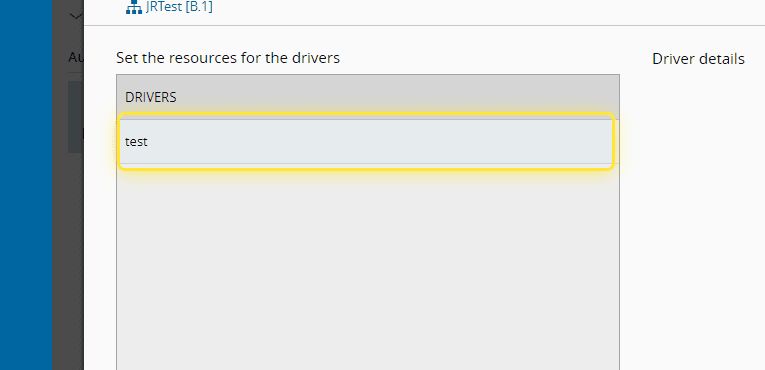
6. Select you Driver#
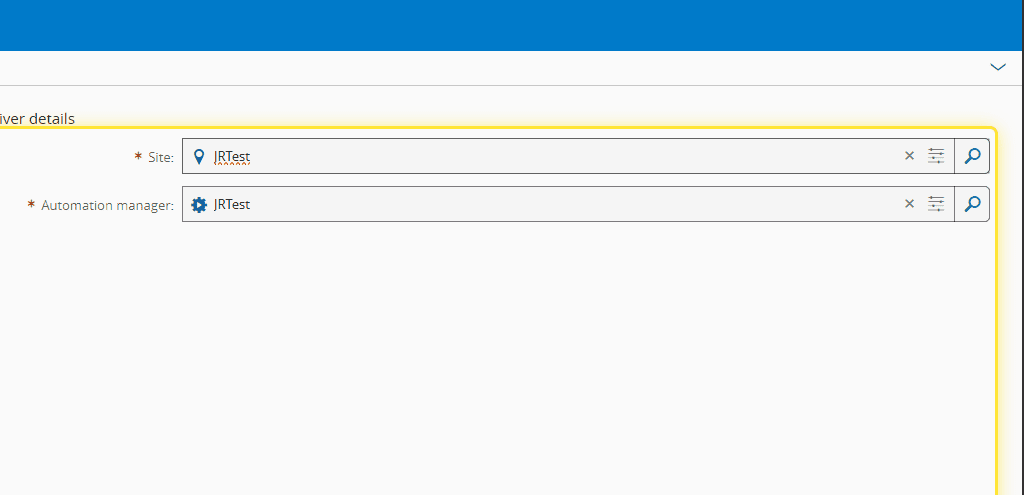
7. Type in the MES Entity to associate to your Driver#
8. Select Connect#
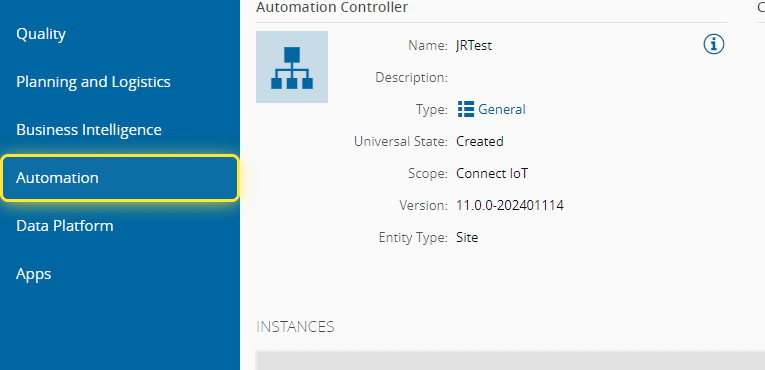
9. Select Automation#
10. Select Connect IoT#
11. Search for your Automation Manager#
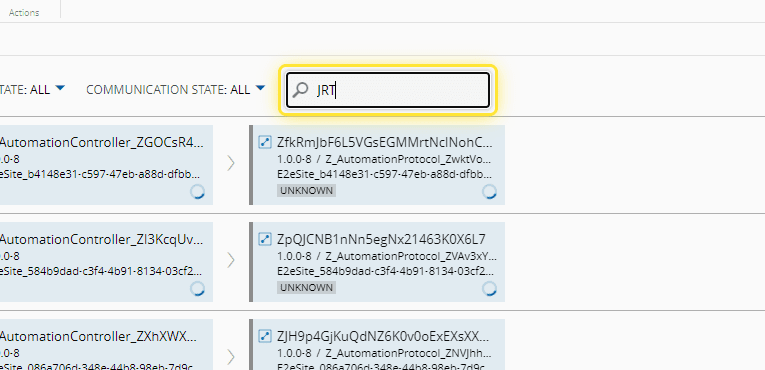
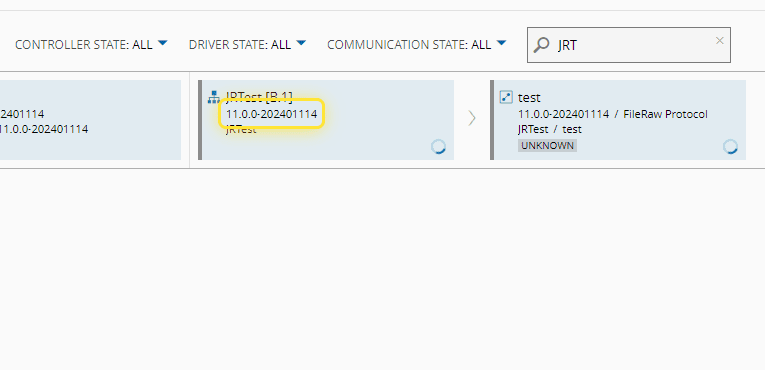
12. Now you can see your instance#