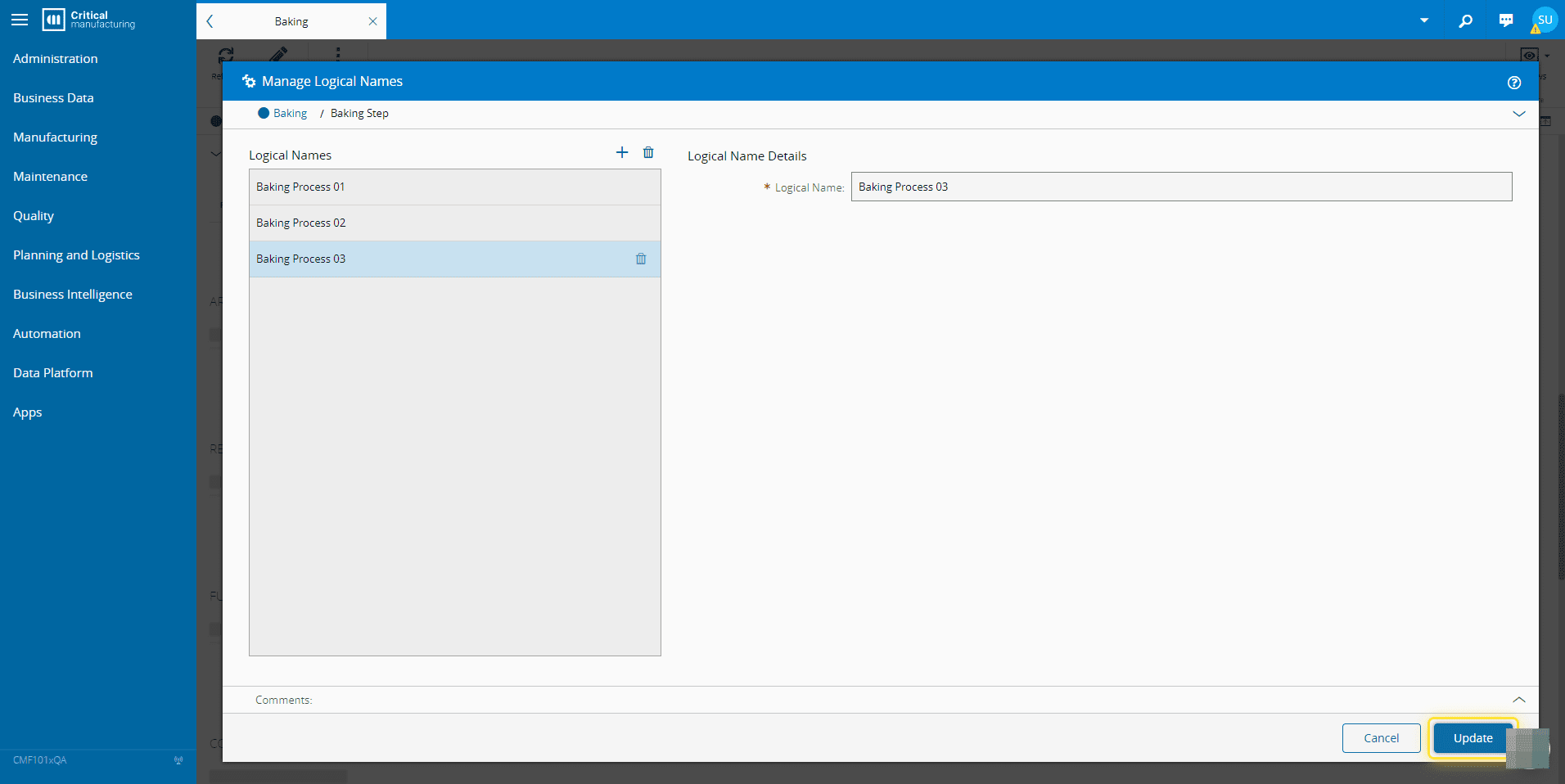
How to: Manage Step Logical Names#
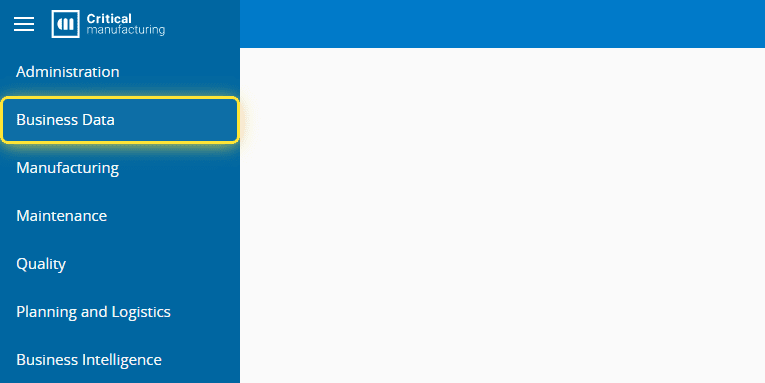
1. Go the Business Data menu.#
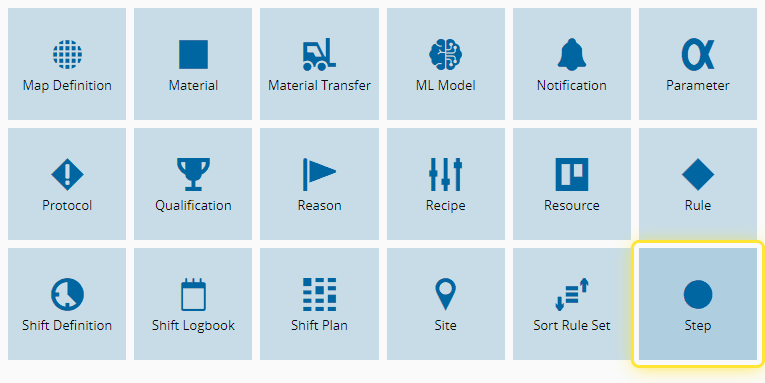
2. Select the Step entity.#
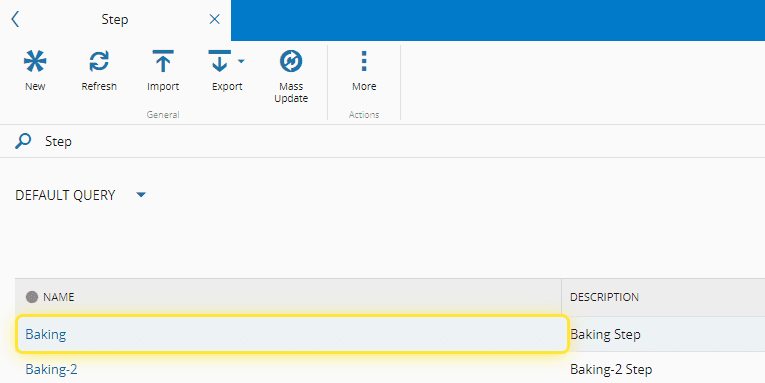
3. Select the Step.#
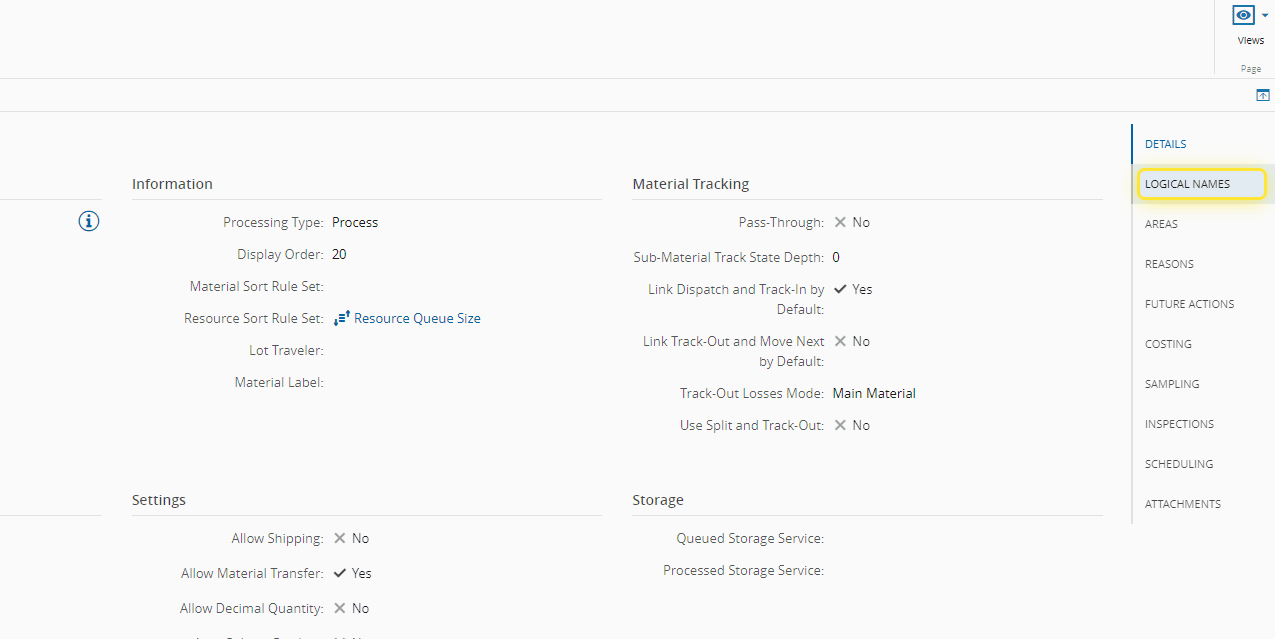
4. Select the Logical Names section.#
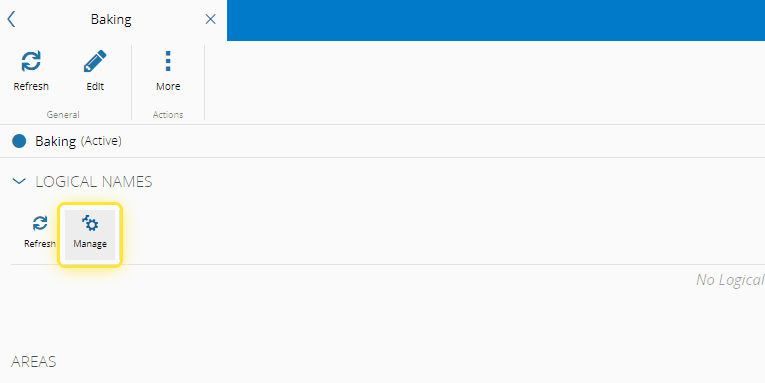
5. Select the Manage button.#
For more information see, Manage Step Logical Names ⧉
6. Add logical names as needed and select Update.#