Pause Reason#
A Pause Reason temporarily pauses a Checklist instance during execution. This is especially useful for long-running Material tracking checklists where accurate time tracking matters.
Pause Reasons help you:
- Interrupt checklist execution temporarily.
- Track why a checklist was paused.
- Keep accurate duration records.
- Separate active work time from pause time.
Configure a Pause Reason#
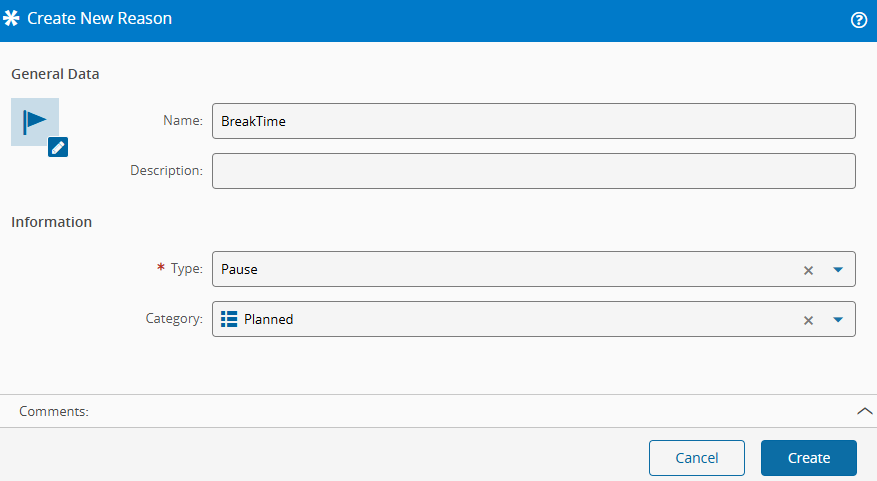
- Open the Reason module and create a new Reason.
- Enter a name for the Pause Reason.
- Select the Pause type.
- Optionally, select a category from ReasonCategory.
Create a Checklist and assign it to the Coating Step. If needed, see How to Create a Material Tracking Checklist.
For this exercise, use the Checklist provided through the master data.
Scenario: Pause and Resume a Checklist#
- In the
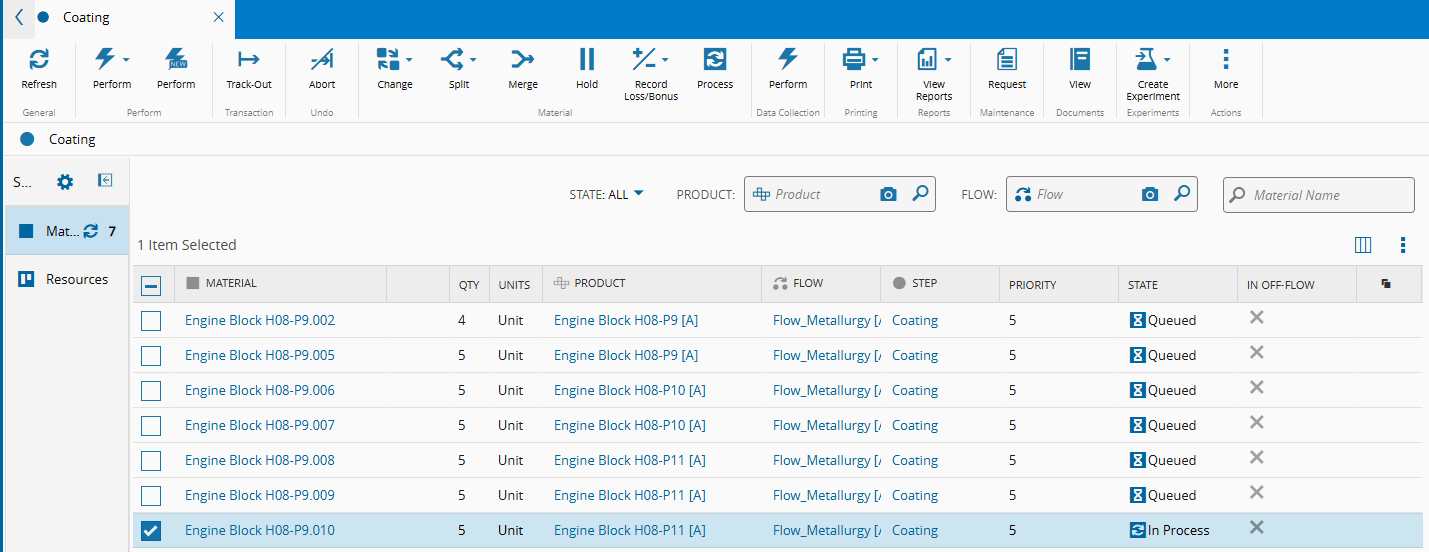
CoatingStep view, select theEngine Block H08-P9.010Material. - Perform Track-in to open a Checklist instance.
-
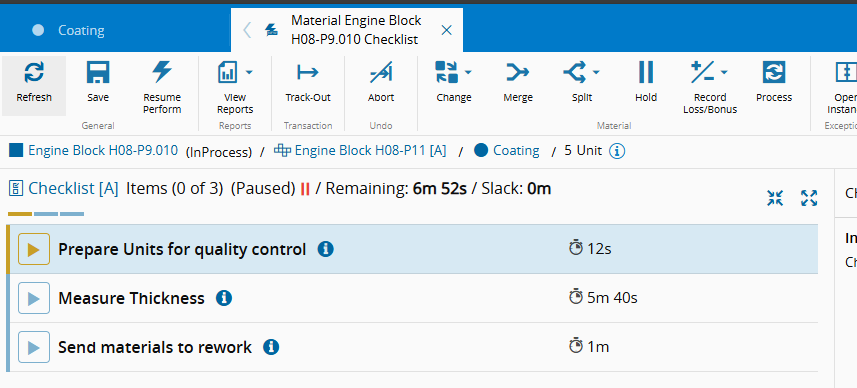
Select the Material and choose New Perform.
-
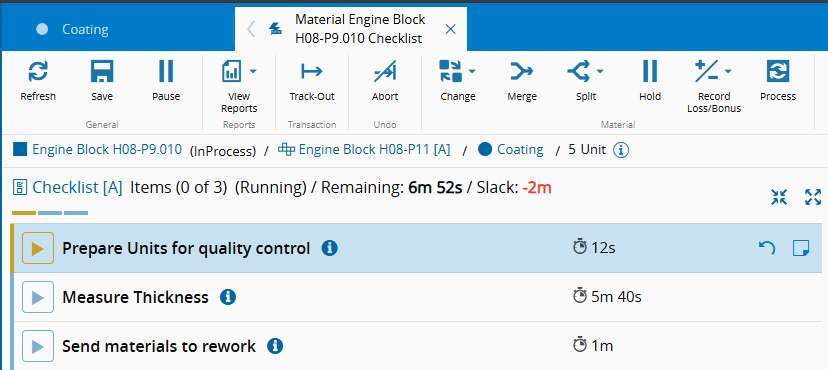
Start the first checklist item and then select Pause.
-
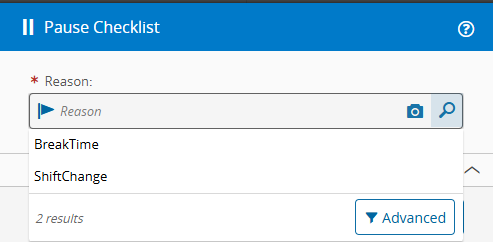
Select a Pause Reason from the list.
-
Select
BreakTimeand then select Pause. -
After the break, select Resume Perform to continue from the same point.
-
Finish the remaining Checklist items.
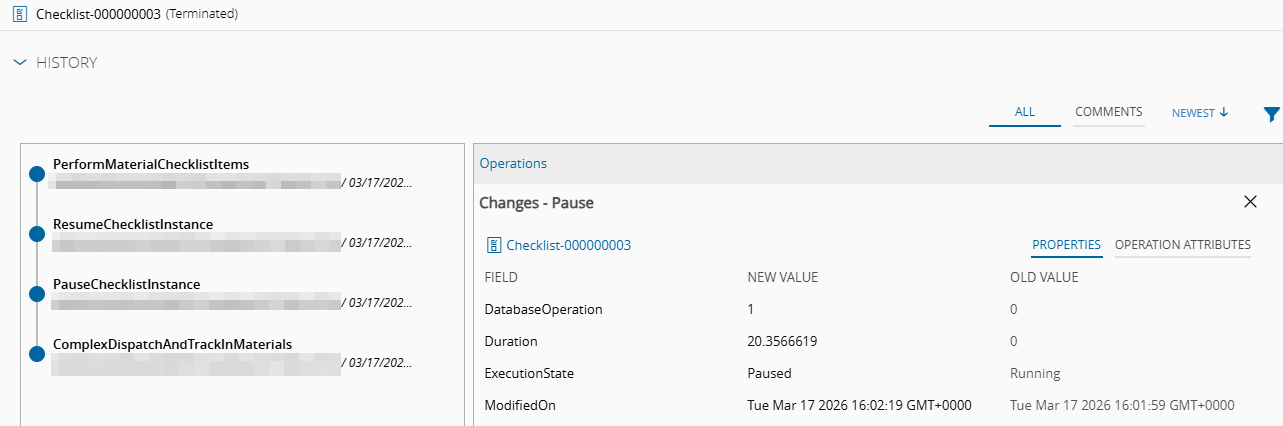
- Review the results in Checklist History or Material History.
Next page: Off-Flow Reason.