Change Package Page#
 ChangePackage.Show
The Change Package page displays general information on the specific Change Package. In addition, it enables you to perform all the operations that can be performed on a specific Change Package.
Details Tab#
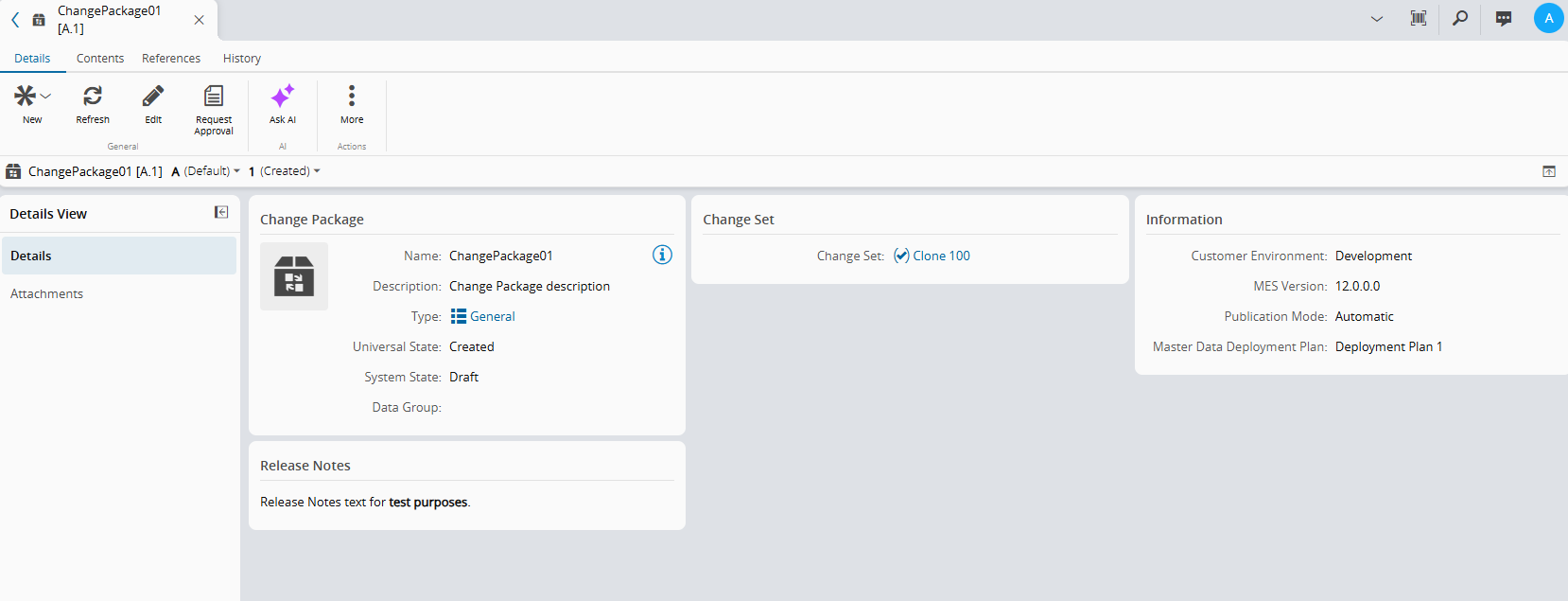
The Details tab provides a collapsible Details View panel on the left side of the page. The panel can be collapsed or expanded. Depending on configuration and the optional licensed modules, the panel will display some or all of the following sub-sections:
- Details - displays general information on the Change Package.
- Attachments - shows the documents that are attached to the Change Package and allows you to attach additional documentation.
Contents Tab#
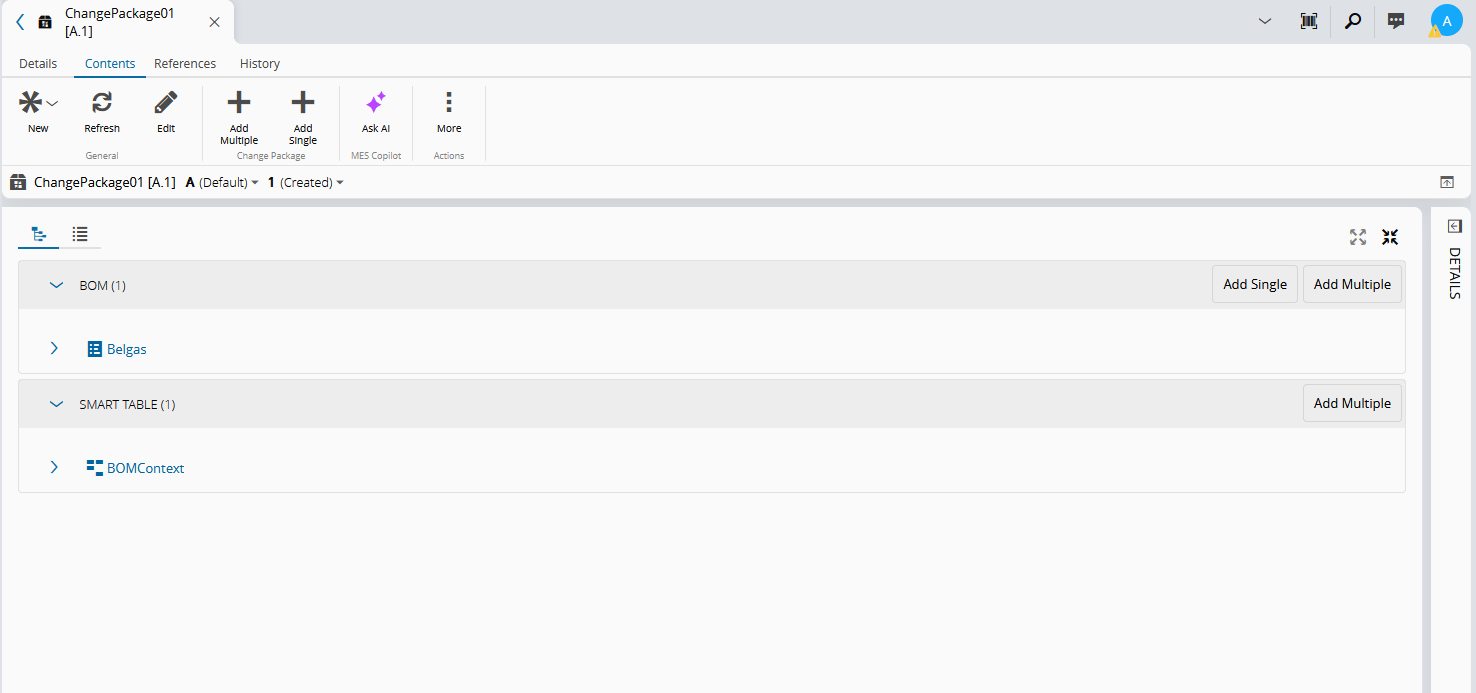
This tab displays information on the structure of the Change Package. You can review the items in the tree view or the grid view mode.
The tree view shows the selected items hierarchically. Depending on the content type, you can add single or multiple content items from this view.
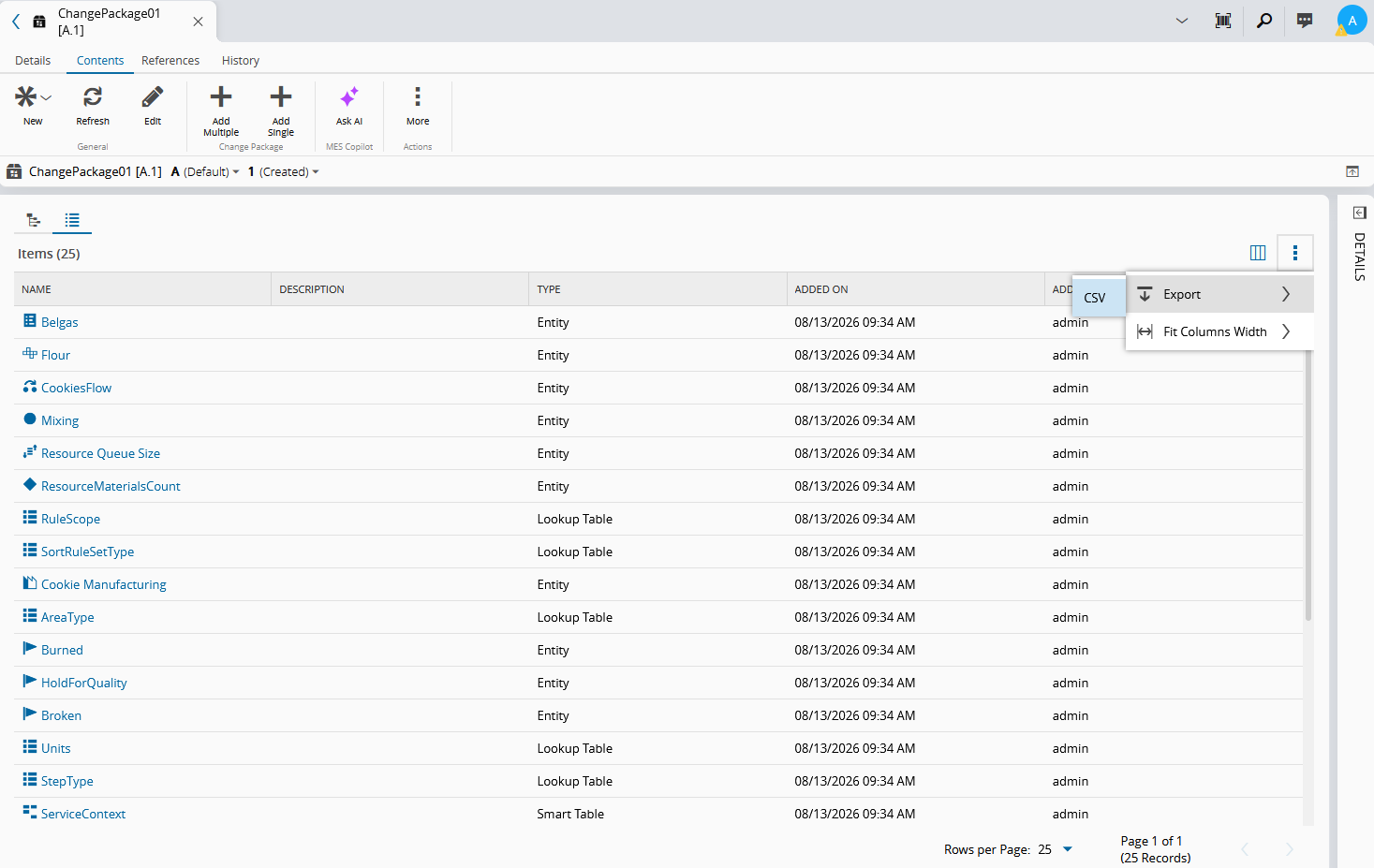
The grid view shows all items added to the Change Package. From this view, you can configure which columns are displayed. For more options, select the ⋮ button. You can export the list to a CSV file or fit the column widths.
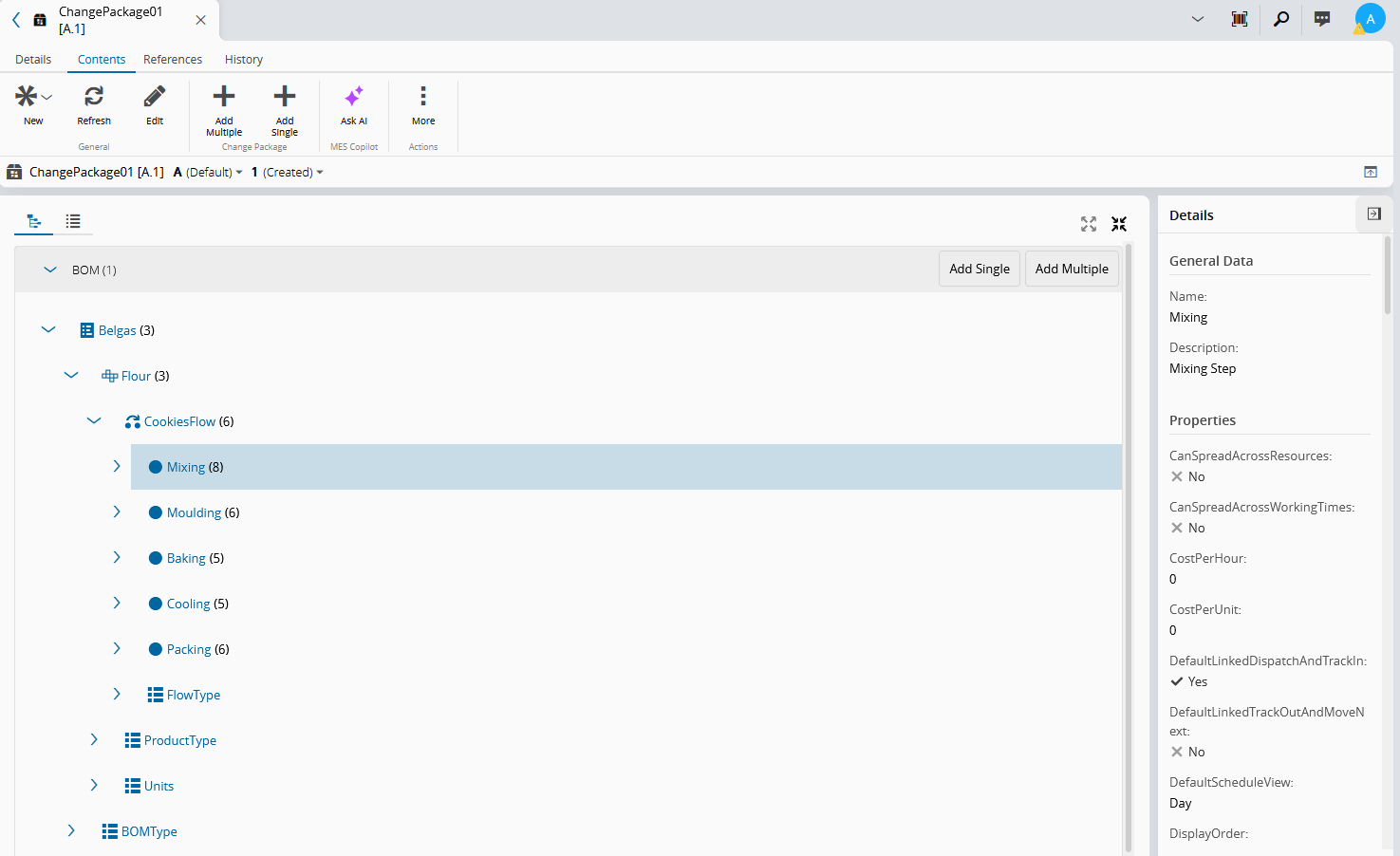
In either view, you can expand or collapse the right-side Details panel which provides overarching data regarding the selected entity type or table, and their individual items.
References Tab#
This tab combines information concerning other objects that have references to the current object:
- Relations - displays the existing Relations between the Change Package and other entities and enables the user to edit them. For more information, see Relations.
- Where Used - displays the set of relationships between the Change Package and the other objects used throughout the system.
History Tab#
This tab combines information concerning other objects that have references to the current Change Package object:
- Change Set History - displays the history of the change sets associated to the object. For more information on Change Set history, visit the Change Set History page.
- History - displays the history of the operations, associated information, user(s) performing the changes and date and time of the changes.