Export Automation Entities#
 AutomationController.Show
Overview#
This operation is used to export all entities that are used by an Automation Controller so that they can be imported later or in another Critical Manufacturing instance.
Setup#
No specific setup is required other than to meet the preconditions of the transaction.
Preconditions#
- The Automation Controller exists in the system.
Sequence of Steps#
The Export Automation Controller wizard can be called from the Details editor within the Automation Controller page.
General Data - Export as Master Data#
- Open the
Detailseditor and press the three dots on the top panel. Press Export, and thenData to Fileto open the wizard. - Select create.
- Fill in the desired file name.
- Select the File Type
XLSX
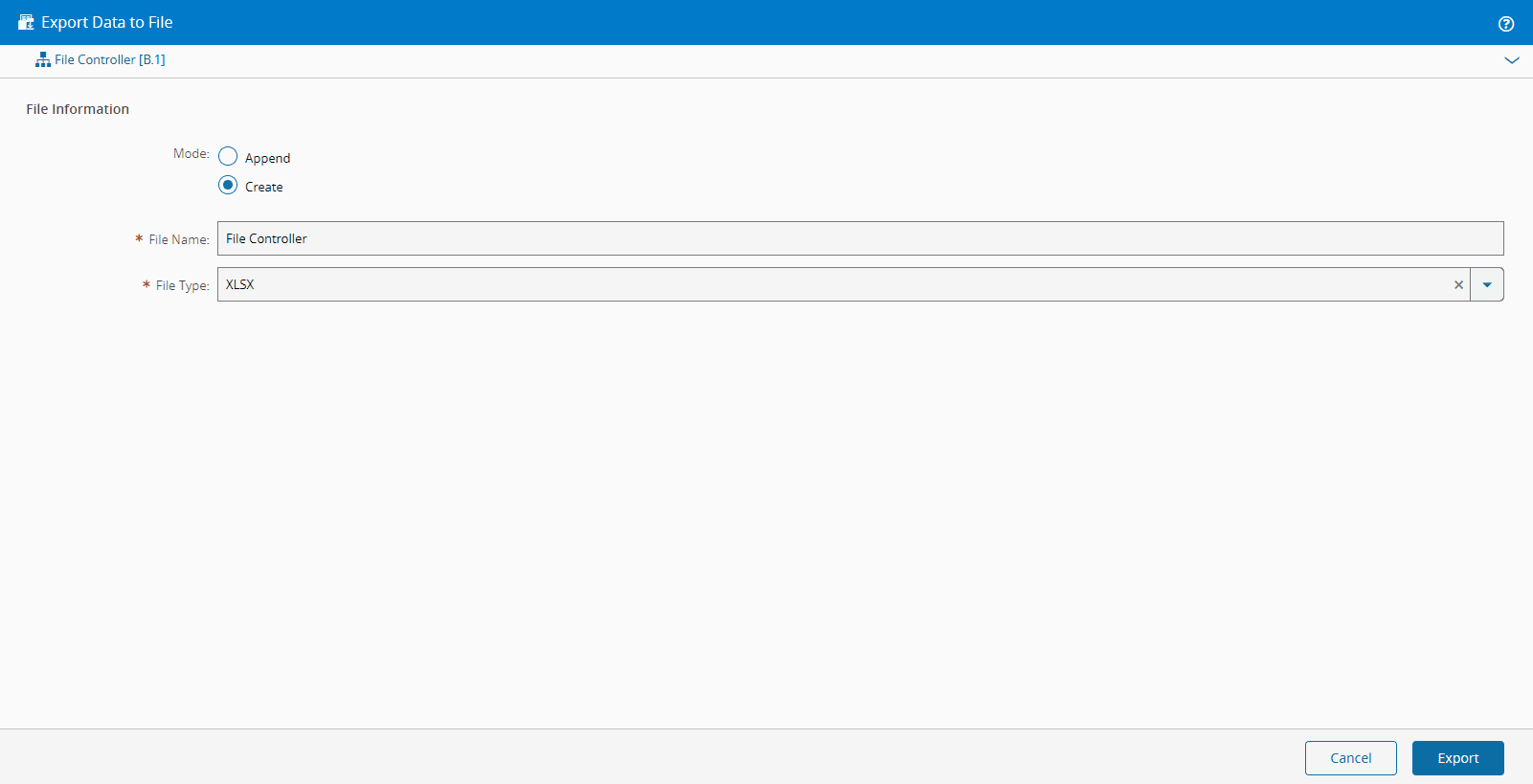
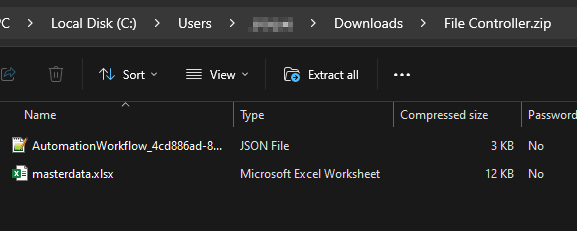
The master data will be exported as an importable ZIP file. It will contain master data in XLSX format with all the entities and all the Automation Workflows as JSON files.
General Data - Export as JSON format#
- Open the
Detailseditor and press the three dots on the top panel. Press Export, and thenData to Fileto open the wizard. - Select create.
- Fill in the desired file name.
- Select the File Type
JSON
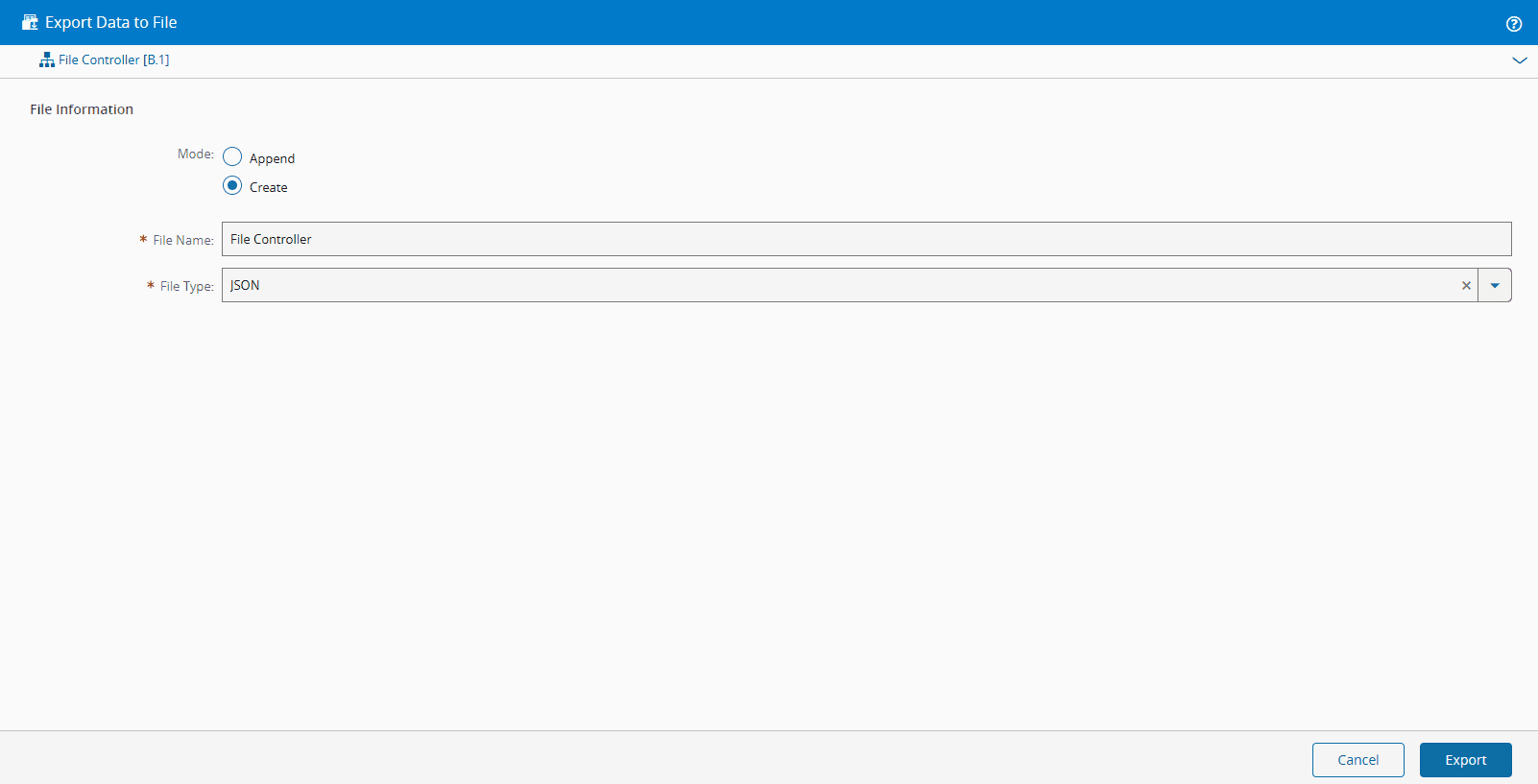
The master data will be exported as an importable JSON file.
General Data - Export as XML format#
- Open the
Detailseditor and press the three dots on the top panel. Press Export, and thenXMLto open the wizard. - Fill in the desired file name.
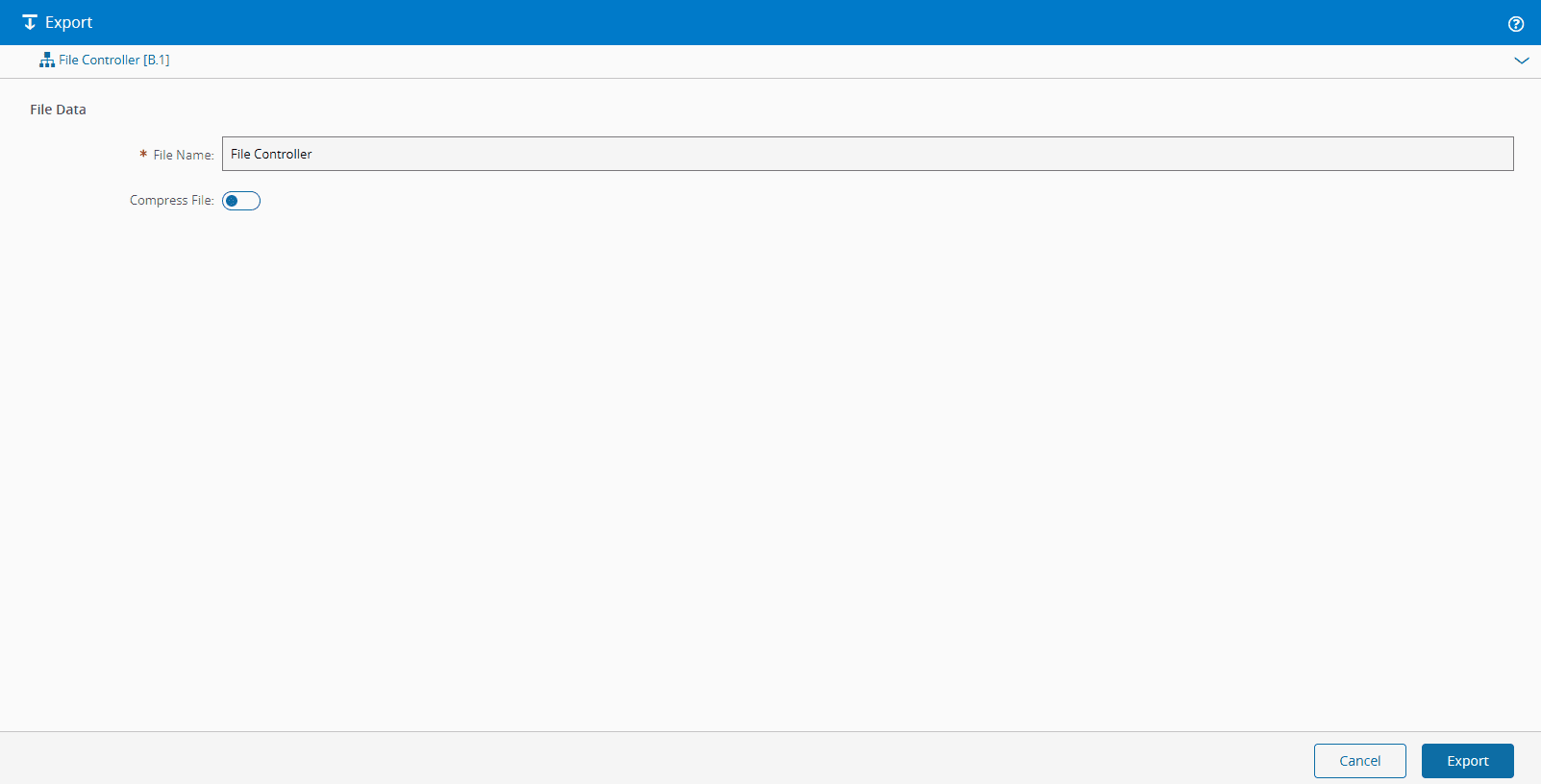
The master data will be exported as an importable XML file.