Generic Expression Evaluator#
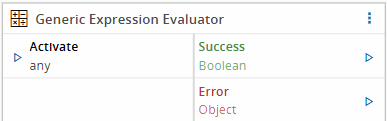
The Generic Expression Evaluator evaluates mathematical and logical expressions using the mathjs engine. It allows users to perform arithmetic, logical comparisons, and complex mathematical operations on input data, producing computed results dynamically.
Note
This task results from a split of the Expression Evaluator task. It can be used along with Regular Expression Evaluator and XPath Expression Evaluator.
Workflows#
| Data Flow | Control Flow |
|---|---|
Inputs#
| Name | Data Type | Description |
|---|---|---|
<custom list> | <custom> | Defines the input values used in the evaluation |
| Activate | any | Triggers task execution |
Outputs#
| Name | Data Type | Description |
|---|---|---|
<custom list> | <custom> | Defines the output values generated by the evaluation |
| Success | Boolean | Returns true if the task completes successfully |
| Error | Error | Contains information about any error that occurs |
Settings#
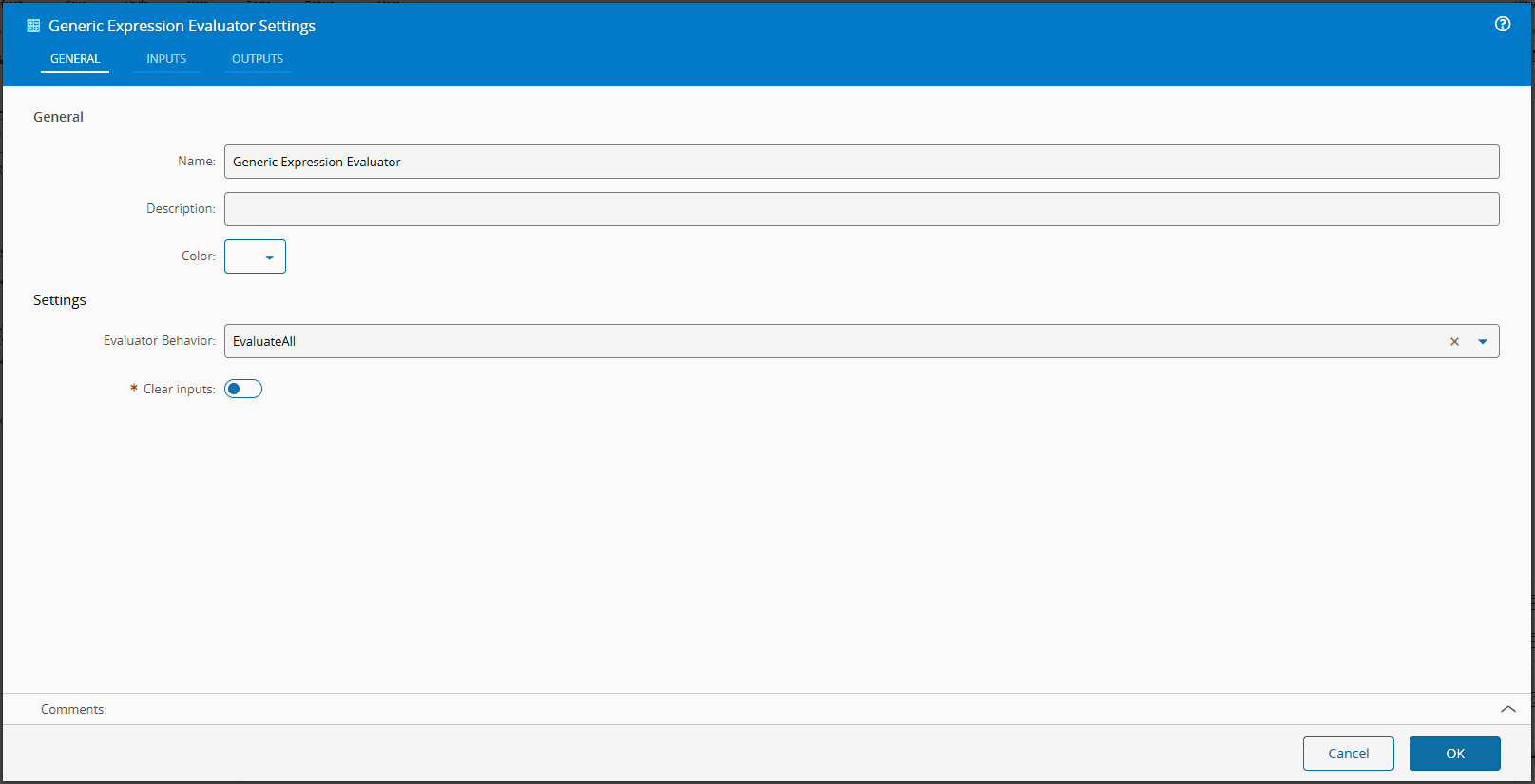
The General tab includes standard task settings and the following parameters:
| Name | Data Type | Values | Default Value | Description |
|---|---|---|---|---|
| Evaluator Behavior | enum | EvaluateAllEvaluateUntilTrue | EvaluateAll | Defines whether all expressions are evaluated or evaluation stops after the first true result |
| Clear Inputs | Boolean | false | When enabled, clears input values after task execution |
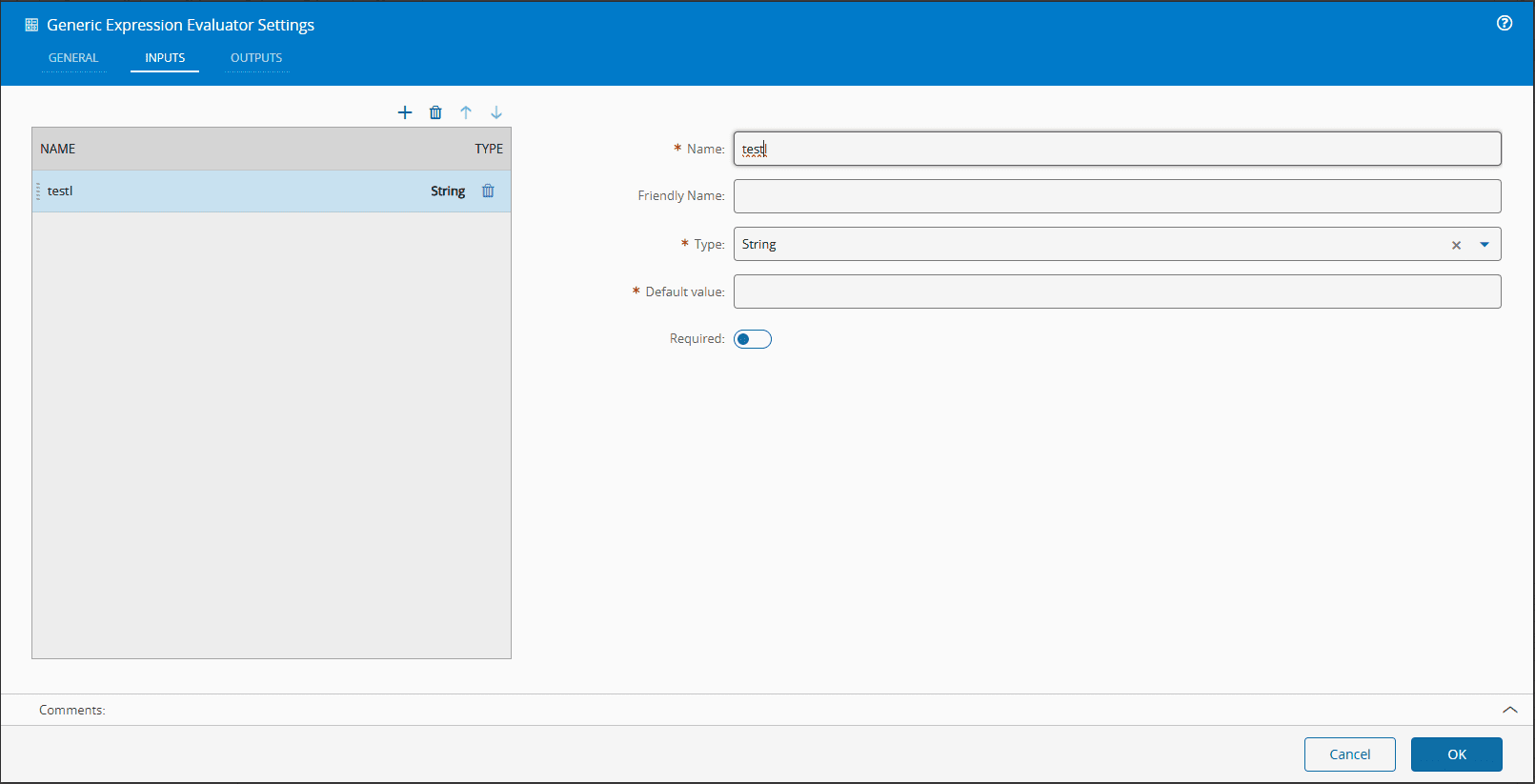
The Inputs Tab includes the following settings:
| Name | Data Type | Description |
|---|---|---|
| Name | String | Input Name |
| Friendly Name | String | The displayed input name |
| Type | LongDecimalDateTimeBooleanStringInteger | Defines the data type of the input |
| Default Value | any | Default value assigned to the input parameter |
| Required | Boolean | Indicates if input is required |
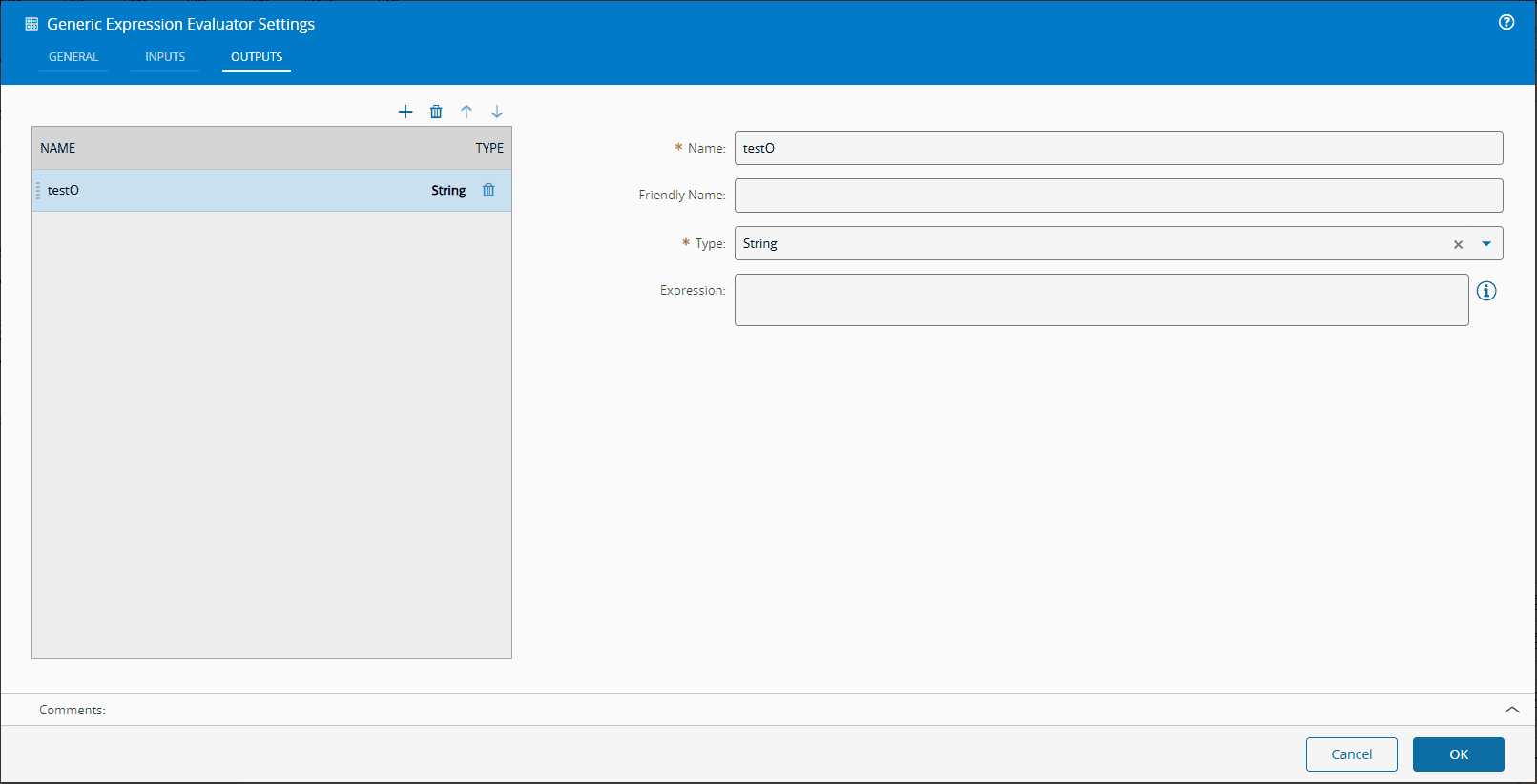
The Outputs Tab includes the following settings:
| Name | Data Type | Description |
|---|---|---|
| Name | String | Output Name |
| Friendly Name | String | The displayed output name |
| Type | LongDecimalDateTimeBooleanStringInteger | Defines the data type of the output |
| Expression | Text | Expression applied to the input data |
Behavior#
The Generic Expression Evaluator task uses the mathjs engine, a JavaScript-based library for mathematical and logical computation, as well as some native JavaScript functions.
The task runs when the Activate input is triggered and every input defined on the Inputs tab has a value: required inputs must receive one, and optional inputs can fall back to their default value. Each output expression can reference any input by its name, and the result is converted to the Type configured for the output.
The Evaluator Behavior setting defines how the configured output expressions are processed:
EvaluateAll(default): Evaluates every configured expression and emits each result on its output.EvaluateUntilTrue: Evaluates the expressions in the configured order and stops at the first expression whose result converts totrue, emitting only that output.
When the Clear Inputs setting is enabled, the received input values are cleared when the task executes, so the next execution requires new values instead of reusing the previous ones.
Note
Test mathjs expression at https://jsbin.com/devacu/edit?html,js,output. Additional documentation is available at https://mathjs.org/docs/expressions/syntax.html and https://mathjs.org/docs/reference/functions.html ⧉.
Remarks#
The Generic Expression Evaluator provides flexible operations for transforming input data. While mathjs supports many JavaScript-like functions, it is not a full JavaScript engine; some native JavaScript code may not execute as expected.
Examples#
Add two values#
Configure the Inputs tab with two inputs:
| Name | Type | Required |
|---|---|---|
| value | Integer | Yes |
| increment | Integer | Yes |
Configure the Outputs tab with one expression:
| Name | Type | Expression |
|---|---|---|
| result | Integer | value + increment |
When the value input receives 10 and the increment input receives 2, the result output emits 12. Functions such as min, max, round, abs, or pow can be used the same way, for example round(value, 1).
Compare strings with compareText#
Configure the Inputs tab with one input:
| Name | Type | Required |
|---|---|---|
| checksum | String | Yes |
Configure the Outputs tab with one expression:
| Name | Type | Expression |
|---|---|---|
| isValid | Boolean | compareText(checksum, "expectedValue") == 0 |
The mathjs compareText function compares two strings and returns 0 when they are equal, so the isValid output emits true only when the checksum input receives expectedValue. The task also overrides the mathjs equal and unequal functions so that string values are compared as text.
Stop at the first true expression#
Set the Evaluator Behavior setting on the General tab to EvaluateUntilTrue. Configure the Inputs tab with one required Integer input named value and the Outputs tab with two expressions:
| Name | Type | Expression |
|---|---|---|
| isHigh | Boolean | value > 9 |
| isLow | Boolean | value <= 9 |
When the value input receives 10, the isHigh expression evaluates to true, so the isHigh output emits true and the evaluation stops. The isLow expression is never evaluated and its output does not emit.