---
alias: user-guide-automation-task-fa-jobaction
tags:
- automation tasks
description: "This documentation details a task for triggering system actions on running automation jobs"
---
# Job Action
:iot-jobaction-lg:{style="font-size:100px"}
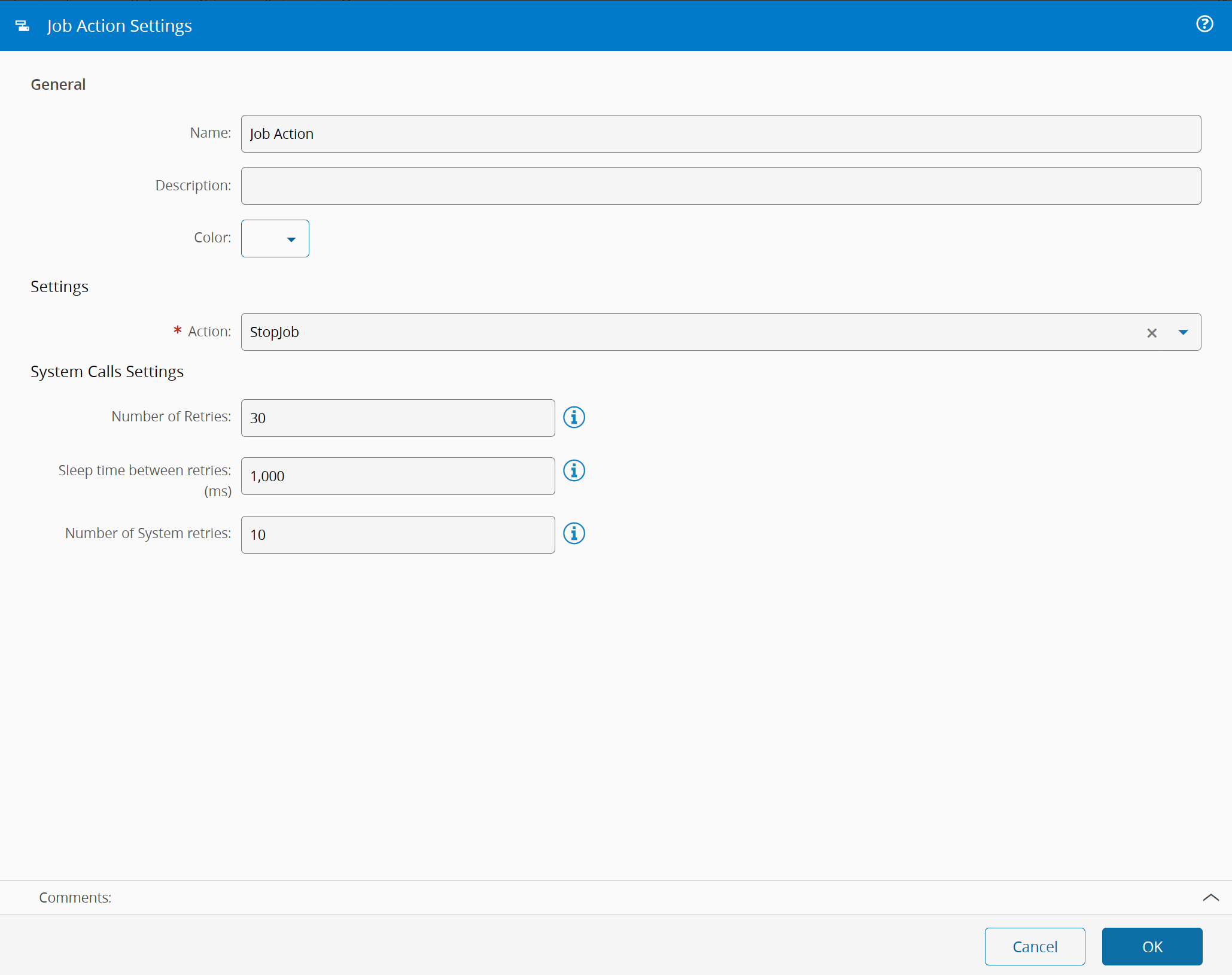
The task `Job Action` is a Task that allows calling system actions over Automation Jobs.
![jobaction_parameters][jobaction_parameters]
## Details
| Fields | Details |
| ----------------- | ---------------------------------------------------------------------------------- |
| Scope | Factory Automation
Enterprise Integration
Data Platform |
| Workflow | Data flow
Control flow |
| `IsProtocol` flag | :material-close:{style="color:#EF5350"} |
## Inputs
| Name | Data Type | Description |
| ------------ | --------- | -------------------------------------------- |
| jobId | `string` | id of the job |
| Activate | `Any` | Activates the task execution |
## Outputs
| Name | Data Type |Description |
| -------- | --------- | ----------------------------------------------------------- |
| Success | `Boolean` | If there was no problem emits a true |
| Error | `Error` | Error that occurred during the processing of this task |
## Settings
On the `General` Tab, there are the following settings:
| Name | Data Type | Values | Default | Description |
| ------------- | --------- | -------- | -------- | ------------------------------- |
| Action | `enum` | `Stop Job`
`Set Error` | `Stop Job` | action to execute on the Job |
| Error Code | `string` | | | error code. |
| Error Message | `string` | | | Controller to handle the operation |
{% include-markdown 'includes/pages/iot_tasks_retries_settings.md' %}
## Behavior
If the Job Id is not provided, the id of actual job running the task will be used. Depending on the selected action, more inputs may be available/required. Default values for these should be definable through the task settings.
[jobaction_parameters]: ./images/jobaction_parameters.png