---
alias: user-guide-automation-task-oib-gatekeeperscannerstatechanged
tags:
- automation tasks
description: "This task processes scanner state change events from a Gate Keeper system"
---
# Gate Keeper Scanner State Changed

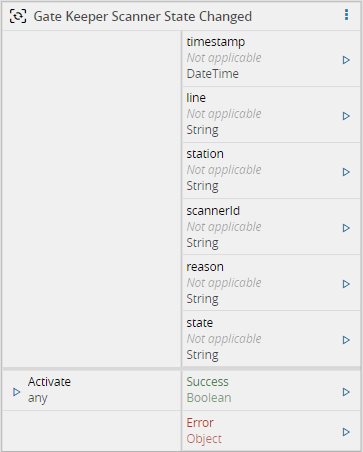
The `Gate Keeper Scanner State Changed` task will receive the information from the Gate Keeper regarding a scanner state change.
## Inputs
| Name | Data Type | Description |
| -------- | --------- | ----------------- |
| Activate | `Any` | Activate the task |
## Outputs
| Name | Data Type | Description |
| --------- | ---------- | ------------------------------------------------------------ |
| timestamp | `DateTime` | Timestamp of when the event was received |
| line | `String` | Information regarding in which Line the event occurred. Example: 'OIB Training\\Line 1' |
| station | `String` | Information regarding in which Station the event occurred. Example: 'Station 1 - TX1' |
| scannerId | `String` | The internal/unique ID of the scanner |
| reason | `String` | A reason text regarding the state change |
| state | `Any` | The current state of the scanner. The state can be one of these:
`Unknown`
`Connected`
`Disconnected`
`Configuration_Error` |
| Success | `Boolean` | Triggered when the task is executed with success |
| Error | `Error` | Triggered when the task failed for some reason |
## Settings
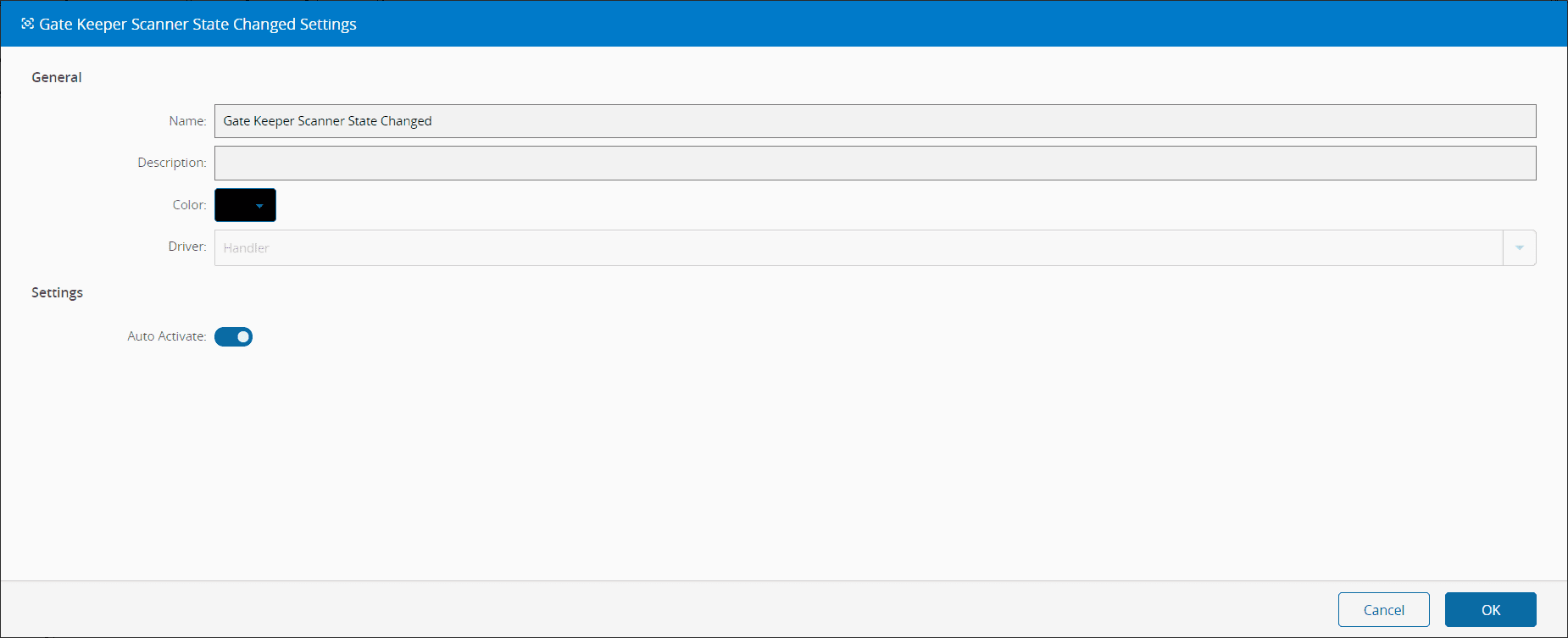
On the `General` tab, you have the usual settings and the following settings:
| Name | Data Type | Values | Default | Description |
| ------------- | --------- | ------ | ------- | ------------------------------------------------------------ |
| Auto Activate | `Boolean` | | `true` | On initializing the task, subscribes it to the Gate Keeper Messages. If false, only subscribes on Activate. |
## Behavior
In this task you choose a driver when dropping it into the workflow (if you have more than one driver associated with the controller).
This task listen to a `BoardGateKeeper.Event.ScannerConnectionStateChanged`, this is explained in the driver OIB documentation in the automation protocols. When a message from this type is received, the task will emit the outputs.
This task will be activated whenever there is a change in the connection state of a scanner hardware.
!!! note
Possible connection states:
* Unknown
* Connected
* Disconnected
* Configuration_Error
## Remarks
{% include-markdown 'includes/pages/automation_zones_note.md' %}