Station Event#

The Station Event task will receive the information from the Monitoring regarding a station event.
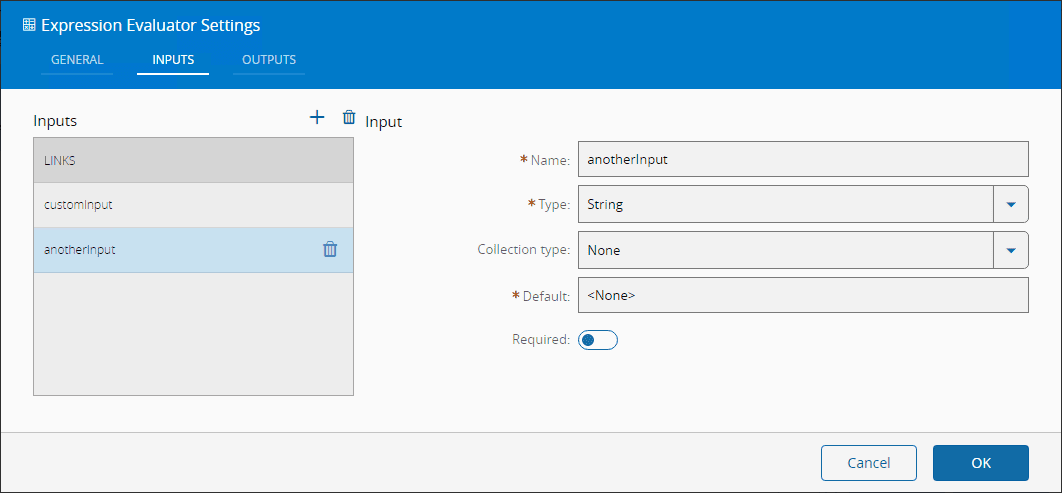
Inputs#
| Name | Data Type | Description |
|---|---|---|
| Activate | Any | Activate the task |
Outputs#
| Name | Data Type | Description |
|---|---|---|
| timestamp | DateTime | Timestamp of when the event was received |
| line | String | Information regarding in which Line the event occurred. Example: 'OIB Training\Line 1' |
| station | String | The station where the event occurred. Example: 'Station 1 - TX1' |
| lane | String | The Lane where the event occurred. Example: 'Left' |
| subConveyor | String | The SubConveyor of the machine where the event occurred. Example: 'None' |
| processingArea | Integer | The Processing Area where the event occurred. Example: 1 |
| changeTime | DateTime | The Timestamp of the change event occurrence |
| originalState | String | The OIS level state as reported by the station |
| semiState | String | The conversion of the OIS level state to SEMI E10 state according to the defined rules |
| Success | Boolean | Triggered when the task is executed with success |
| Error | Error | Triggered when the task failed for some reason |
Settings#
On the General tab, you have the usual settings and the following settings:
| Name | Data Type | Values | Default | Description |
|---|---|---|---|---|
| Auto Activate | Boolean | true | On initializing the task, subscribes it to the Monitoring Messages. If false, only subscribes on Activate. | |
| Default State Name | String | SEMI E10 state to change if no matching rule is found | ||
| Trigger On Change | Boolean | false | Only emit an output if the state changed since last time |

On the Conversion Rules Tab you have the following setting:
| Name | Data Type | Default Value | Description |
|---|---|---|---|
| OIS PA State Name | String | The state value given by the Gate Keeper. Example: "PCBBegin" | |
| SEMI E10 State Name | String | The SEMI E10 State that we wish to convert to. Example: "Productive" |

Note
By default, there is already a match between some OIS PA States and SEMI E10 States, pre configured in the task. The user is free to add more and to change the one's pre configured.
Behavior#
In this task you choose a driver when dropping it into the workflow (if you have more than one driver associated with the controller).
This task listen to a Monitoring.Event.StationEvent, this is explained in the driver OIB documentation in the automation protocols.
This task will be activated whenever the the state of a component of the line, station, lane or processing is changed. The OIB states are not the standard SEMI E10 states, so the task enables for the user to configure how he wishes to map the OIB states to the SEMI E10 states.
The preconfigured states are:
| OIS PA State Name | SEMI E10 State Name |
|---|---|
| Invalid | |
| PCBBegin | Productive |
| PCBBegin2 | Productive |
| PCBEnd | |
| PCBEnd2 | |
| BreakBegin | Engineering |
| EmergencyStop | Unscheduled Down |
| Air | Unscheduled Down |
| Stop | Engineering |
| BreakEnd | |
| Start | |
| WaitPCBIn | Standby |
| WaitPCBInside | Productive |
| WaitPCBOut | Standby |
| WaitData | Standby |
| Placing | |
| Placing2 | |
| FiducialError | Unscheduled Down |
| TrackError | Unscheduled Down |
| MachineError | Unscheduled Down |
| TransportError | Unscheduled Down |
| BarcodeError | Unscheduled Down |
| ErrorEnd | |
| HeadStepBegin | Engineering |
| KeySlowBegin | Engineering |
| VisionBegin | Engineering |
| FunctionBegin | Engineering |
| InitBegin | Standby |
| HeadStepEnd | |
| KeySlowEnd | |
| VisionEnd | |
| FunctionEnd | |
| InitEnd | |
| HolidayBegin | Scheduled Down |
| MaintenanceBegin | Scheduled Down |
| SetupBegin | Scheduled Down |
| DownPlanBegin | Scheduled Down |
| DownIllBegin | Unscheduled Down |
| PrototypeBegin | Engineering |
| UsereventEnd | |
| StandAloneBegin | Engineering |
| StandAloneEnd | |
| Dispensing | |
| Kneading | |
| Printing | |
| Inspection | |
| Cleaning | |
| StationDisconnect |
Remarks#
This task uses a context-based data structure called a zone. For more information, see Zones page.