Generate Dashboards with AI#
Overview#
You can use AI with Grafana-based Analytics Views to help generate new dashboards or refine existing ones.
Before You Start#
Keep the following behavior in mind:
- The Generative AI dashboard functionality requires the corresponding licensed module. To verify the modules available in your environment, see Licenses.
- The current scope is limited to Grafana dashboards.
- System dashboards remain visible, but are not editable.
- You can manually edit custom Grafana dashboards when you have the required edit permissions.
- The dashboard page uses the standard Analytics View Details view together with the AI experience.
Use AI to Create or Refine a Dashboard#
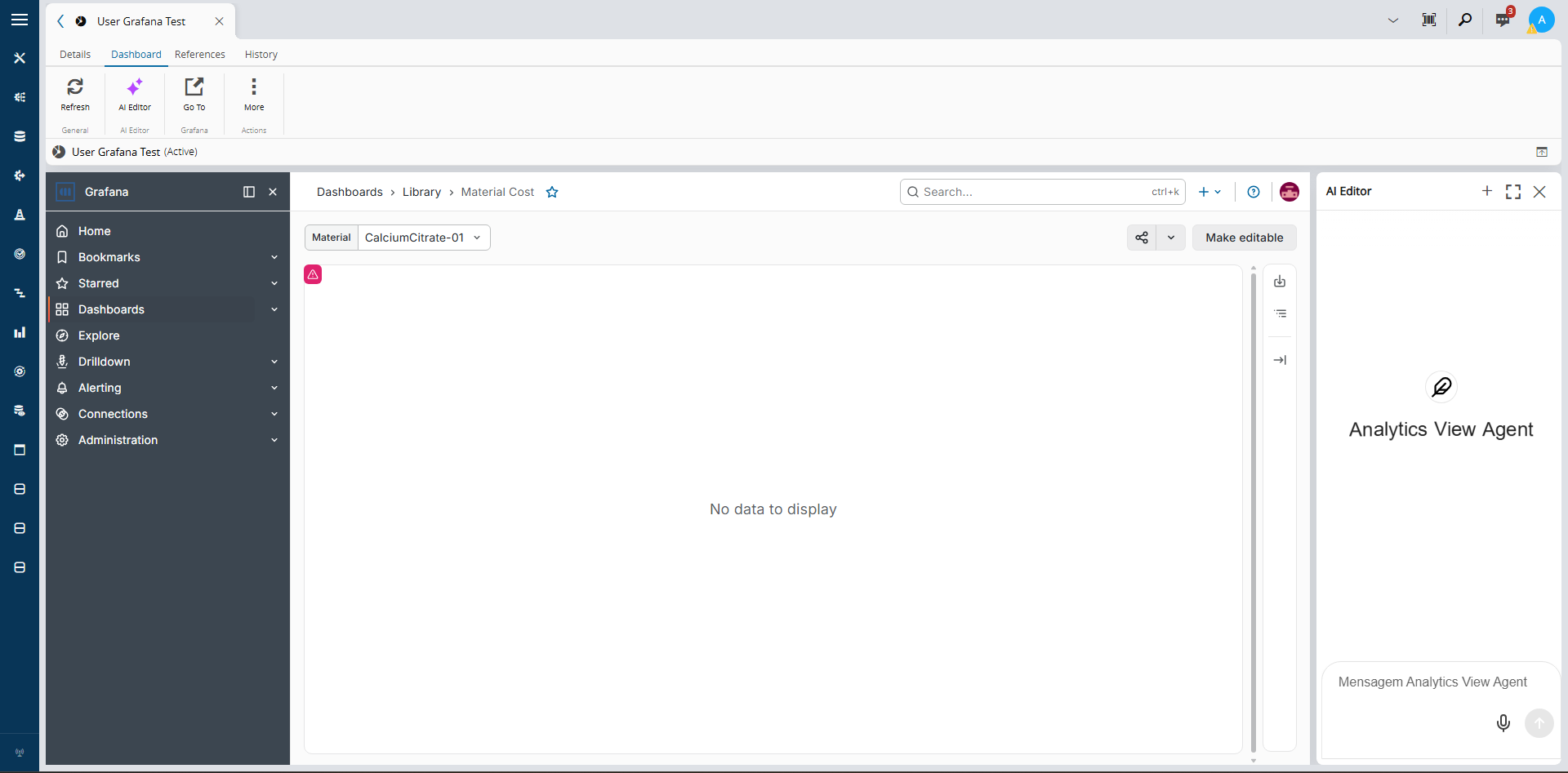
- Open a Grafana-based Analytics View.
-
Open the AI experience available for the dashboard.
-
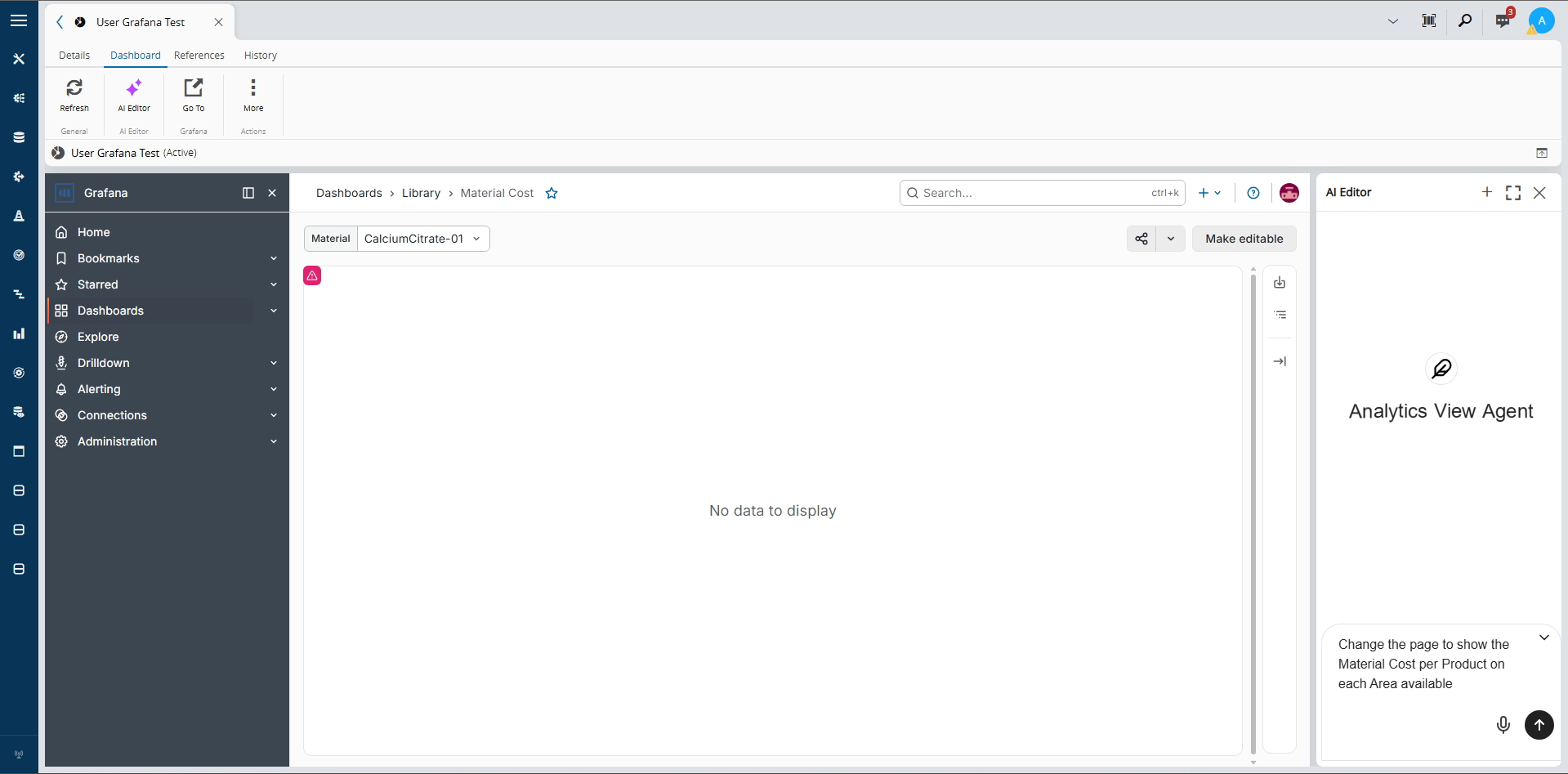
Enter a prompt describing the dashboard that you want to create or the changes that you want to apply.
-
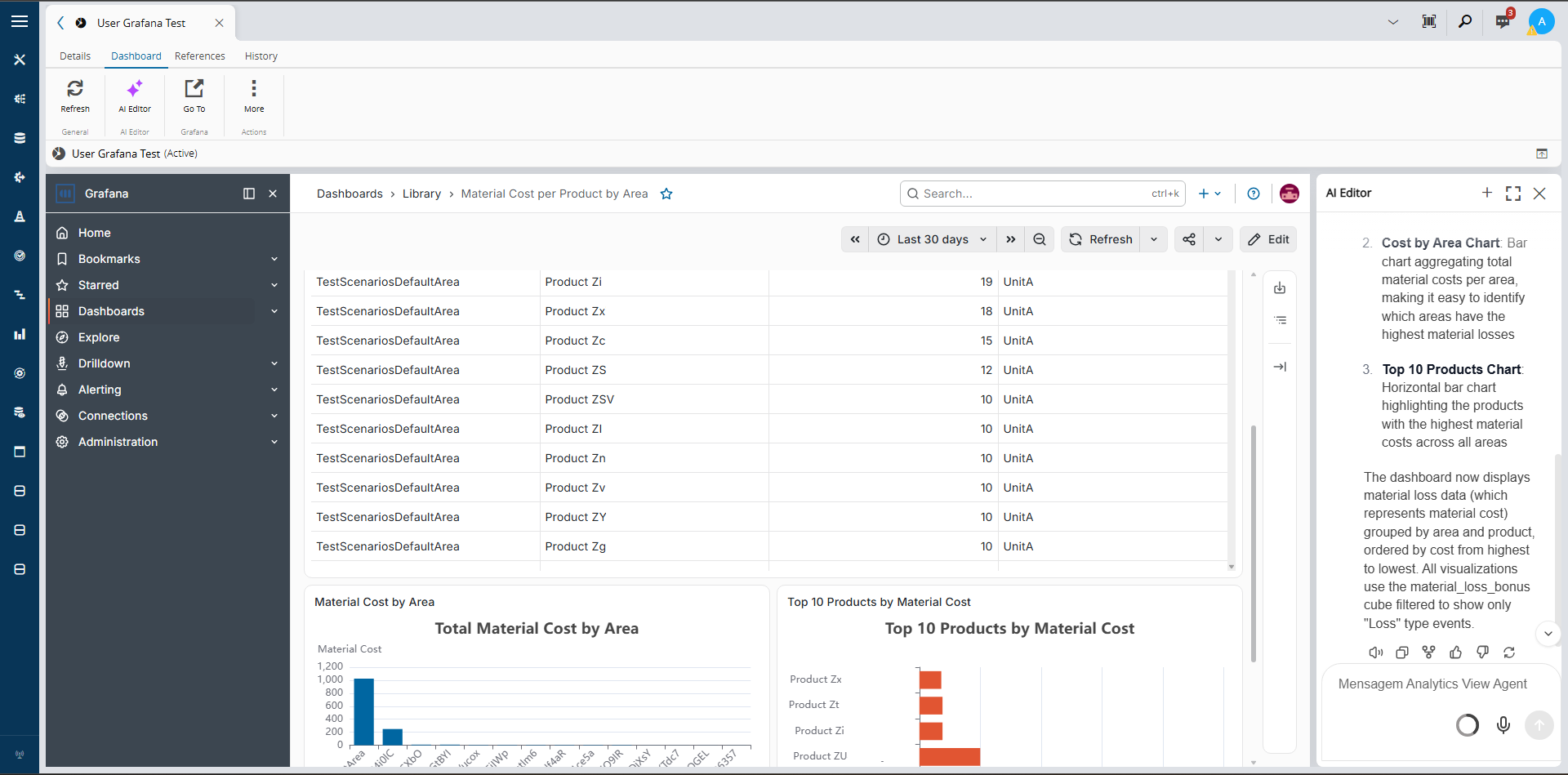
Review the generated result and continue the conversation until the dashboard matches your needs.
-
If needed, manually edit the custom Grafana dashboard directly.
Notes#
The AI experience is intended to support dashboard generation and iteration. Standard Analytics View behavior, such as visibility restrictions and edit permissions, still applies.
For more information on creating Analytics Views, see Create Analytics View. For more information on general AI usage, see Using AI.