Manage Object Ownership#
 EntityTypeName.ManageOwnership
Overview#
Use Manage Object Ownership to take, set, or remove ownership of an existing object. Ownership management applies to non-versioned objects and to revisions of versioned objects. Versions inherit the ownership of their revision.
Object ownership identifies the Customer Environment that created and owns an object. It supports centrally managed Master Data by restricting changes to synchronized objects outside their Owner Instance.
The OwnerInstance property is common to all objects and identifies the Customer Environment that owns the object.
Setting the OwnerInstance makes the object subject to ownership rules. Use Take Ownership to designate the current Customer Environment as the owner. The system compares the OwnerInstance value with the current Customer Environment to determine whether updates are restricted.
Ownership Actions#
| Action | Requirement | Result |
|---|---|---|
| Take Ownership | OwnerInstance is unset or identifies a different Customer Environment. No owner selection is required. | Sets OwnerInstance to the current MES Instance Name. |
| Set Ownership | Select an existing MES Instance that differs from the current MES Instance. The available instances are retrieved through the Global Data Orchestrator ↗ service. To assign ownership to the current Customer Environment, use Take Ownership. | Sets OwnerInstance to the selected MES Instance name. |
| Remove Ownership | OwnerInstance is set. You cannot remove ownership if the object is not owned by any MES Instance. No owner selection is required. | Clears OwnerInstance by setting it to null. |
Table: Ownership Actions options
Removing ownership allows the current Customer Environment to modify the object according to the ownership rules.
Ownership Rules#
OwnerInstance Value | Ownership | Modification Behavior |
|---|---|---|
| Not set | The object has no Owner Instance. | The object can be modified by the current Customer Environment. |
| Matches the current Customer Environment | The current Customer Environment owns the object. | The object can be modified by the current Customer Environment. |
| Identifies another Customer Environment | Another Customer Environment owns the object. | Local updates are blocked unless Enable Local Overrides is enabled for the property or attribute. Ownership restrictions exclude system-managed properties and properties named Name. |
Table: Object Ownership behavior
Ownership Assignment#
The system assigns OwnerInstance only when an object is created. This behavior applies to versioned and non-versioned objects.
When you clone an object or create a revision from an existing revision, the system copies the Owner Instance only if it matches the current MES Instance. The comparison ignores uppercase and lowercase differences.
| Source Owner Instance | Owner Instance of the New Object or Revision |
|---|---|
| Matches the current MES Instance | Copied from the source |
| Identifies another MES Instance | Not set |
| Not set | Not set |
Table: Owner Instance after Cloning or Creating a Revision
The cloning rule applies to both versioned and non-versioned objects. The original object or revision keeps its owner.
Note
For cloning or revision creation during a Global Data Orchestrator package operation, the system compares the Owner Instance with the package's Customer Environment instead of the current MES Instance.
A new version shares the Owner Instance of its revision, even when another MES Instance owns that revision.
When a Master Data Package import through the Global Data Orchestrator creates an object, the system sets its Owner Instance to the Customer Environment associated with the Transport Package.
Local Overrides#
Configure Enable Local Overrides for each eligible non-system-managed Entity Type Property in Properties > Manage on the Entity Type page. It determines whether that property can be modified locally when OwnerInstance identifies another Critical Manufacturing MES instance. For more information, see Local Overrides.
-
When Enable Local Overrides is disabled or not set, you cannot modify the property locally. To modify it, change the object in its Owner Instance and distribute the change to other Customer Environments. Alternatively, an administrator can take ownership of the object, making the current Customer Environment its Owner Instance.
-
When Enable Local Overrides is enabled, the current Customer Environment can modify that property. The local modification doesn't change the value of
OwnerInstance.
Local overrides apply to individual properties. They provide an exception to centralized management when a site must adapt Master Data locally.

Setup#
No special setup is required other than to meet the preconditions of the transaction.
Preconditions#
- The object exists and is in Active state.
- The object is top-level, not a part of another object or an instance of another object. Both
IsPartOfandIsInstanceOfmust be null. - The current MES Instance name must be set.
- If another Customer Environment owns the object, you also belong to the local Administrators group defined by
/Cmf/System/Configuration/AdministrationRole/.
Sequence of Steps#
Step 1: General Data#
- Select an object that meets the preconditions. For a versioned object, select the revision whose ownership you want to manage.
-
Open Manage Object Ownership from the action bar and select Take Ownership, Set Ownership, or Remove Ownership.
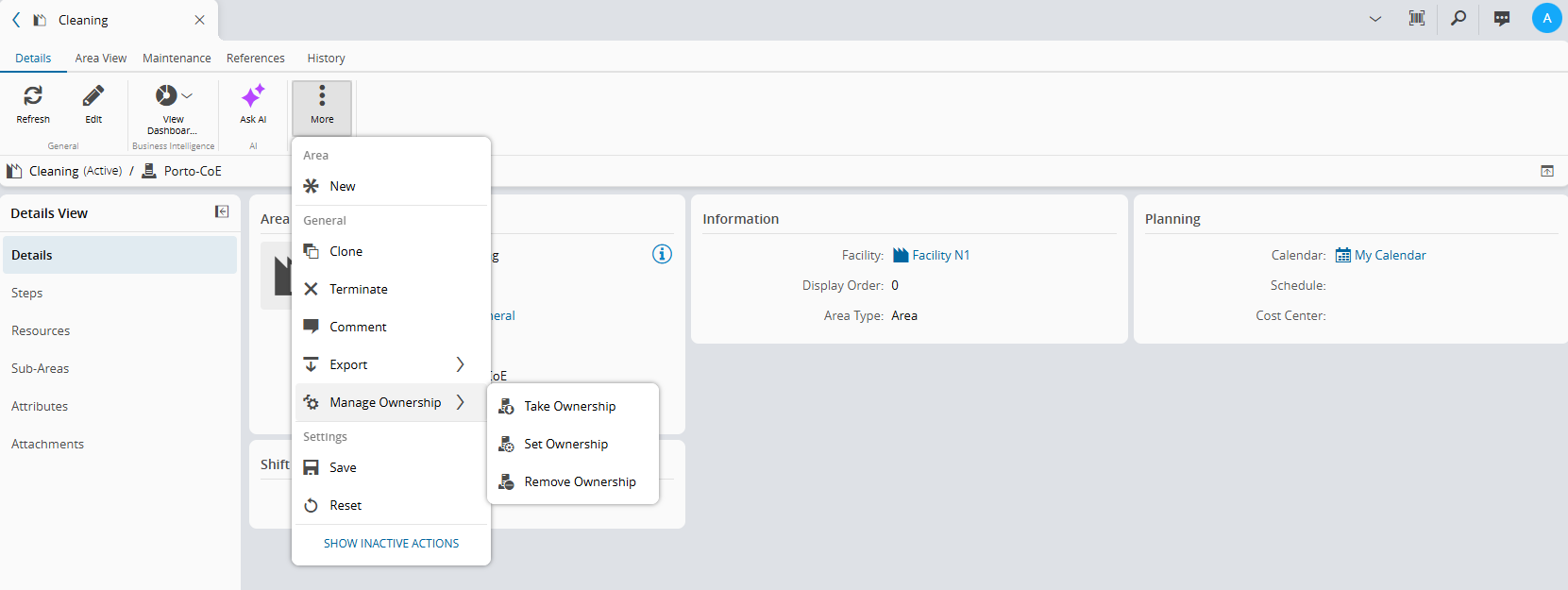
Select Take Ownership when
OwnerInstanceis unset or identifies a different MES Instance. The system sets it to the current MES Instance Name.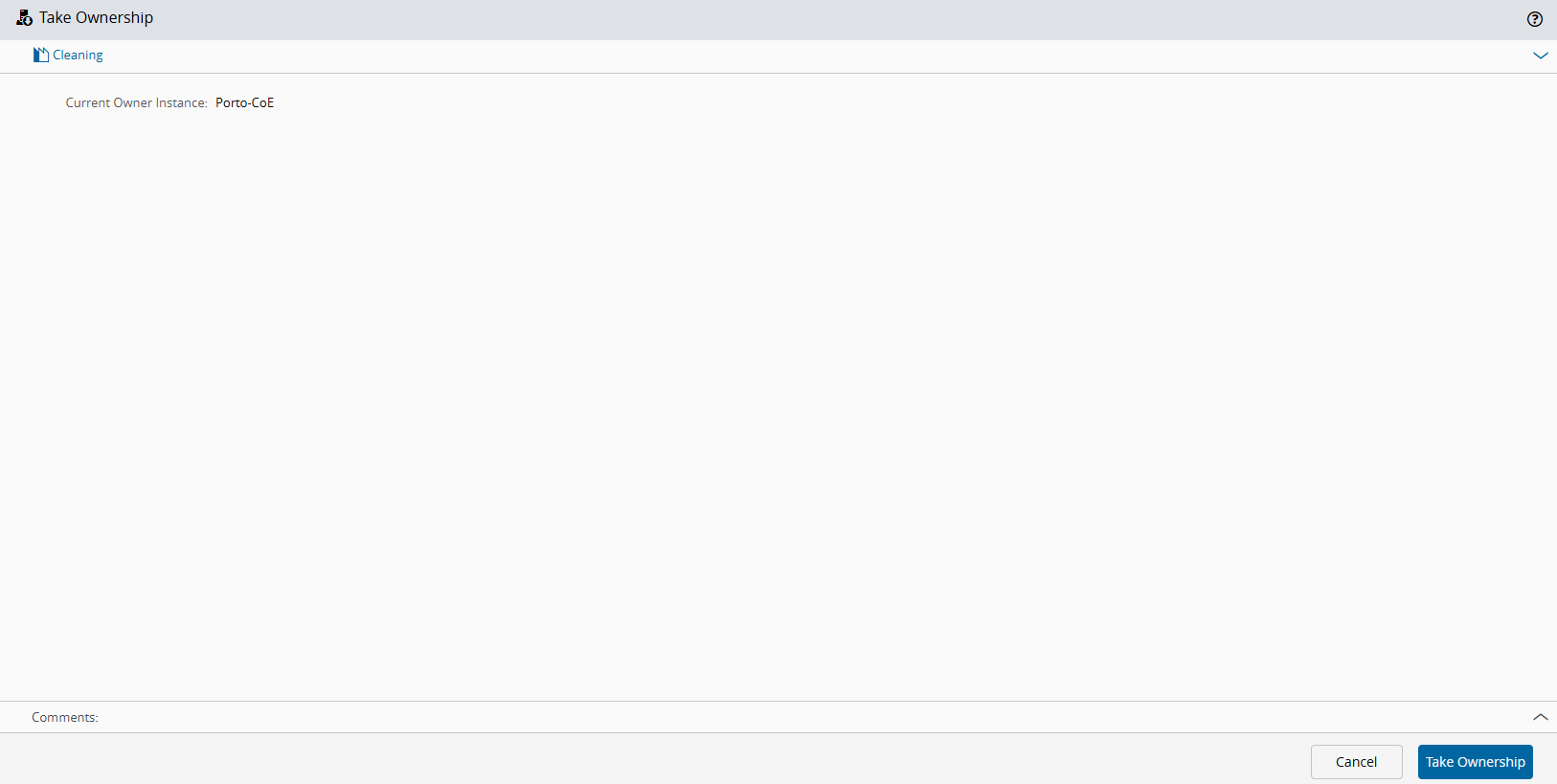
Select Set Ownership, then select an existing MES Instance that differs from the current MES Instance.
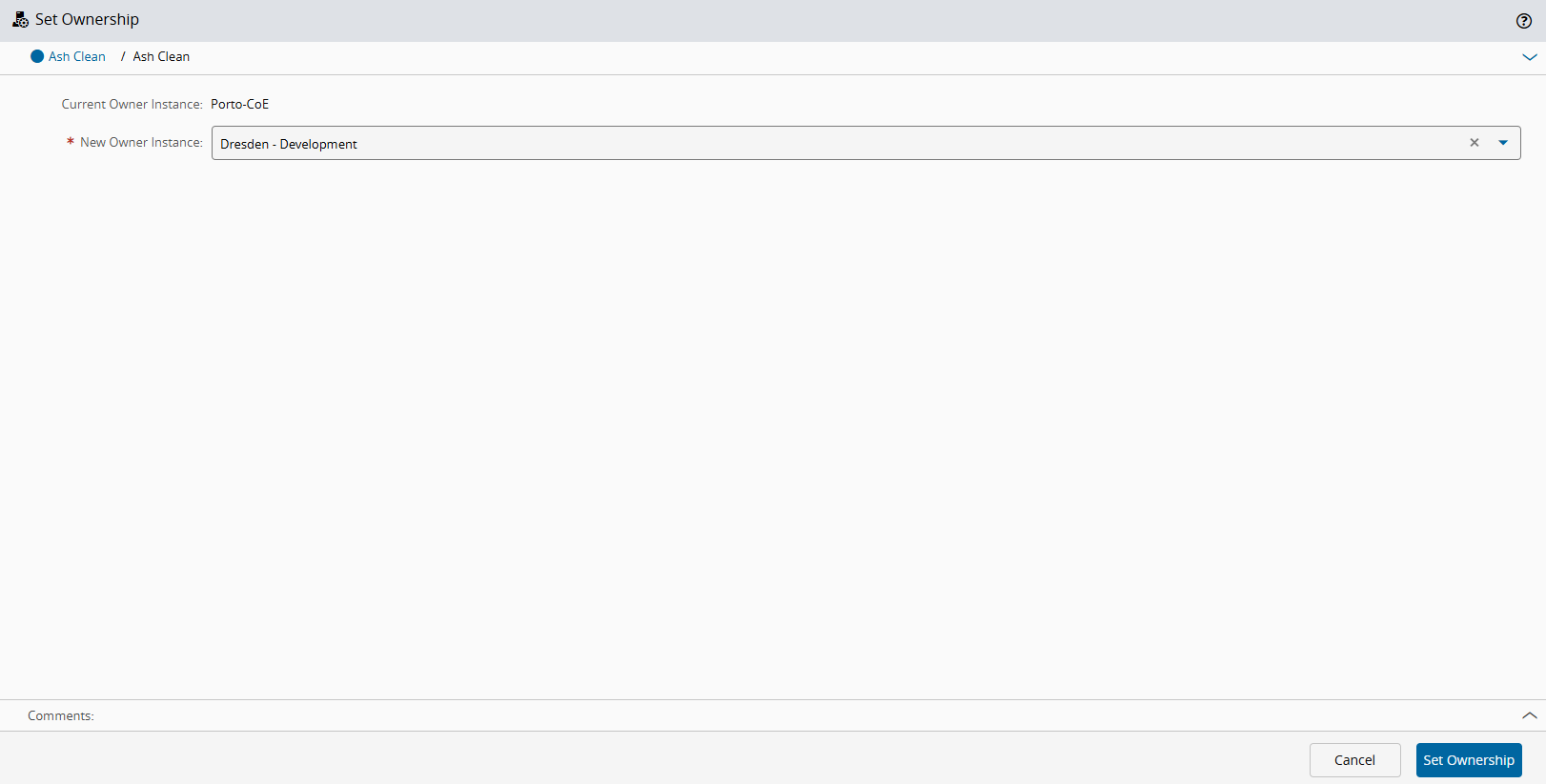
Select Remove Ownership when
OwnerInstanceis set. The system clears the value. You do not need to select an owner.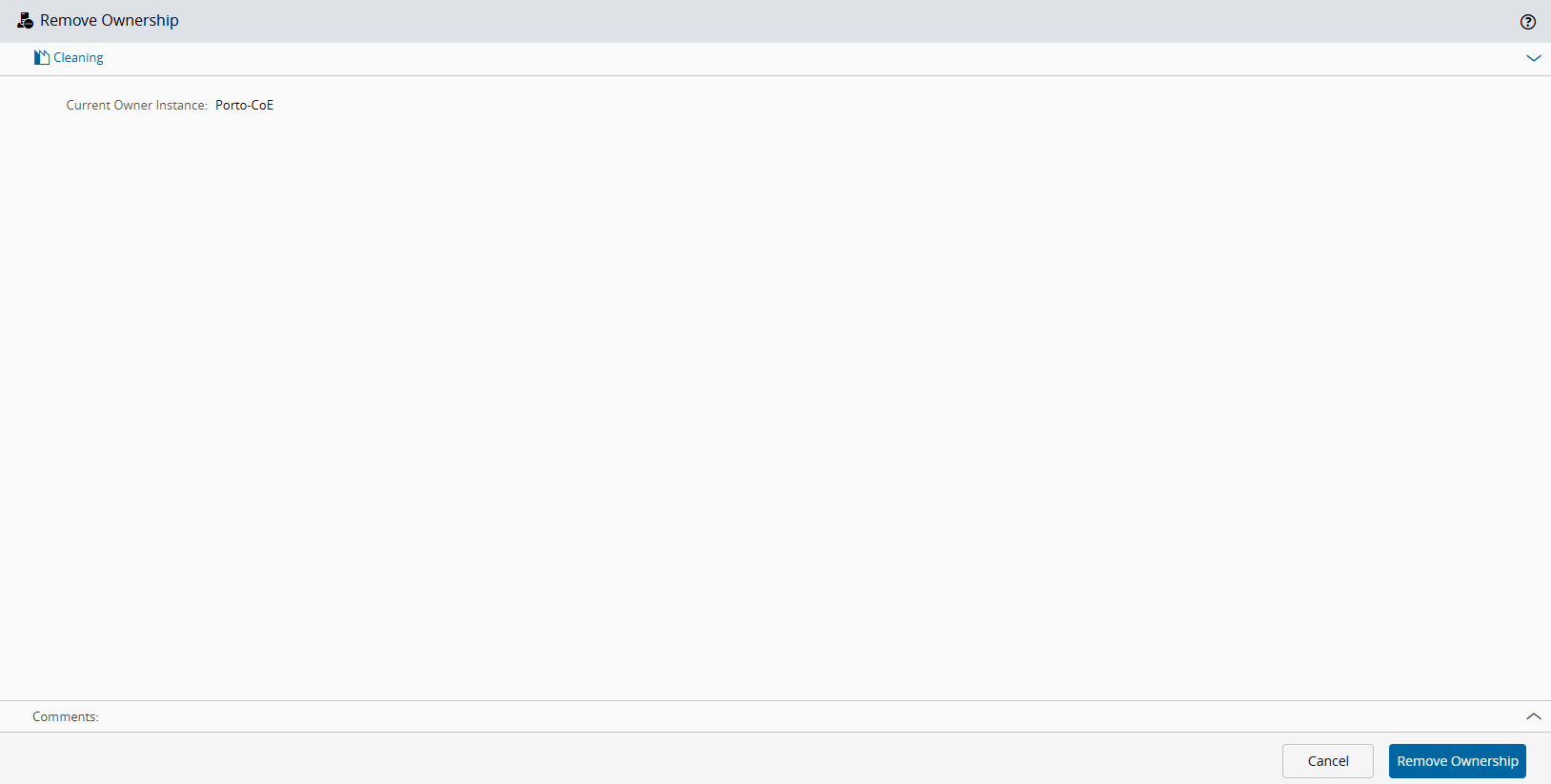
-
Optionally, enter a comment.
- Confirm the operation. The system confirms that object ownership was updated successfully.
Warning
Changing ownership affects where subsequent modifications should be made. Confirm the intended source before using these operations.
Make sure that each Customer Environment has a unique system name. Duplicated system names can result in unexpected ownership behavior.
Ownership and Change Packages#
You can add an object to a Change Package only if its Owner Instance is not set or identifies the current Customer Environment. An object owned by another Customer Environment cannot be added.
Info
Master Data Package exports and imports treat OwnerInstance as a regular property. If OwnerInstance has no value in the exported data, it remains unset after import, except when a Global Data Orchestrator import creates an object. In that case, the system assigns the Customer Environment associated with the Transport Package as the Owner Instance.
For more information, see Change Package.