Action Bar#
The action bar is displayed below the Page Tabs and provides access to the actions available for the current page, view, or selected entity. It contains a set of buttons that you can select to perform operations, open wizards, apply page-specific actions, or access additional options.
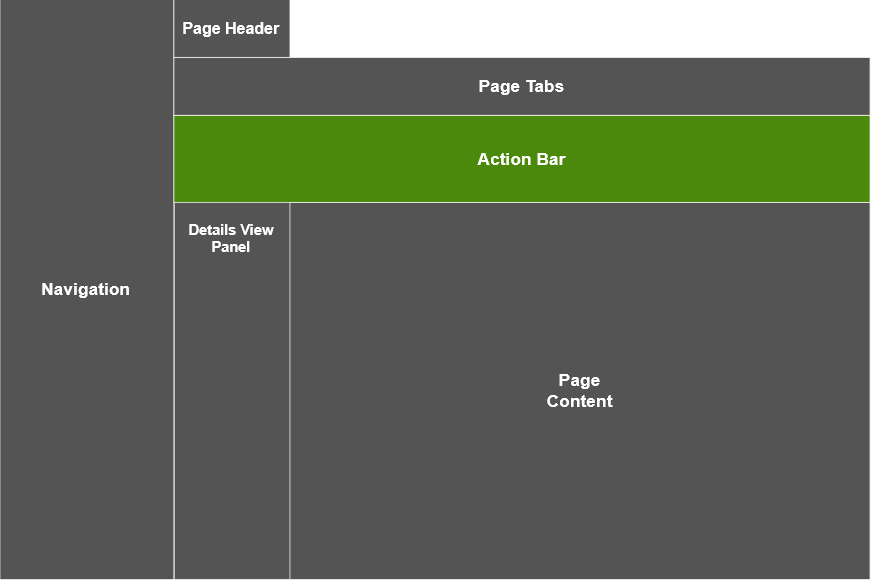
The action bar includes the following components:
- Action Button: individual clickable controls that run a specific action;
- Action Button Group: a group of Action Buttons presented in a dropdown style, with related actions organized under a single button;
- More: a button that groups secondary actions or actions that do not fit in the available space.

Info
The Action Button and the Action Button Group can also be used in UI Pages to perform actions on the widget content. For more information, see Adding Actions Buttons to a UI Page.