General Industrial Equipment MES Model#
Overview#
The purpose of this modeling guide is to give a generic overview of certain physical assets and scenarios from the shopfloor and how their digital twin can be mapped on MES.
Business Context#
Industrial Equipment industry is a key pillar of the global economy enabling production, infrastructure development, providing machinery and essential services for every industrial sector.
MES plays a big role by mapping and controlling the shopfloor operations on an integrated system. Also as the industry evolves, digital transformation is driving the adoption of automation, robots, artificial intelligence and a precise and on-time track and traceability of the materials, subassemblies and inspections with the goal to increase productivity, quality and operational efficiency.
MES Modeling#
This section presents the fundamental structure, key concepts, core entities and the relationships between them to define a generic MES model.
1. Facility#
A Facility is a physical shopfloor location and can be local or remote. In the example from Sample Master Data it can be represented as a production site (Prodution InduTech), a warehouse (Warehouse InduTech) or a distribution/logistics center (Final Customer).

This entity is organized in one or multiple areas. Other entities like Steps, Materials and Resources are objects assigned to a specific Facility.
2. Areas#
Areas are a representation of a functional or physical working space on the shopfloor. Places like a warehouse, production and the packing lines can be mapped into MES as areas.
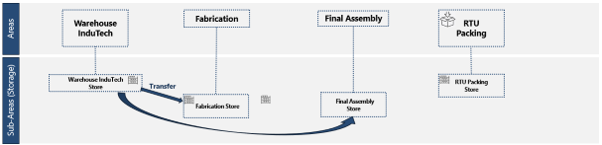
This physical working space contains specific processes and machines, and these are represented on MES as Steps and Resources. A Step or a Resource can only belong to one area at a time.
3. Steps and Flows#
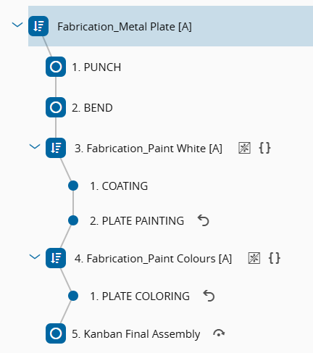
In general, a manufacturing process or operation is mapped on MES as a Step. It is the smallest trackable process unit as a Material needs to be always at a Step and at a Flow.
The routing that a material needs to follow through the shopfloor is called Flow and inside a Flow there are the set of specific Steps and/or other Flows (sub-Flows).
4. Resource#
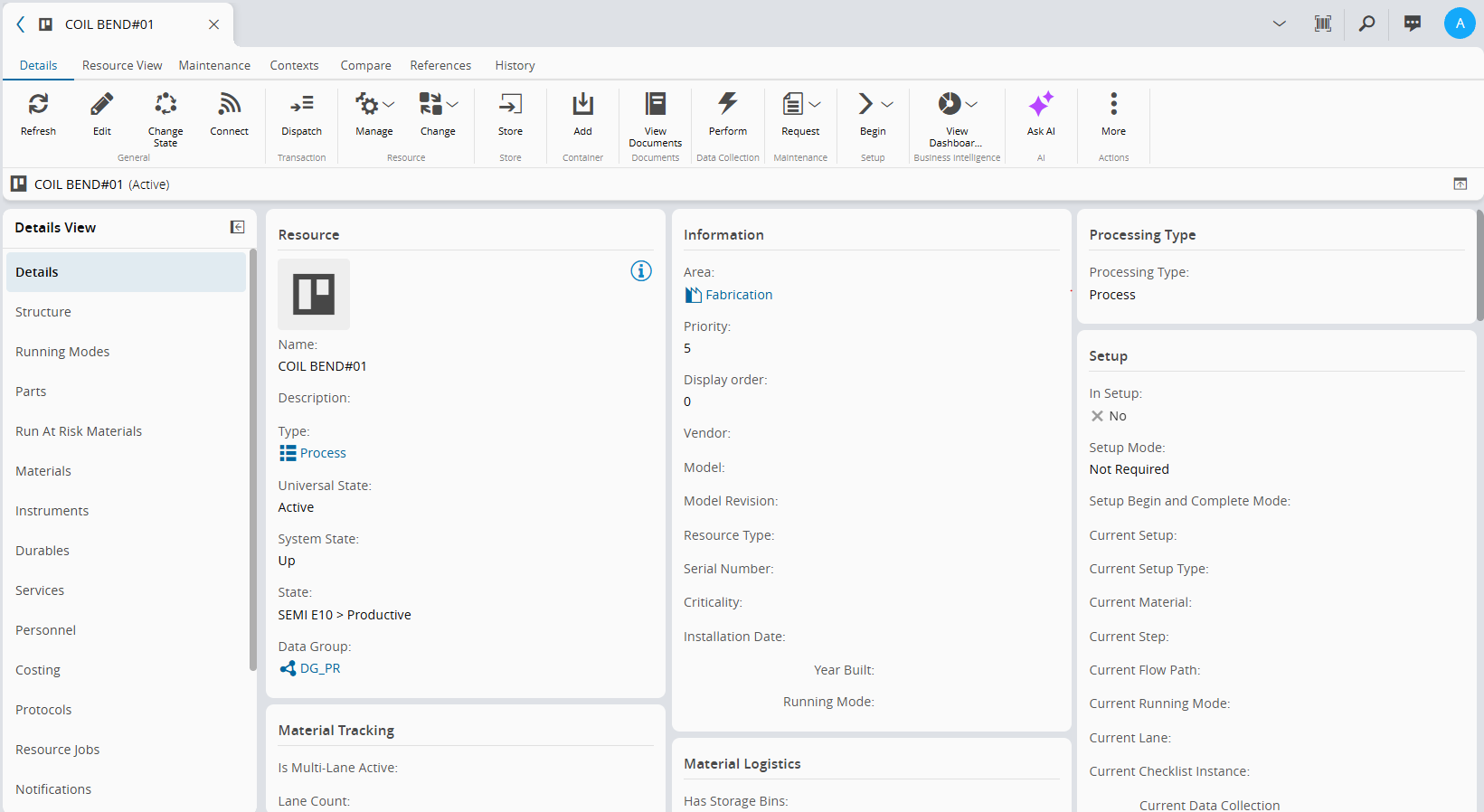
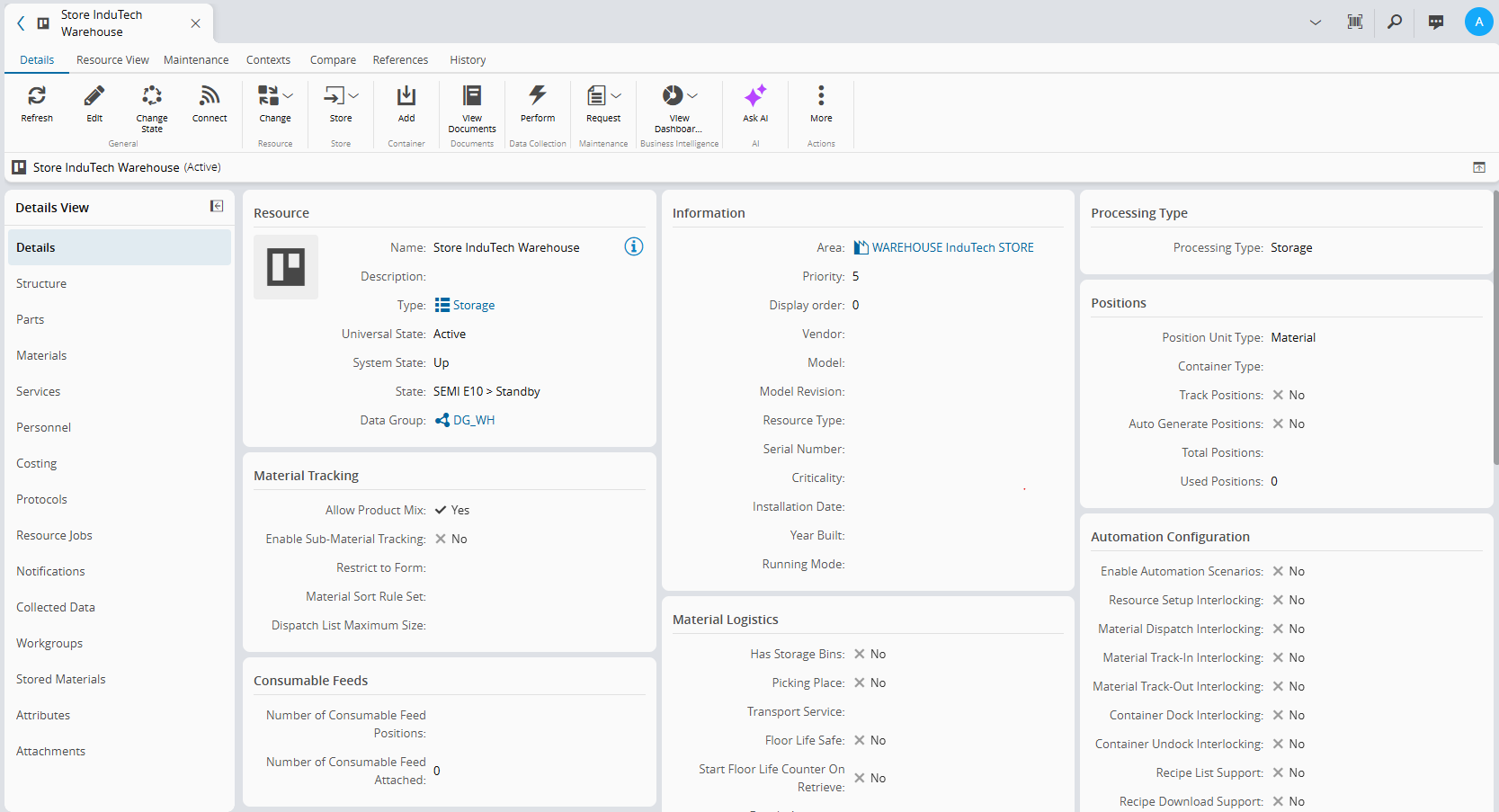
Machines, equipments, and tools that are used to process, assemble or store Materials are represented on MES as Resources. Resources can assume different processing types, namely Process:
- Process:
- Storage:
- Consumable Feed:
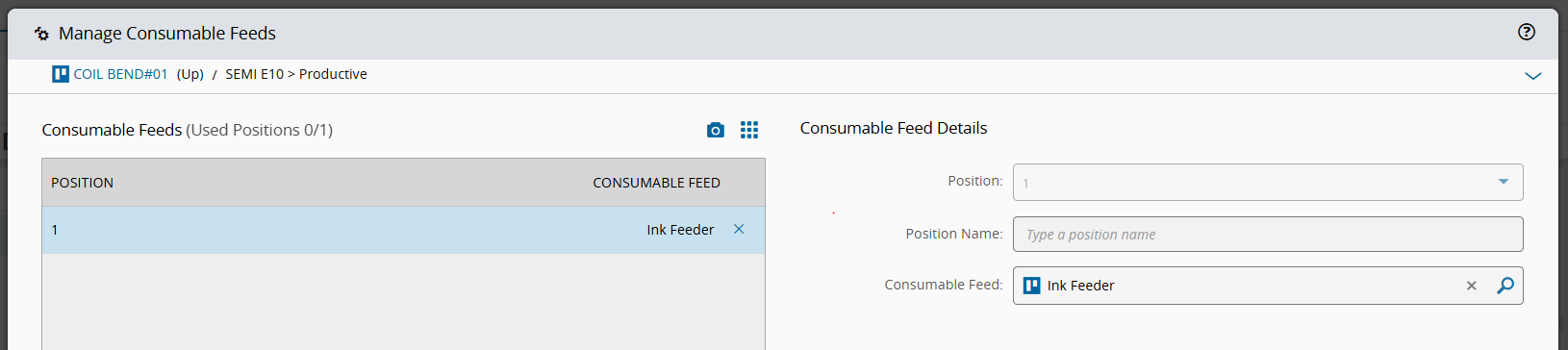
Consumable Feeds are linked to a parent Resource and serve the purpose of supplying consumable materials, during production. In this case it is supplying ink but can be many other things.
- Instrument:
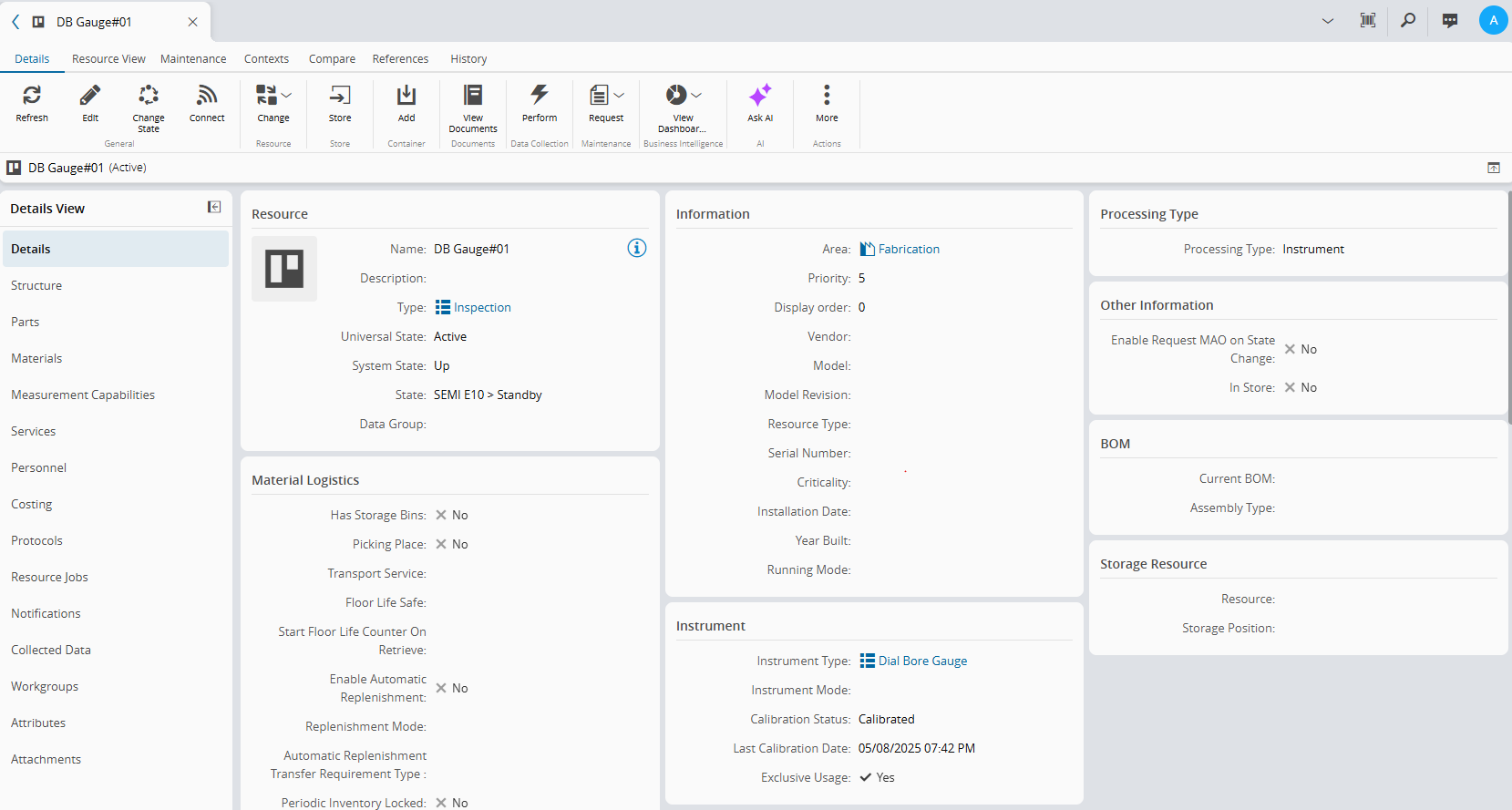
There are other processing types like Transport, Line, Load-Port or Component. However, these are not included in the modeling for this phase.
5. Material#
Material on MES is the most important entity, being the one that is processed through the Steps of a specific Flow. It represents any raw material, inventory, semi-finished good, consumable, parts, durable or finished good. A Material can represent one single processing unit or a batch depending on its Primary Quantity.
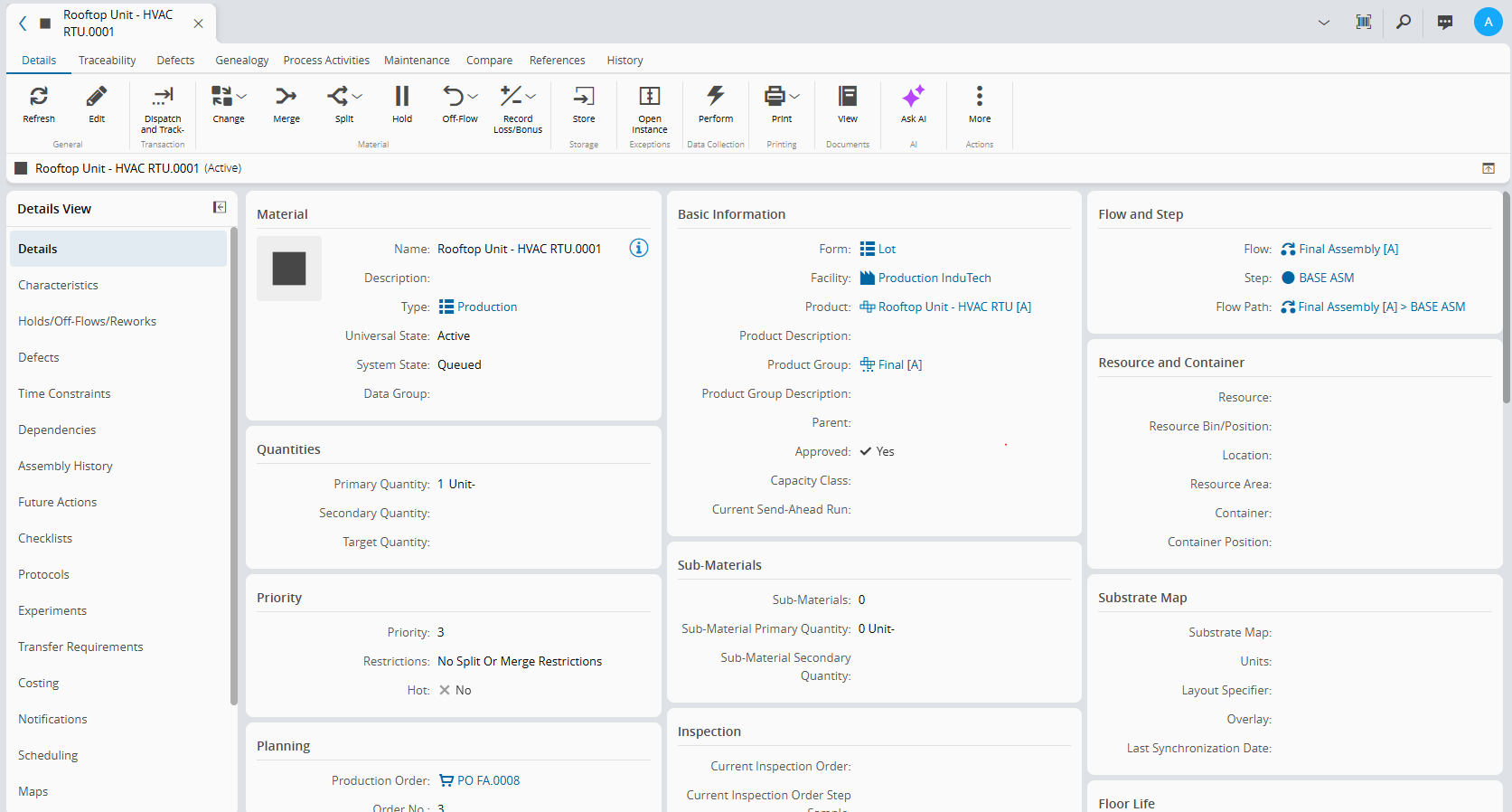
- Looking at the example from Sample Master Data, Material Rooftop Unit — HVAC RTU.0001 is the finished good material:
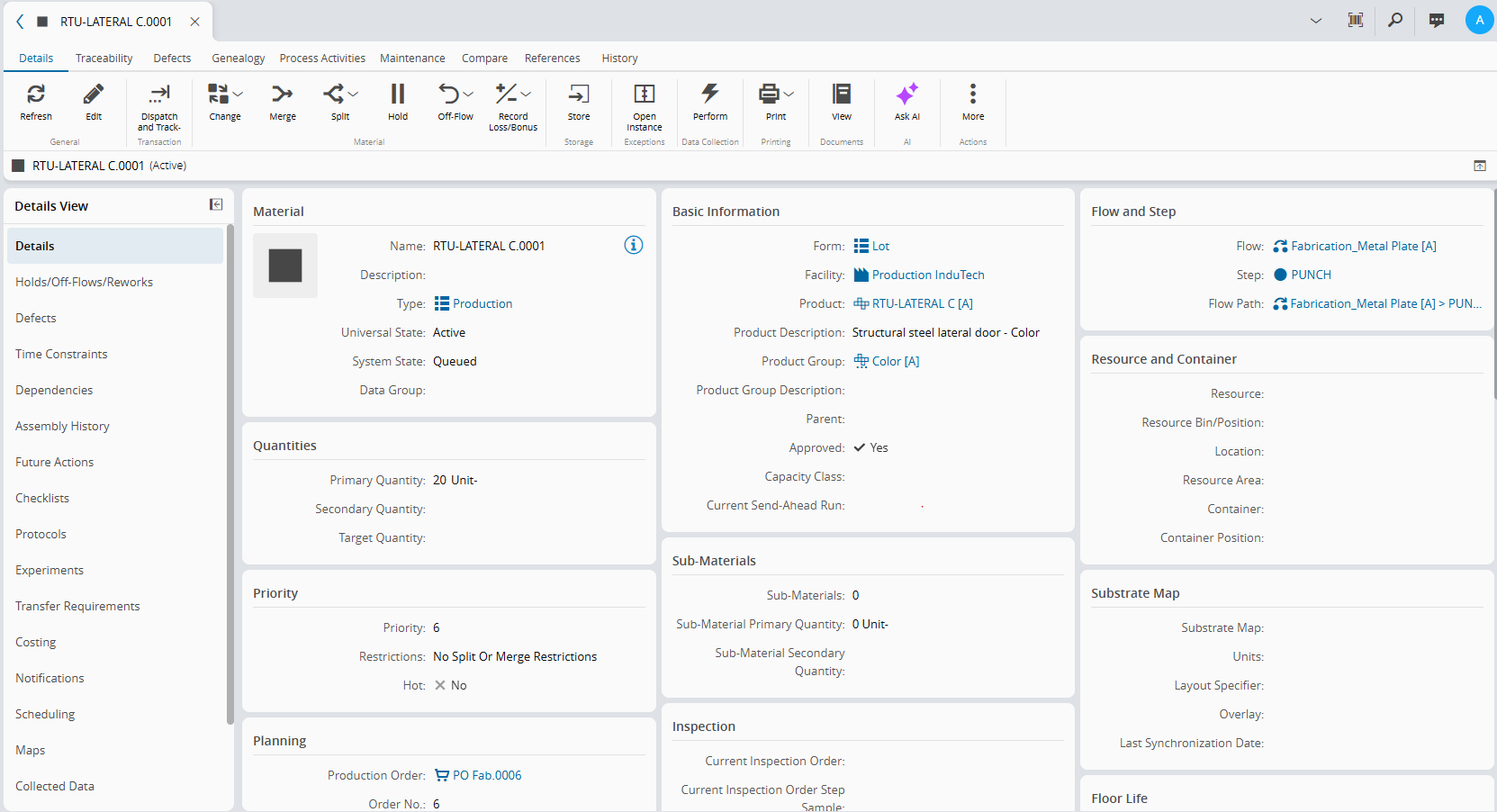
- Materials like RTU-LATERAL C.001 are considered semi-finished good Materials that need to be assembled into the finished good Material:
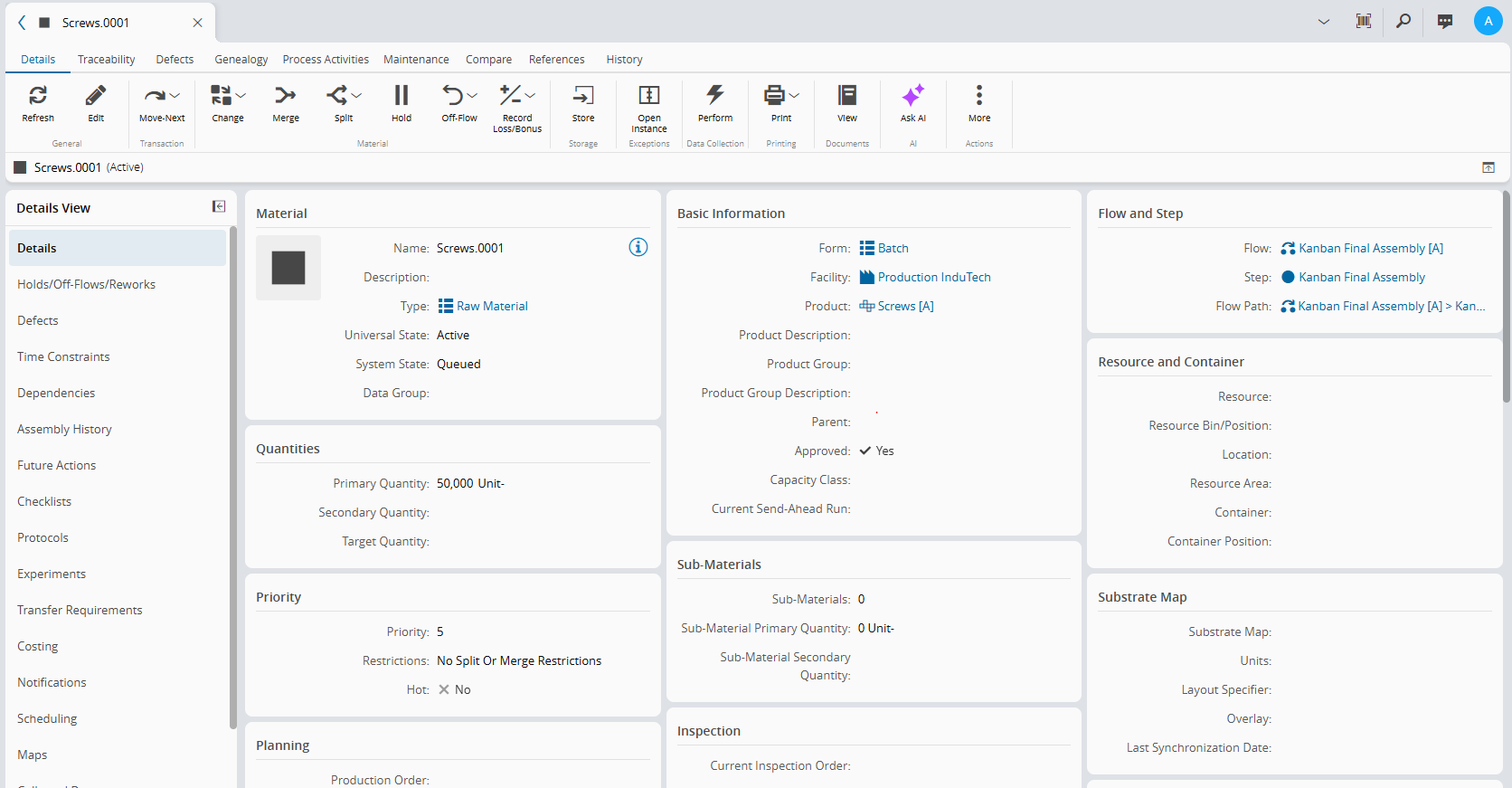
- Materials like Screws can be identified as raw material:
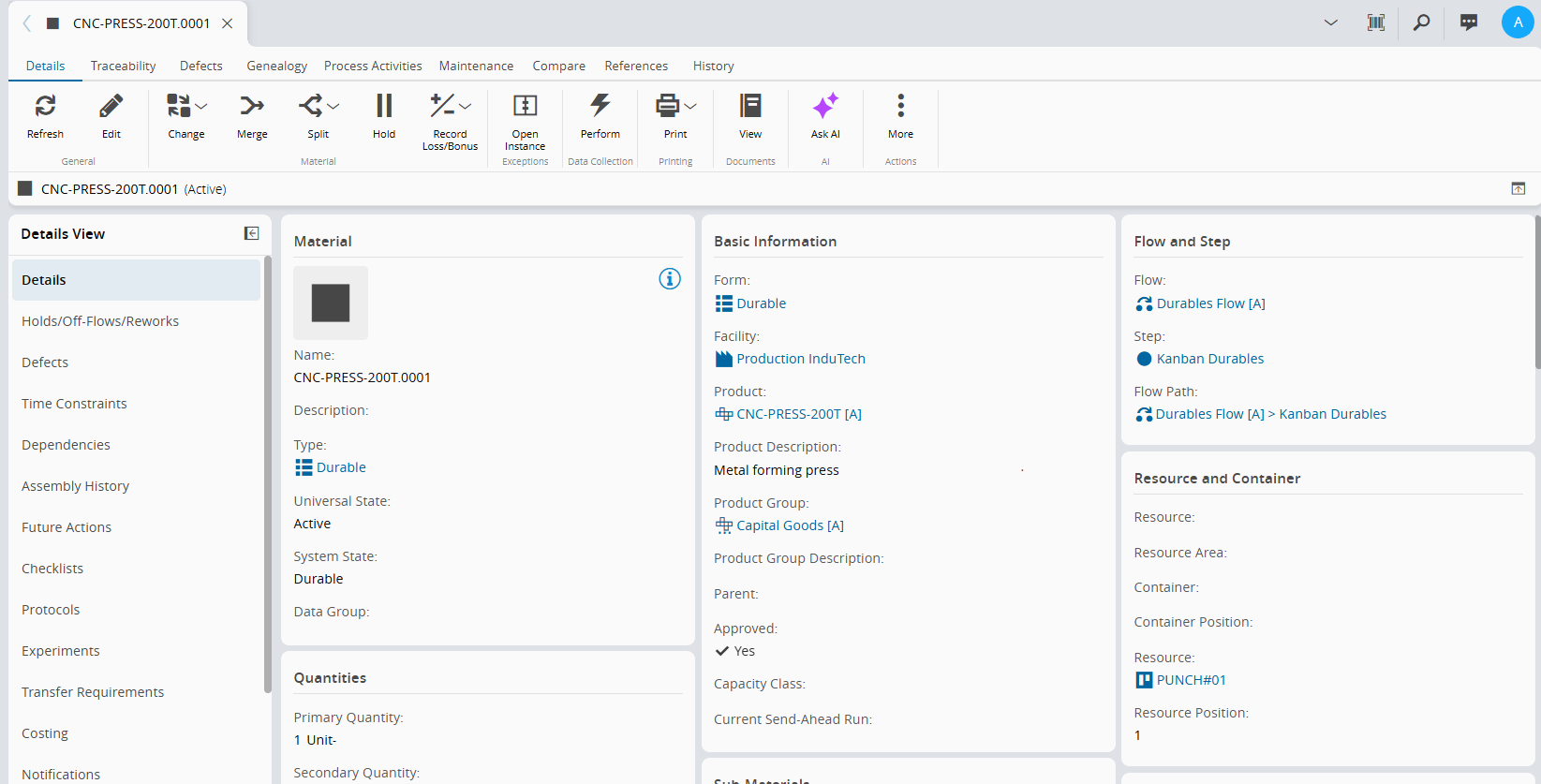
- As durable, a metal forming press:
These are just examples from the generic model. For any other use case or project this mapping needs to be set according to the industrial process itself.
Industrial Equipment Specific Use Cases#
Materials, Steps and Resources provide the basics for any production process, but Industrial Equipment and Discrete Manufacturing in general are very diverse to be characterized in an one-size-fits-all model. There are many options available in CM MES to cover more specific manufacturing processes, such as:
- Product Characteristics for Configure-To-Order Products
- Employee Check-In/Out for tracking Labor time
- Line Flows for tracking small individual serialized units
- Process Activities for handling concurrent activities on manufacturing of large equipment
Specific more detailed modeling guides are available for some of these scenarios.