Search Materials#
Available from SMT Template version 3.3.0 onwards
Overview#
The Search Materials feature provides a centralized capability to locate and manage materials in the system based on flexible search criteria and contextual filters.
It enables users to quickly identify materials across production, logistics, and storage, supporting operational decisions and material handling actions.
Concept#
In manufacturing operations, fast and accurate access to material information is critical for:
- Operational efficiency
- Traceability and control
- Decision-making on the shop floor
The Search Materials feature allows users to:
- Locate materials using identifiers or partial information
- Filter results based on operational context (e.g., product, area, resource)
- Take immediate actions on selected materials
This ensures that users can efficiently monitor and act on materials throughout their lifecycle.
Functional Behavior#
System Configuration#
To use this feature, the SMT.SearchMaterialsView security feature needs to be enabled to access their respective UI components.
Available Queries#
All queries filter out any of the following Materials:
- Template Materials.
- Terminated Materials.
Info
Although these are referred to as queries, they are not actual CM MES query definitions. Instead, they are implemented through a custom service SearchMaterials which builds and executes search requests using query filters and relations.
The following queries are available:
SMT Material Default Query#
- This is the default query when users open the page.
- Only returns results after a search value is provided.
SMT Get Materials by Product#
- This query will ask for a Product, and return all Materials associated with that Product.
SMT Get Materials by Material Product#
- Uses a material as reference
- Returns materials sharing the same product
SMT Get Materials by Area#
- Returns materials currently located in a specific area.
SMT Get Materials by Resource#
- Returns materials associated with a specific resource.
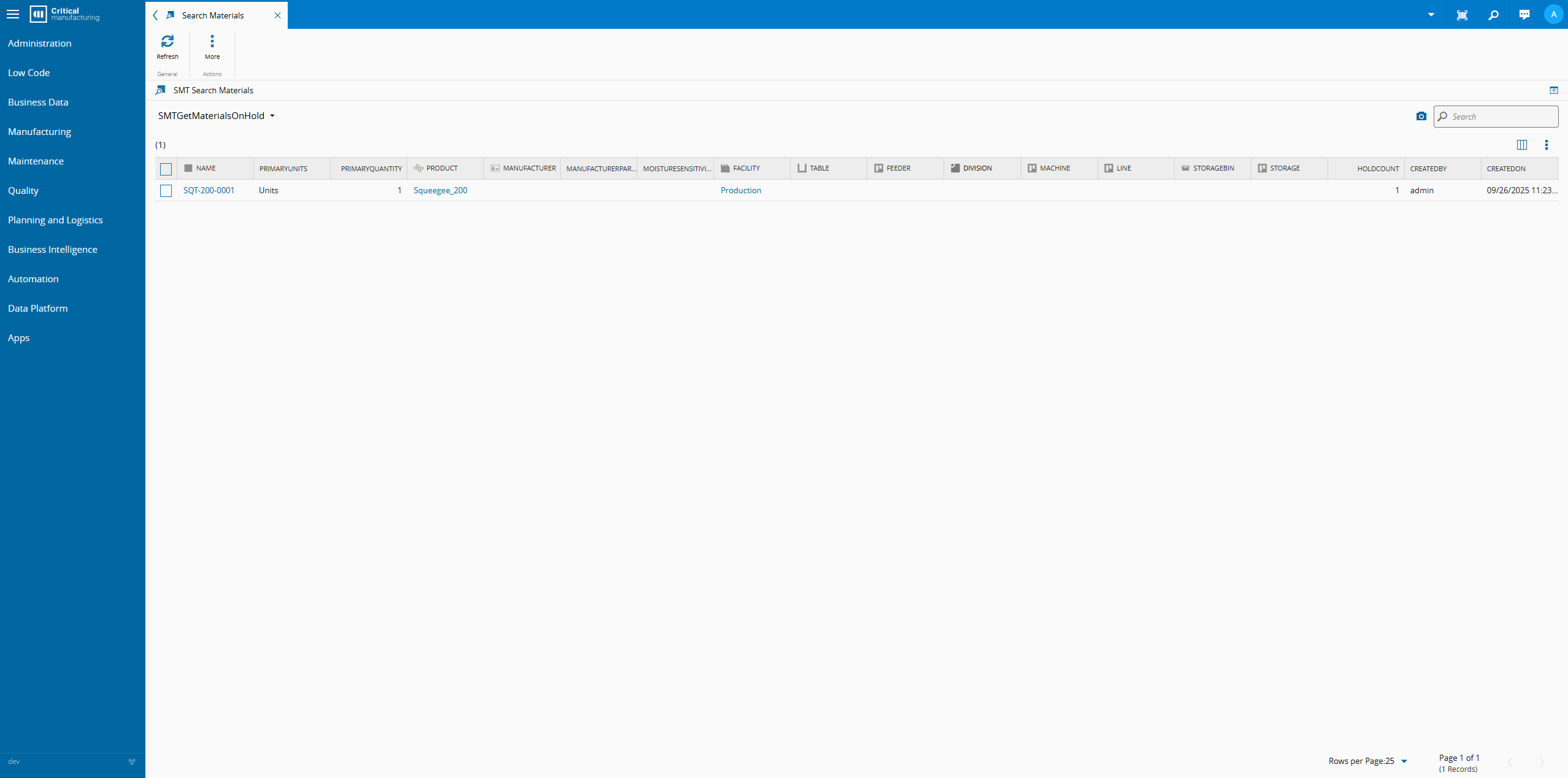
SMT Get Materials On Hold#
- Returns materials currently on hold.
Actions#
Selecting one or more Materials will present available actions for the selection. Not all actions support multiple selection, and not all of them are available for all Materials. This selection is kept when changing pages within Search Materials.
The following Material actions are present:
- Refresh
- Terminate
- Approve Material
- Unapprove Material
- Material Change Group
- Transfer Sub-Materials
- Material Combine
- Material Compose
- Material Collapse Group
- Material Split Group
- Perform Material Process
- Evaluate Dispatch Rule
- Material Merge
- Material Attach Group
- Material Detach Group
- Material Release Group
- Material Hold
- Material Off-Flow Group
- Material Record Group
- Printing Group
- Floor Life Group
- Container Group
- Store Group
- Reports Group
- Transaction Group
- Undo Group
- Exceptions Group
- Data Collection Group
- Documents Group
- Perform Group
- Material Logistics Group
- Layout Group
Displayed Information#
In this page, the following information is displayed for each Material:
- Name
- PrimaryUnits
- PrimaryQuantity
- Product
- Manufacturer
- Supplier
- ManufacturerPartNumber
- MoistureSensitivityLevel
- Facility
- Table
- Feeder
- Division
- Machine
- Line
- Storage
- Bin/Position (Storage Bin / Storage Position, whichever applicable)
- HoldCount
- CreatedBy
- CreatedOn
Users can change the displayed information as well as their order by pressing  .
.
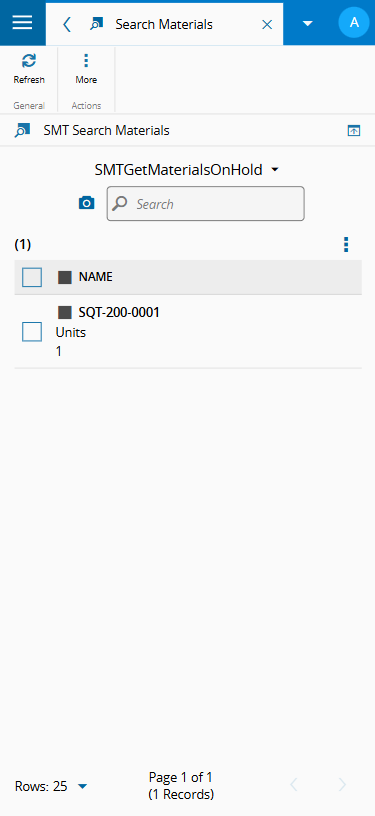
On mobile, only the following can be seen, in list form:
- Name
- Quantity
- Product
- Storage
- Bin/Position (Storage Bin / Storage Position, whichever applicable)
Pressing an entry will expand and reveal the remaining fields from its the desktop counterpart.