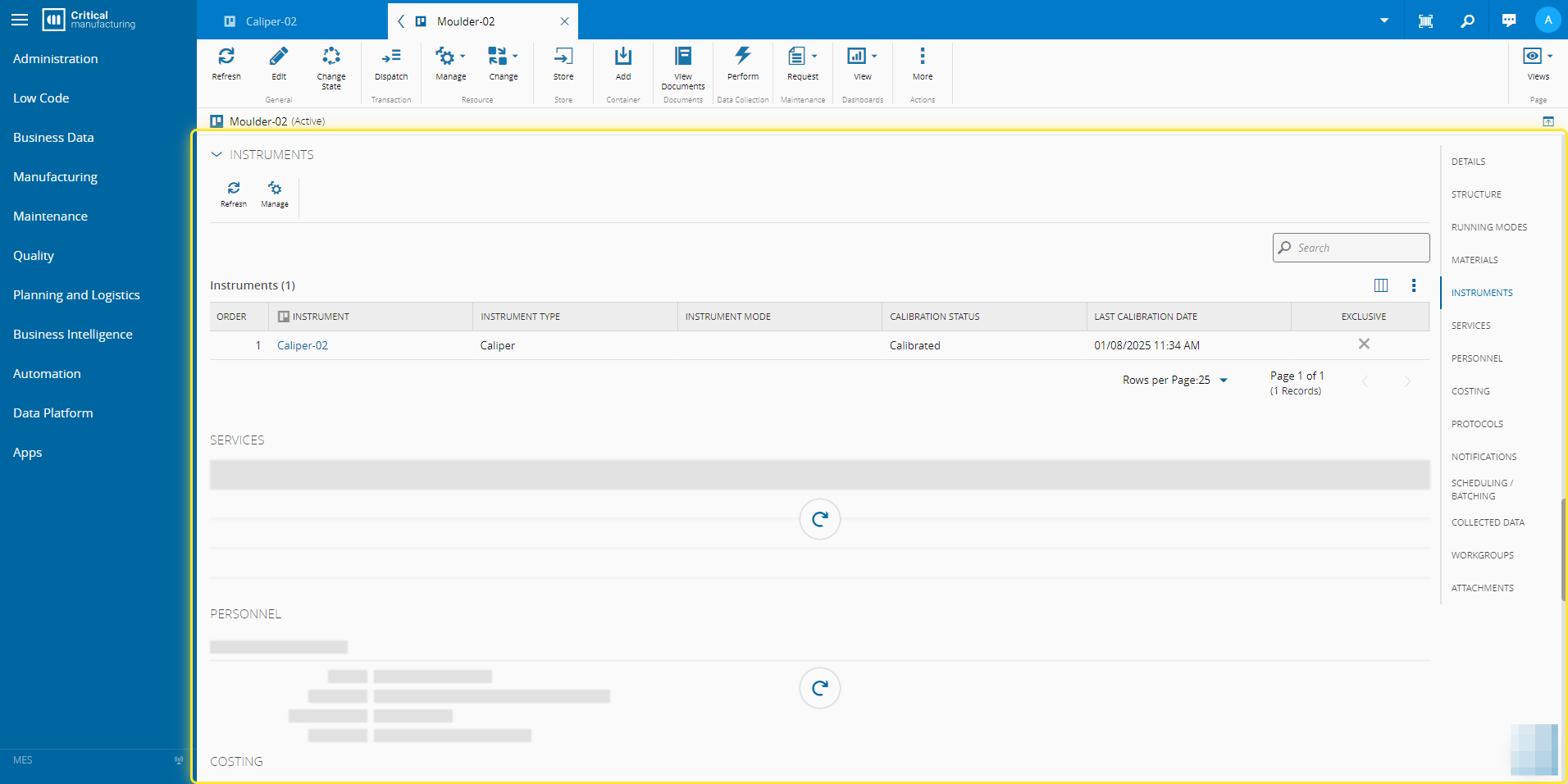
How to: Add an Instrument to a Resource#
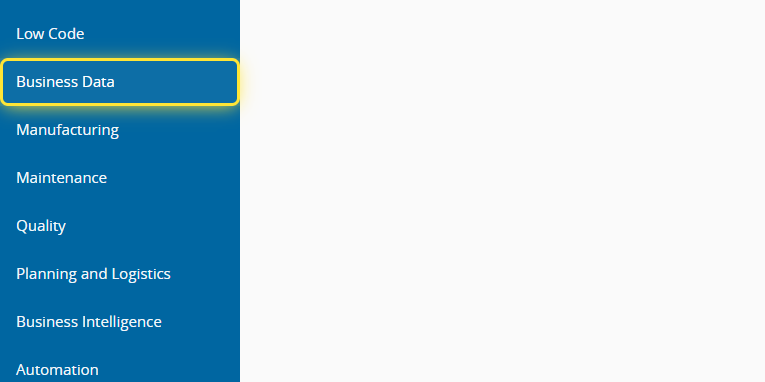
1. Go to the Business Data menu.#
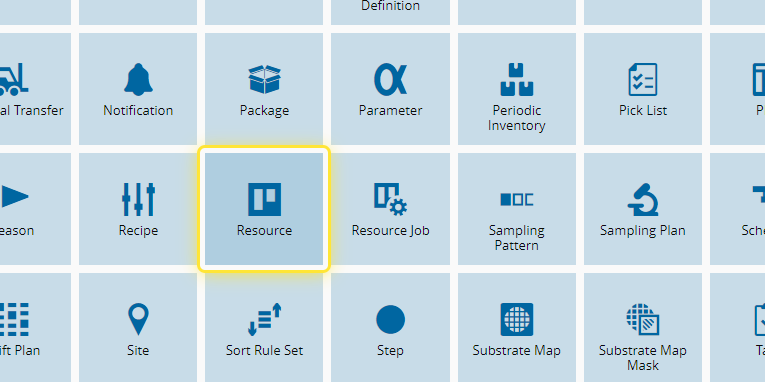
2. Select the Resource entity.#
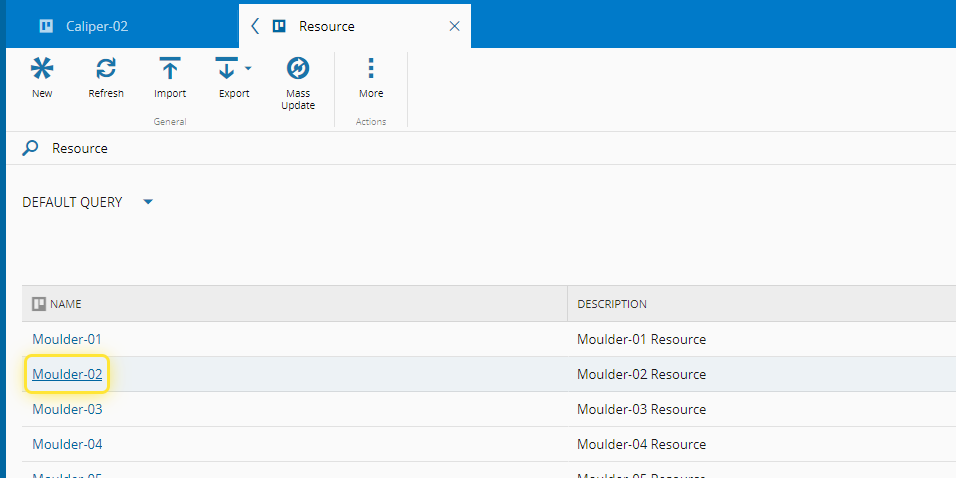
3. With the instrument already created, search and select the Resource.#
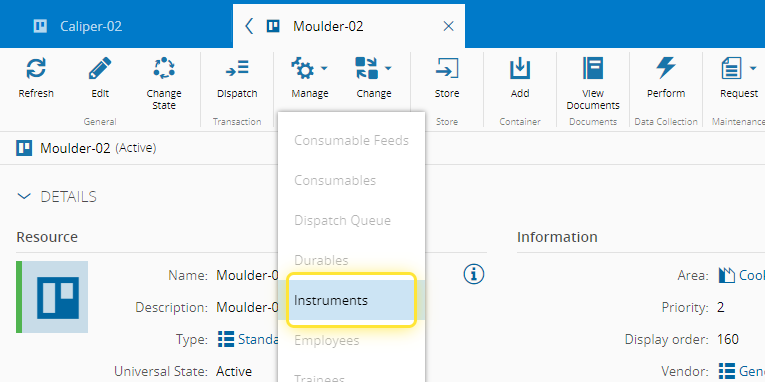
4. In the dropdown of the Manage button, select Instruments.#
For more information, see Manage Resource Instruments ⧉
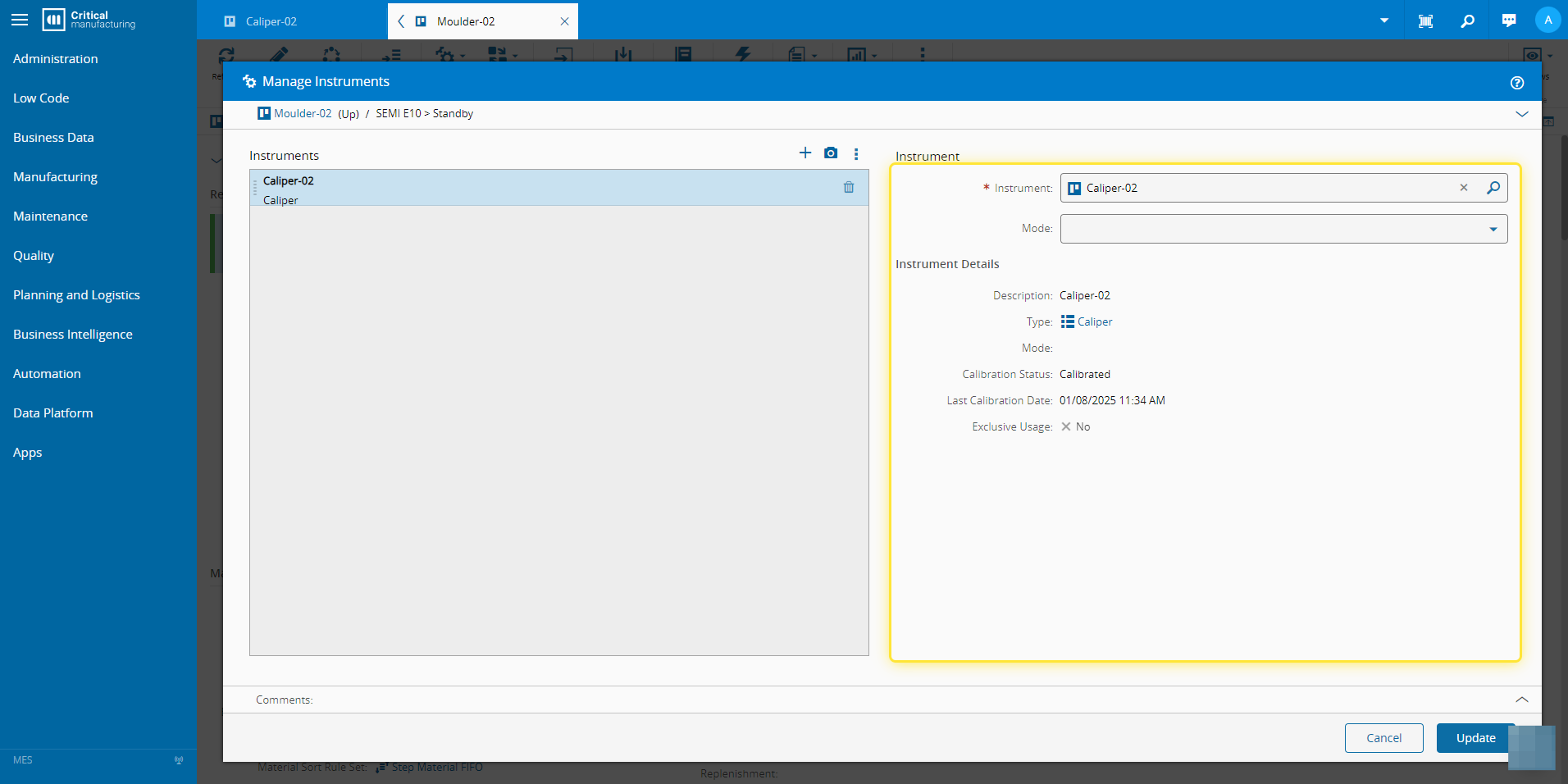
5. Add the instrument and confirm the information.#
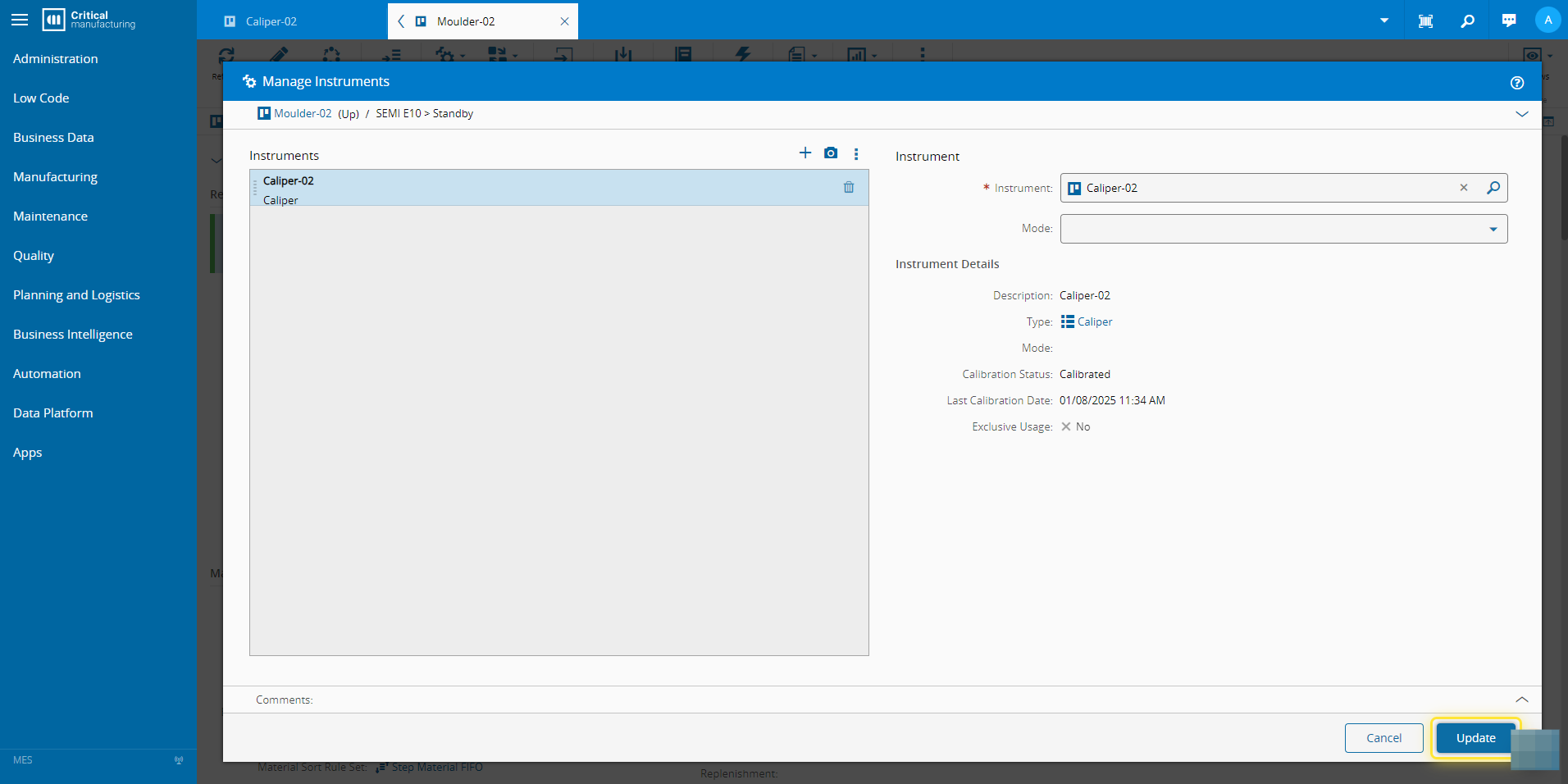
6. Select the Update button.#
7. Confirm the instrument has been added to the Resource.#