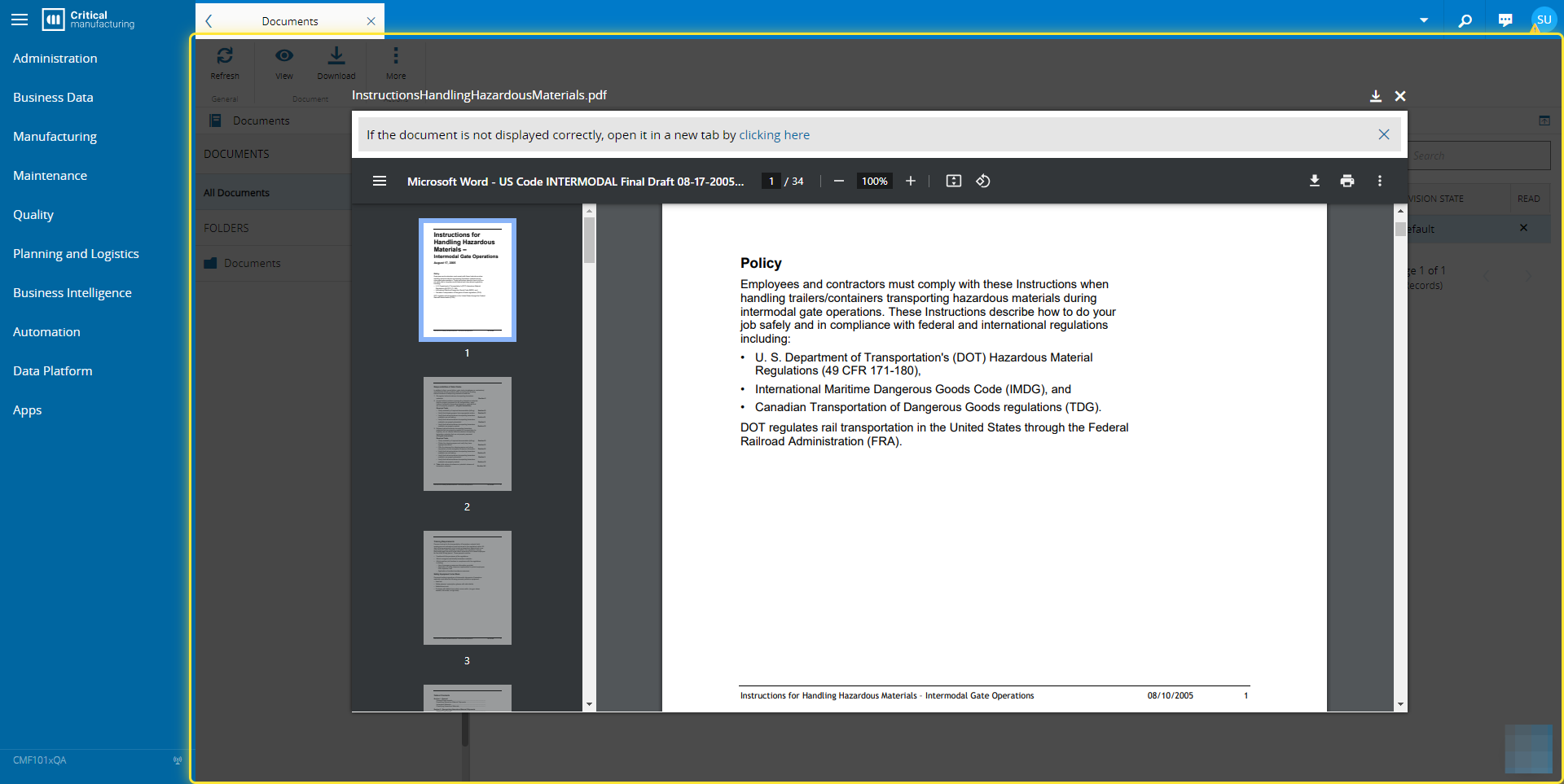
How to: View a Document#
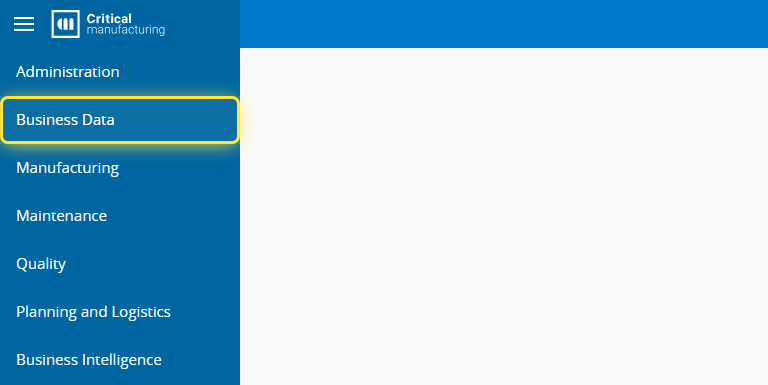
1. Go to the Business Data menu.#
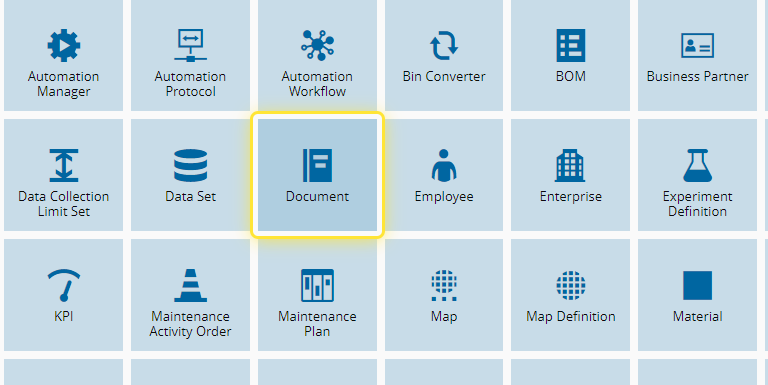
2. Select the Document entity.#
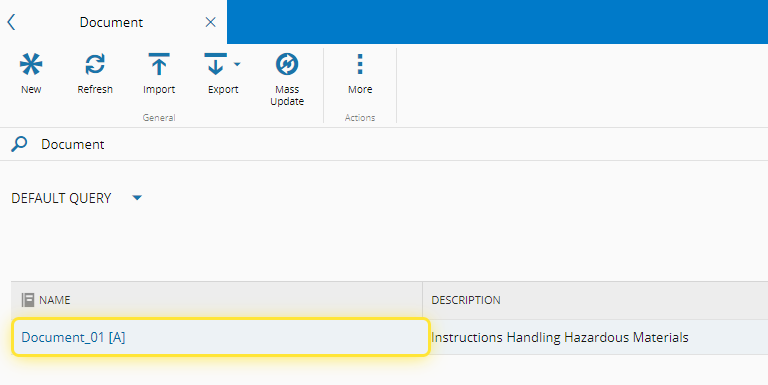
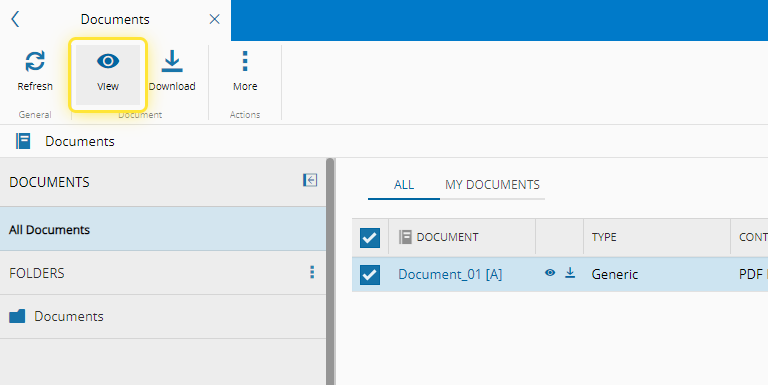
3. Select the document you want to view.#
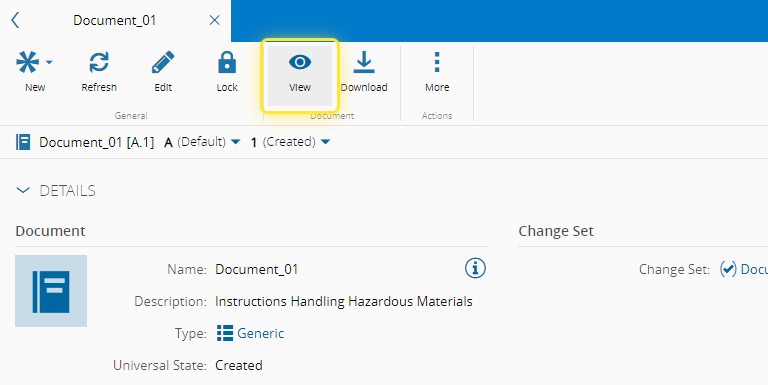
4. Select the View button.#
For more information, see View Document ⧉
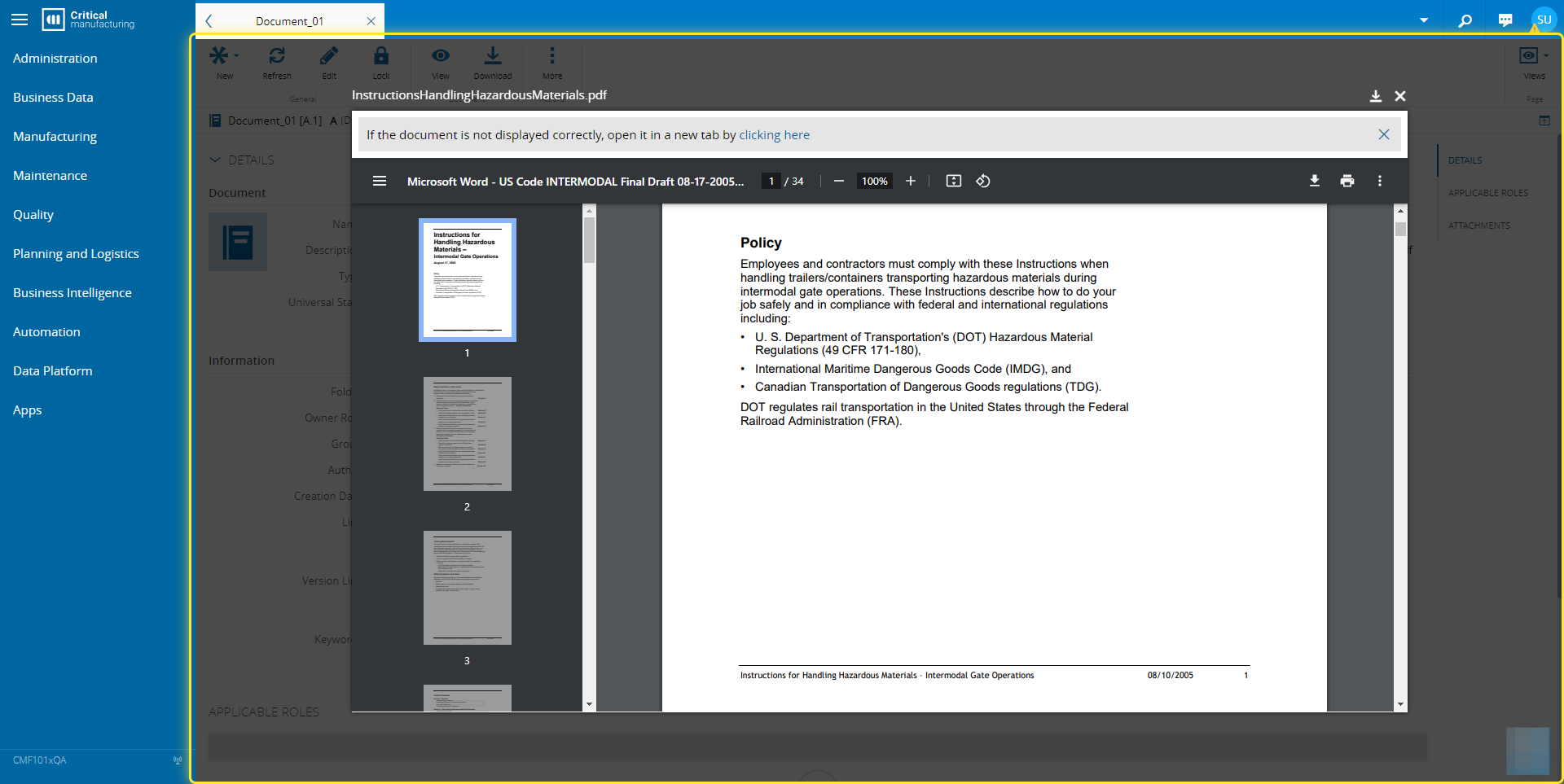
5. View the document.#
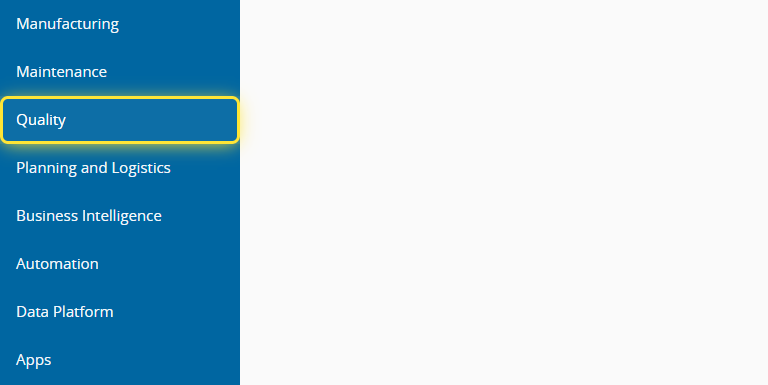
6. You can also view documents via the Quality menu.#
7. Select the Documents entity.#
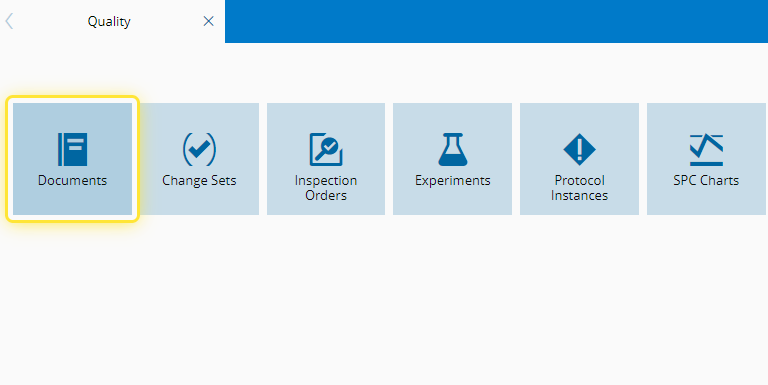
8. Select the document you want followed by the View button.#
9. View the document.#